
SEO PowerSuite Features
SEO PowerSuite toolkit is made up of 4 tools that cover every aspect of SEO — keywords, rankings, backlinks, on-page and content data, mobile SEO, social media, analytics, and reports. Below you will find the top-important features of SEO PowerSuite that help craft a winning SEO strategy for every project.
1. Precise rank tracker
- Unlimited keywords & websites to track
- 450+ global and local search engines
- Geo-specific rankings for any country/town/area
- Universal search rankings (Places, Images, etc)
- Mobile search rankings
- Tracking all brand URLs (social pages, mirror sites) in one project
- Visibility in search results (for any search engine)
- Ranking difference between current and previous/first/best/worst result
- Rankings for multiple site pages per keyword
- Alerts if the wrong page ranks for a keyword instead of the intended landing page
- Adjustable rank checking depth (up to 1,000 search results)
- Proxy rotation
- Search engines' API keys
- On-demand, real-time ranking checks
- Bulk keyword import
- Grouping keywords by Tags
- Data export in CSV, TXT, HTML, SQL, XML
See all  See less
- Comparing rankings to any previous date
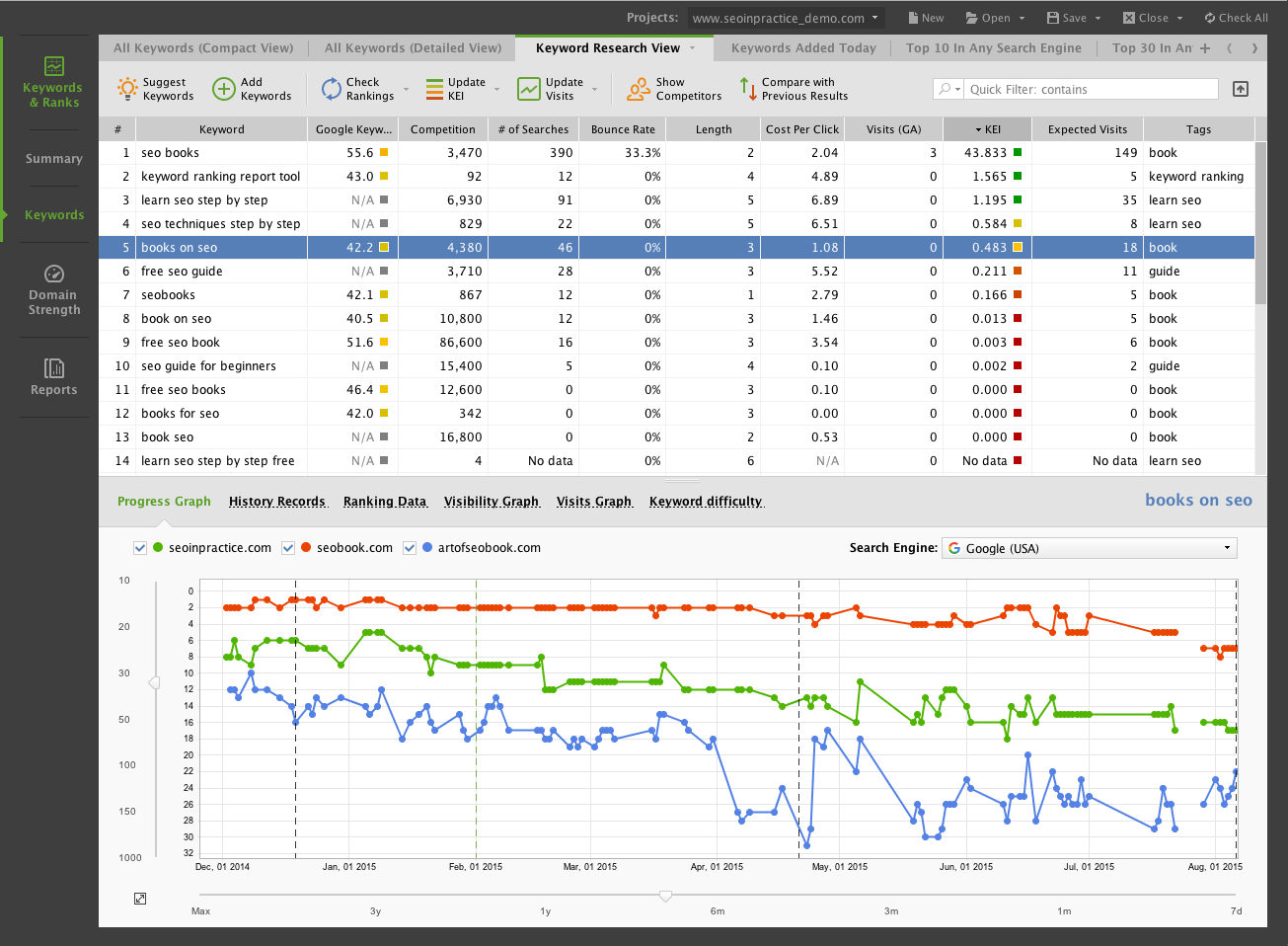
- Ranking progress graphs
- Ranking history from day one
- Ranking impact of Events (Google algorithms, changes on your site, etc.)
2. Powerful keyword research and analysis
- Google AdWords' Keyword Planner
- Google Analytics
- Google Webmaster Tools
- Competitor sites' research
- Google/Bing/Ask Related searches
- Google/Yahoo/Bing/Ask/Yandex Autocomplete
- Google AdWords (by target page)
- Google Trends
- SEMrush
- Word mixer
- Word combinations
- Misspelled words
- Keyword discovery
- Yandex Wordstat
See all
See less
- KEI (Keyword Efficiency Index)
- Keyword Difficulty
- Search volume
- Keyword competition
3. Traffic & PPC insights
- Visits through keyword (Google Analytics)
- Calculated visits through keyword (for Not Provided traffic)
- Bounce rates through keyword (Google Analytics)
- Organic page visits (Google Analytics)
- Calculated page visits (for Not Provided traffic)
- Page bounce rates (Google Analytics)
- Reach (Visits to search volume ratio)
- Expected visits through keyword (if the project site ranks #1)
See all
See less
- Cost Per Click (Google AdWords)
- Estimated monthly PPC cost
- Expected Ad Clicks
1. Rankings (Competitors)
- Up to 10 competitor sites per project
- Automatic suggester of top ranking competitors
- Competitors' ranking progress graphs
- Breakdown of top 10 competitors' SEO strengths & weaknesses
2. Links (Competitors)
- Full list of competitors' backlinks
- Details on each link (dofollow/nofollow, anchor text, page title, etc)
- Backlink quality stats (PA/DA, PageRank, domain age and IP, social popularity, Link Value, etc)
- Link profile overview
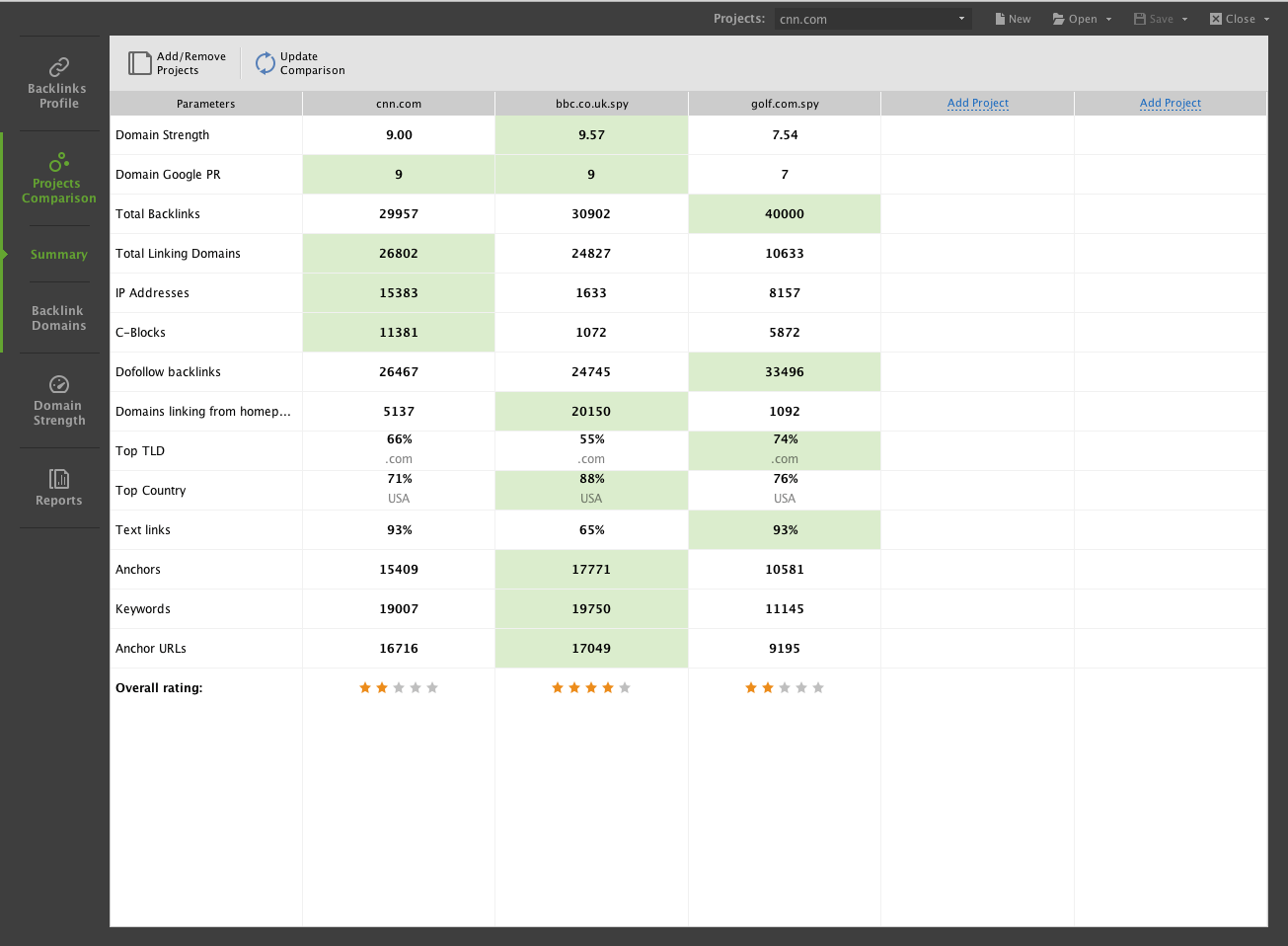
- Handy Project Comparison dashboard
- Up to 5 websites to compare
- Side-by-side crucial backlink factors' comparison (total link count, linking domains, links from homepage, top TLDs, anchor diversity, etc)
- Overall rating for every profile
3. Strategy drilldown (Competitors)
- Side-by-side overall SEO comparison
- Side-by-side ranking comparison
- Side-by-side backlink profile comparison
- Detailed overview of top 10 competitors' SEO (backlinks, content, PA/DA, etc)
- Competitors' on-page strategy
- Competitors' link profile analytics
See all
See less
1. Full Site Audit
- Pages with 4xx and 5xx response codes
- Poorly set up 404s
- Indexing and crawlability issues
- Mobile friendliness
- Poorly set up HTTP and HTTPS versions
- Robots.txt errors
- Sitemap errors
- Poorly set up www and non-www versions
- Pages with redirects and meta refresh
- Pages with rel=”canonical”
- Mobile friendliness test
- Duplicate rel=”canonical”
- Pages with Frames
- W3C errors and warnings
- Too big pages
- Broken links
- Pages with too many outgoing links
- Empty/duplicate/too long title tags
- Empty/duplicate/too long meta description
- How-to solution for every issue detected
- Detailed info on every SEO factor
- In-app how-to-fix recommendations
See all
See less
- PA/DA
- Google PageRank
- Social media likes/shares
- Page visits
- Title
- Meta description
- Status code
- Internal links to/from page
- External links from page
- Last cache date in Google/Yahoo/Bing
- Robots instructions
- Canonical URL
- Link value (for links from page)
- HTML code size
- Charset type
- Data export in CSV, TXT, HTML, SQL, XML
See all
See less
2. Landing page optimization
- Detailed speed test (Google PageSpeed Insights)
- Detailed mobile usability test (Google PageSpeed Insights)
- On-page issue detection (with how-to solutions)
- Info & best practices for each SEO factor
- Optimization rate for target keywords
- Keyword usage stats by page element
- Keyword- and page-specific optimization advice, based on top 10 competitors' pages
- Competitors' on-page strategy breakdown
3. Social signals
- Traffic from social networks
- Twitter meantinos for any page
- Facebook likes for any page
- Google +1's for any page
- LinkedIn shares for any page
- Pinterest bookmarks for any page
- Social bookmarks for any page (Delicious, StumbleUpon, Diigo)
See all
See less
- Your site's pages
- Competitors' pages
- Pages that link to your site
- Potential backlink pages

1. Link search
- Links to entire site or specific pages
- 10+ integrated backlink sources
- Detailed info on each link (dofollow/nofollow, anchor, title, meta description, etc)
- Link profile overview
- On-demand, real-time backlink checks
- Data export in CSV, TXT, HTML, SQL, XML
See all
See less
- Competitors' strongest backlinks revealed
- Email addresses for competitors' link partners
- Finding link prospects by keyword search
- Built-in email client for outreach
2. Link audit & analysis
- PA/DA for every backlink page
- Google PageRank for every backlink page
- Penalty Risk for every backlink
- Link Value for every backlink
- Alexa rank for every backlink page
- Age and IP for every backlink domain
- Social media stats for every backlink page
- Total link count for every backlink page
- Pages indexed in Google for every backlink domain
- On-demand, real-time backlink updates
- Quality stats for link prospects
- Data export in CSV, TXT, HTML, SQL, XML
See all
See less
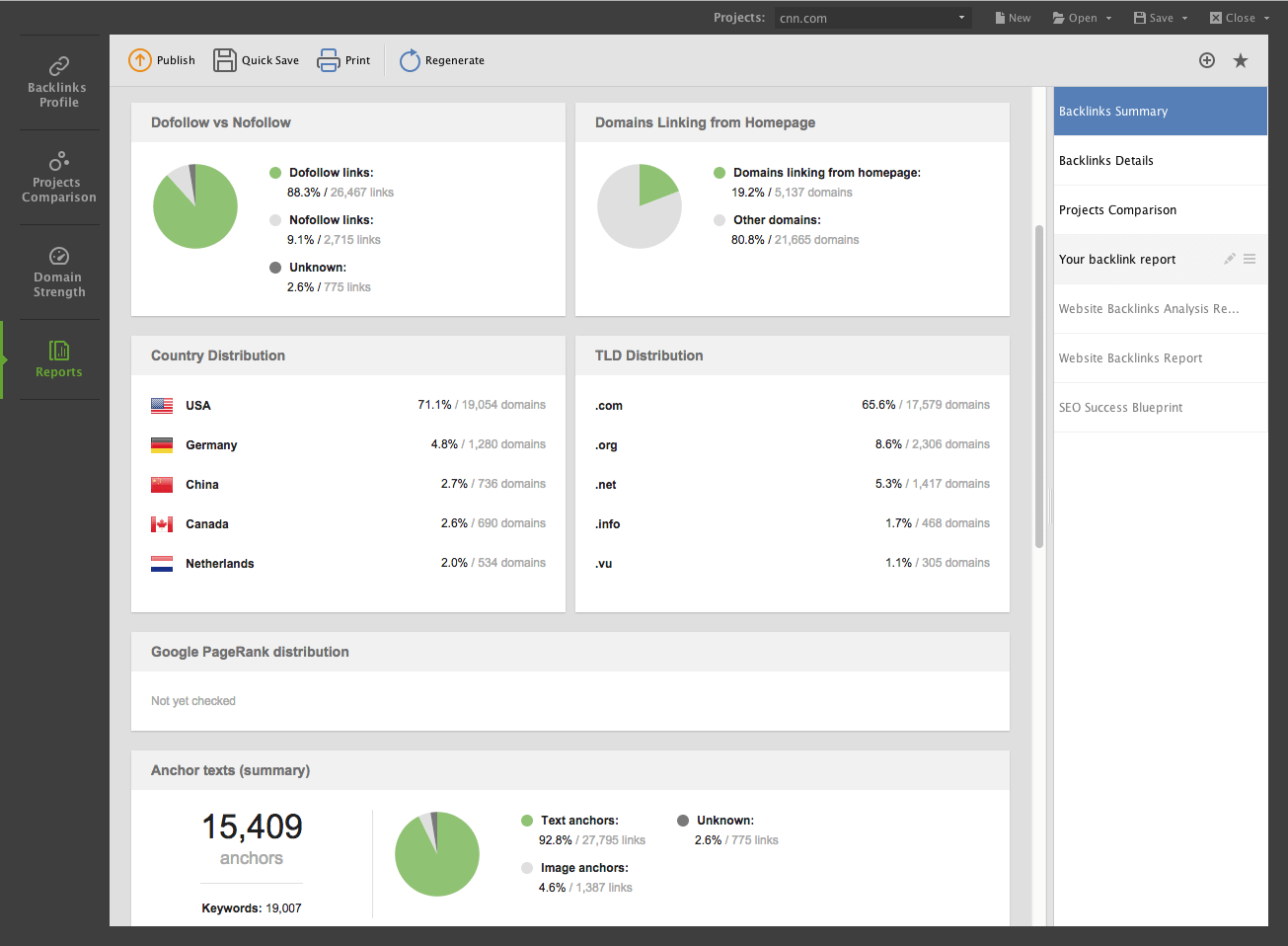
- Link profile summary with crucial stats
- Dofollow/nofollow links' distribution in profile
- Anchor/Alt text diversity
- PA/DA distribution in profile
- Google PageRank distribution in profile
- Backlink countries' distribution in profile
- TLD distribution in profile
See all
See less
3. Link management
- Anchor text verification
- URL consistency verification
- Nofollow link alerts
- On-demand, real-time link checks
- Penalty Risk for every link
- Built-in email client to request link removal
- Ready-made email templates
- In-app Google Disavow file generator

1. Reports
- White-label reports in PDF/HTML
- Tens of ready-made report templates to choose from
- Infographics for your SEO data
- Emailing reports right from the software
- One-click printing
- Schedule report generation and emailing
- Uploading reports online
- Data export in CSV, TXT, HTML, SQL, XML
See all
See less
- Drag-n-drop report builder
- Branding reports with logos
- Editable sections
- Custom colors
- Reports in 5 languages (English, French, German, Russian, and Spanish)
- Custom localizations for unsupported languages
See all
See less
2. Integrated services
- Keyword ideas
- Search volume
- Competition
- Cost Per Click
- Keyword ideas
- Organic traffic through keyword
- Backlinks
- Traffic through backlinks
- Organic visits to page
- All visits to page
- Traffic through social media
- Traffic graphs
- Bounce rates
See all
See less
- Page size
- Server response time
- Too many redirects
- Uncompressed resources
- Uncached resources
- Unminified resources
- Render-blocking JavaScript/CSS
- Above-the-fold content prioritization
- Mobile friendliness
- Viewport configuration
- Too small text
- Too small tap targets
- Content outside viewport
- Use of plugins
See all
See less
- Keywords
- Backlinks
- Google Disavow file
- Page Authority for every site's page
- Domain Authority for competitor sites
- Page Authority for backlink pages
- Page Authority for potential backlinks
3. Task scheduling
- Ranking checks
- Site audits
- Keyword analysis
- Backlink data updates
- Traffic updates
- Link verification
- Data export
- Report generation, emailing, and printout
See all
See less
- Set any time and date for scheduled tasks Schedule one-off data updates
- Schedule recurring data updates (at any frequency)
Rank Tracker | WebSite Auditor | SEO SpyGlass | LinkAssistant
Unfold SEO PowerSuite's best features for your unique needs.
Get your copy to get started now!