Smartest SEO reporting – exclusive profit-boosting tips from 5,000 SEO industry's specialists!
Striving to boost your SEO services with top-performing client reports? These 5 techniques proved best performing for almost 5,000 of SEO service providers in our exclusive in-house SEO survey.
SEO reports are the voice of your SEO biz. They sell your SEO skills better than any ad or marketing campaign out there. So it's your ability to round up the results of your SEO work into professional, powerful and clear-cut SEO reports that:
- Turns your prospects into loyal and paying SEO clients
- Proves you an indispensible employee for your bosses
But what's the ideal pattern and the best-working technique that makes your SEO reports a sure win?
Now with the search world set on fire by Google algo swings and SEO service providers fighting hard to win and retain customers, this question goes sharp as ever!
To give you a proven answer, we've asked thousands of SEO businesses (randomly chosen from SEO PowerSuite users and Link-Assistant.Com's social media contacts) the same question: "What approaches to SEO reporting work best for you?"
An amazing number of 4,758 SEO service providers got back with their SEO reporting tips. So we've put them all into a refined list of top-performing SEO reporting techniques and flavored them with some little-known tips on customizing reports with your indispensible SEO reporting tool - SEO PowerSuite.
Now launch your SEO PowerSuite and check out this A-Z guide to the smartest SEO reporting ever:
1. Personalize your reports for each client
(Mentioned by almost 97% of SEO businesses)

No one wants a report just like the one received by the guy next door. Show your clients you interact with them on a personal level!
Mentioned by 97% of SEO companies, this is an absolute must-do (if letting your clients away to competitors is not your plan for today, of course):
-
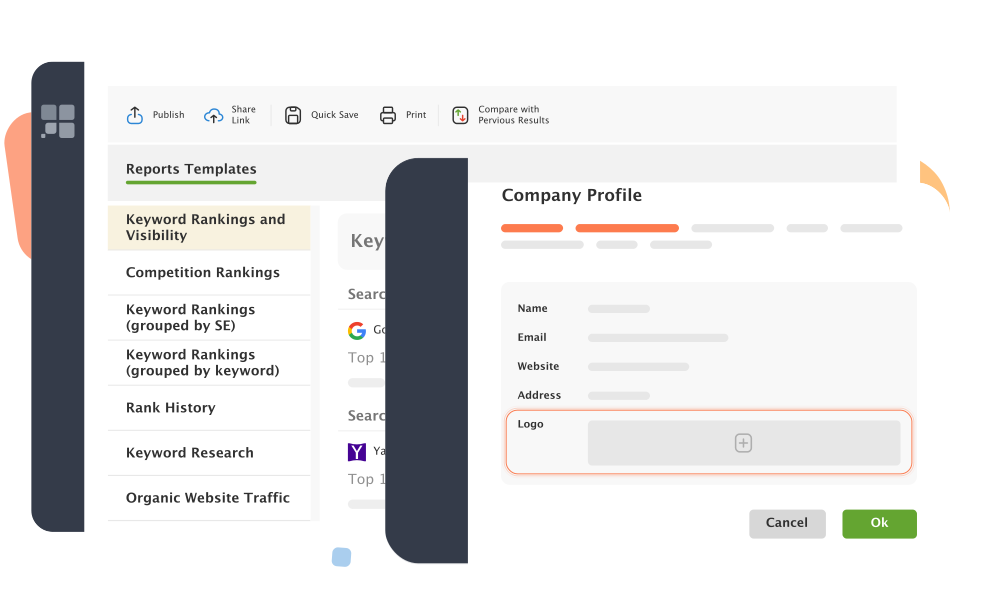
Add your customer's personal info and logo
Let your customers know the reports are made specifically for them and their businesses. They'll appreciate your work.
In SEO PowerSuite, adding full information about your customer is as easy as filling out a Customer Profile just once and all reports you create for this customer will get personalized automatically.
-
Add relevant non-cliché comments
Make up personal introductions and conclusions, flavored with relevant non-cliché comments your clients are looking to hear.
Whenever creating a report template for your customer in SEO PowerSuite, just tick the Introduction and Conclusion checkboxes and type any comments you wish to add to reports. It's that simple!
-
Speak your client's native language
Running SEO campaigns for clients overseas? Make sure your SEO reports speak their native tounges!
And it's of no problem with SEO PowerSuite. All reports here are translated into all major world languages:
2. Make your reports clear and understandable
(Mentioned by 78% of SEO businesses)
Make sure your reports are clear as noon day. Make them meaningful and understandable. No one would pay for puzzling over the unintelligible stuff you call a report. Your clients pay you to see the results, and see them at a glance.
-
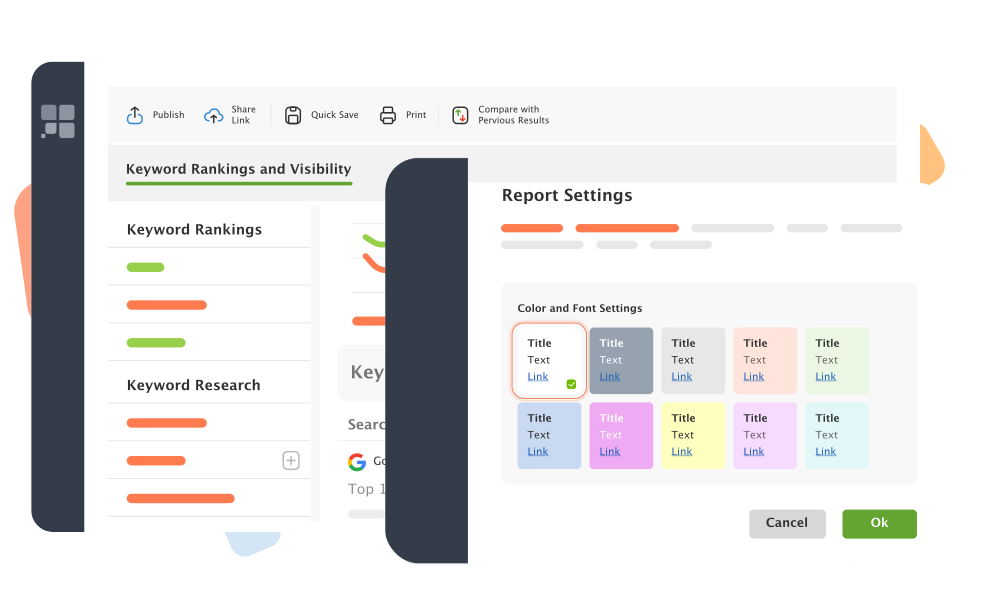
Use thought-out colors to add extra visibility
Use well-balanced color schemes that always put into focus the main parts of your report. And extra prominence to reports' key elements, like titles and headings.
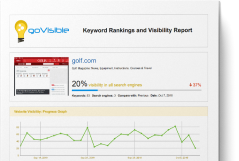
We hired a first-class designer to create the 5 ready-made color schemes
SEO PowerSuite's reports come up with. They're built to make your reports as readable and clear as possible:
-
Split your data into clear tables and charts
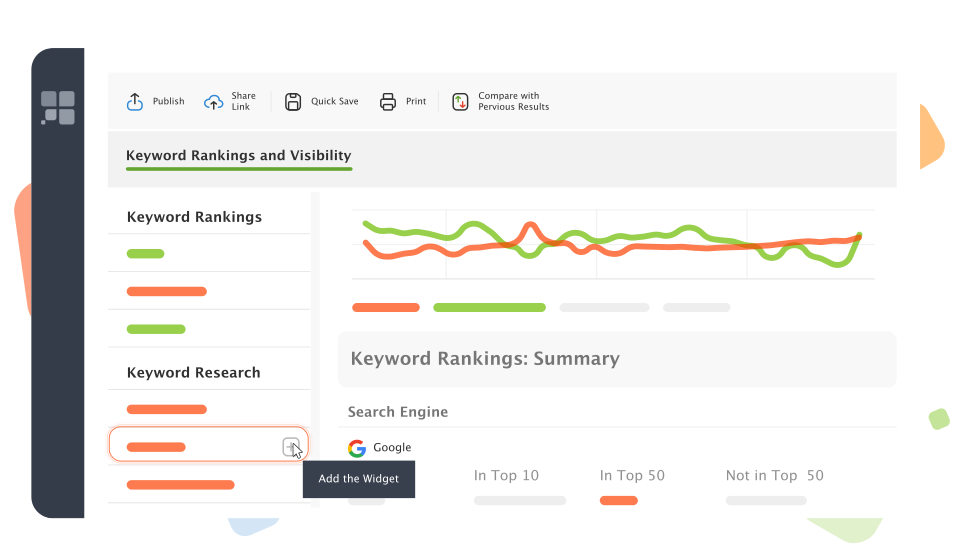
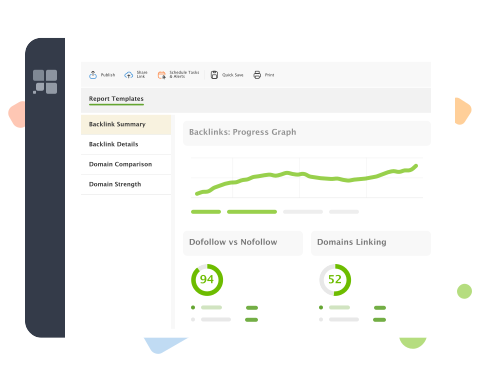
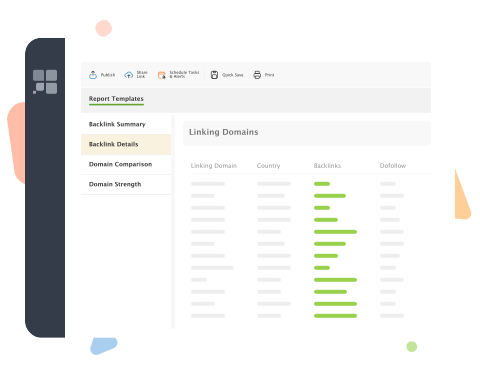
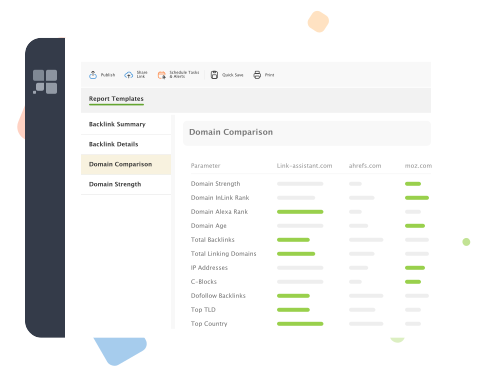
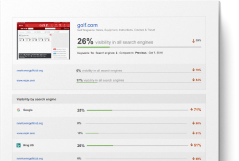
Instead of pouring endless flaws of words over your clients' heads, split your SEO data into visual graphs, diagrams and clear-cut tables, just like it's done in
SEO PowerSuite's reports. This way the data you provide is understandable
at a glance.
-
Add relevant comments to explain SEO data
And once again, don't miss out on using word explanations. Make any terminology or techy details explained in your report's Intro and Conclusion.
3. Focus on the right SEO data
(Mentioned by 71% of SEO businesses)
The rule of thumb in creating your SEO reports is to give the right data focus. Choose the data that matters most to each of your clients. Point out the facts that testify to your SEO progress the best.
-
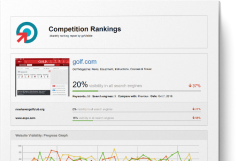
Make theme-specific reports
Don't mix up all your SEO activities into a 50-page long report. Make your reports theme-specific and thus easier to read through and comprehend.
-
Adjust the scope of data for each of your clients
If your clients have no time or interest to dig into the SEO campaign's details, why load them with unnecessary info? Give them just what they want – a short summary of their rankings, backlinks, pages and so on.
If you techie-geek clients wants to be in full control of each aspect of their site's SEO, don't deny them of in-depth SEO campaign analysis.
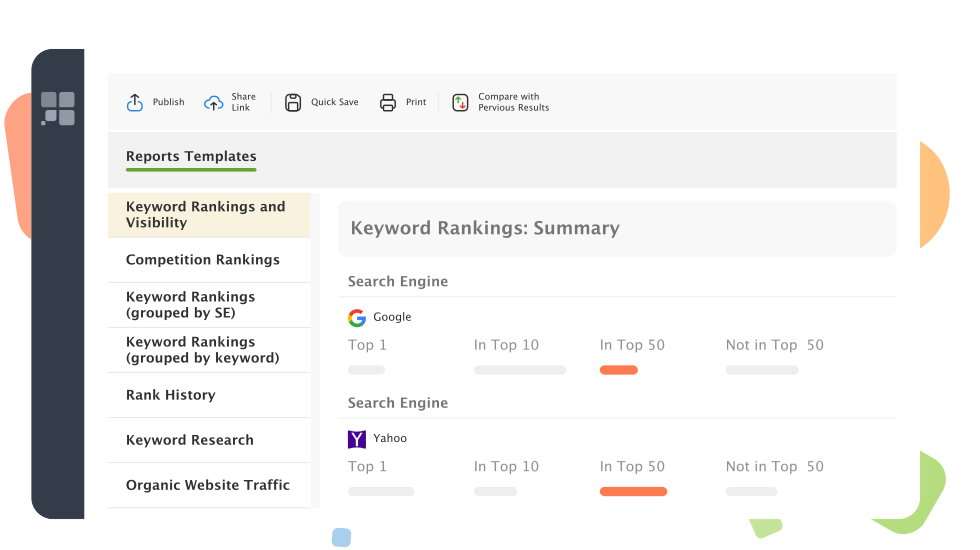
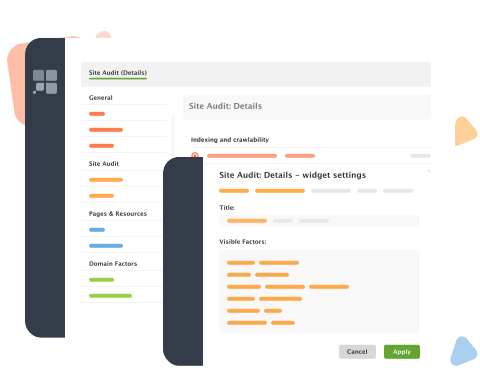
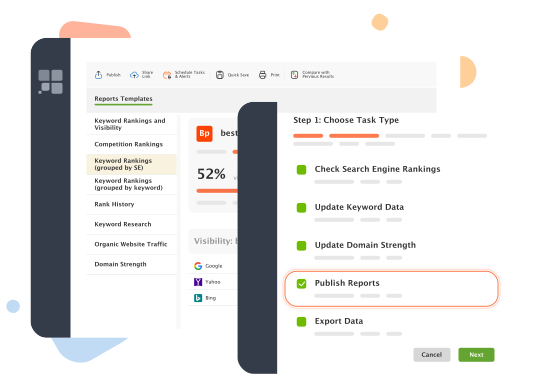
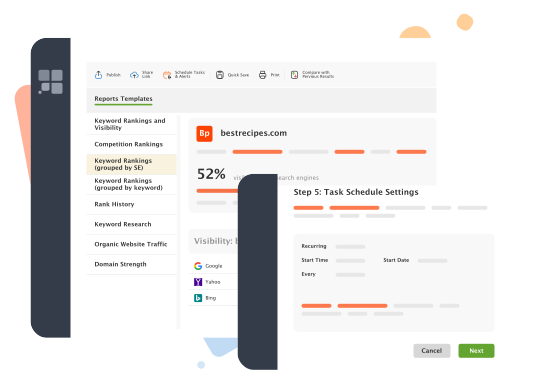
And you can do this in a mouse-click with SEO PowerSuite - just tick a couple of checkboxes in a wizard:
-
Underline the strongest points of your SEO campaign
Be wise in choosing the data to include into your reports.
Point out the strongest aspects of your SEO campaign, when reporting the results. Reporting your rankings, why not focus on that have just entered Google Top 10?
Focus the attention on the things-to-do when analyzing your clients sites before taking up its SEO. The very same keyword report may no focus on the keywords lagging behind.
Whatever your criteria, you can get the right data focus reporting on the entries of your choice only with SEO PowerSuite.
-
Sort data the wisest way
Always consider the data you showcast in the first place. Sorting matters! Highlight your strongest SEO wins at the very beginning of your report. And any weaker points of your SEO campaign will turn less prominent at the end.
4. Give clients the easiest access to their reports
(Mentioned by 63% of SEO businesses)
Let your clients access your reports the most convenient way. Let them choose the best delivery option and the desired reporting frequency.
-
Choose the most convenient delivery option
Do your customers prefer discussing SEO data face-to-face with you? Or get their reports emailed on fixed times and dates? Or may be even access them on your website whenever they need to? Let your clients choose the report delivery options that suit them best.
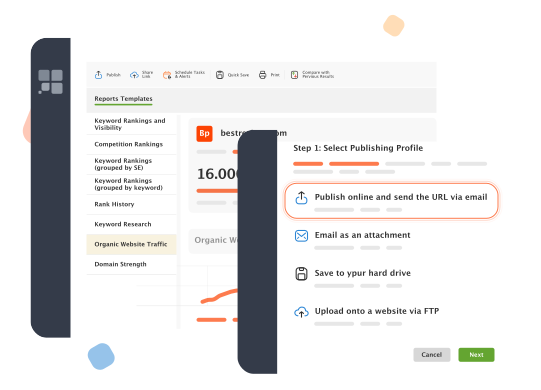
With SEO PowerSuite you can choose between 3 delivery options: save reports to your hard drive for print-out, send them out via e-mail, and upload onto your website via FTP.
-
Choose the best reporting period
Deliver your SEO reports on daily, weekly or monthly basis - depending on what suits your client best. SEO PowerSuite can send out your reports on autopilot at any fixed frequency without your even being at your computer.
5. Let SEO reports sell your SEO skills
(Mentioned by 57% of SEO businesses)
And finally, don't forget to brand your reports! Make them illustrate your corporate style, give out all needed contact info and even promote some of SEO services. Don't forget, your reports are not only your progress indicator, they're one of the most powerful marketing tools for your SEO biz!
Ok, now that you're armed with a set of SEO reporting techniques, it's just the time to take action on what you've learnt!The full scope of SEO reporting features is available for Enterprise users only, so grab your SEO PowerSuite license now and boost your SEO service with the smartest ever SEO reporting!
What are YOUR tips for smart SEO reporting? If we haven't pitched you personally in the course of our study, you're welcome to share your thoughts in the comments!