Why do keyword research with SEO PowerSuite?
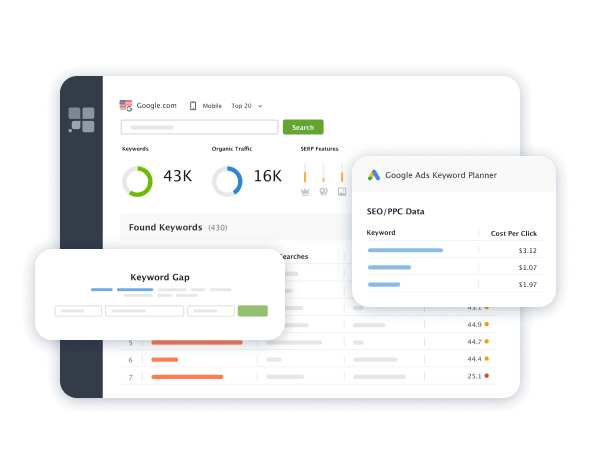
SEO PowerSuite offers Rank Tracker — a top-notch keyword research software to help anybody, pro or not, do keyword research. It boasts 20+ keyword finding methods, covering every major search engine.
Using Rank Tracker, you can easily find thousands of profitable keywords, spy on your competitors' keyword strategies with the help of the Keyword Gap tool, and do many other useful things. All the keywords you find come with tons of valuable metrics such as search volume, keyword difficulty, CTR, traffic potential, etc. An advanced filtering system will help you refine your keyword list and focus on the terms that can bring real value to your website.
Watch our short yet very informative video tutorial to learn about all the keyword research features of SEO PowerSuite's Rank Tracker tool.
Explore keyword research features
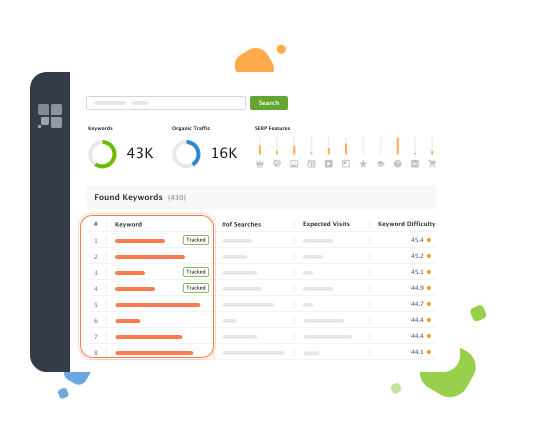
Using the Ranking Keywords research method, you can: a) Identify what keywords a website is already ranking for; b) Reveal your competitors' top-performing keyword gems.
Simply enter a link to the website you want to analyze, and Rank Tracker will then suggest the top-ranking keywords for this site. What's more, you will have plenty of opportunities to search for keywords either by page or entire domain — whatever works for you. You can also choose between desktop or mobile search results.
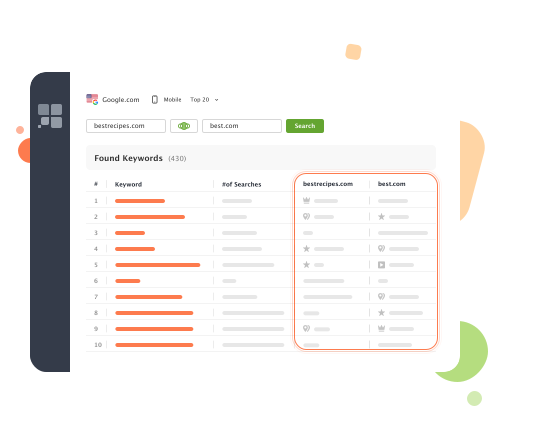
The Keyword Gap tool lets you discover SEO keywords your competitors rank for, but you don't. This way, you will find new ideas and pearls for your keyword strategy and content creation more easily.
All the collected keywords go with crucial SEO metrics like popularity, number of searches, CPC, difficulty, and competition. These insights will help you easily adjust your content strategy and find the most relevant keywords for your niche.
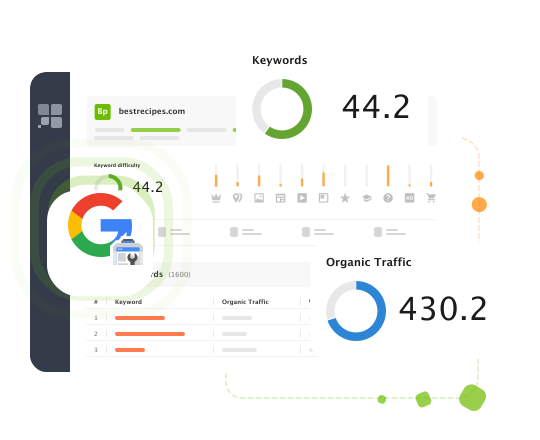
Connect Rank Tracker's Keyword Research tool to your Google Search Console account to quickly find the underperforming keywords. Underperforming keywords, or low-hanging fruit, are the easiest keywords to optimize for, as they require less effort and time to bring your site to the top.
Besides, GSC integration lets you pull up the field keyword metrics right from Google, so your SEO data will be more accurate than ever.
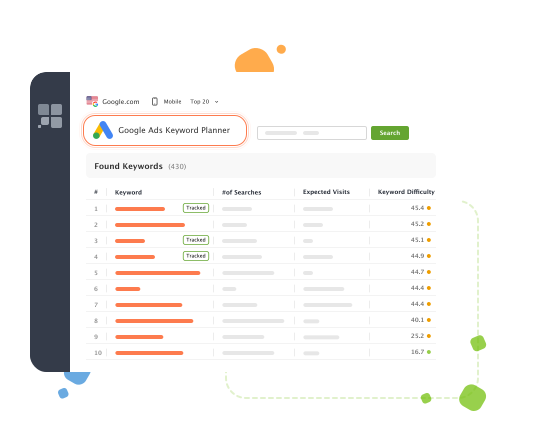
By utilizing the Keyword Planner search method, you can find niche-related keywords and generate tons of brand new keyword ideas based on your current page's keywords.
Get the best keyword selection from the richest and the most popular online keyword tools and databases like:
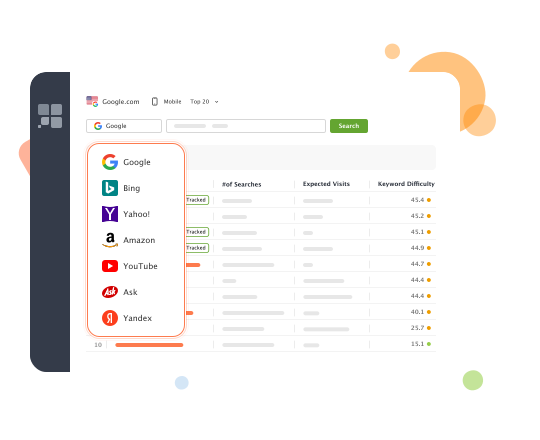
Level up your keyword research by using Autocomplete Tools in SEO PowerSuite. Choose between 7 search engines available in the tool, be that Google Autocomplete or Amazon suggestions. Google Autocomplete, for instance, supports 65+ languages, making it a perfect solution for local SEO.
You can look up autocomplete suggestions for any term you want. As a result, you'll get a huge list of keywords to help you research your niche. Got an ecommerce business? Try Amazon autocomplete. Have proven expertise in video content? Then YouTube autocomplete keywords are for you. Optimizing for Bing or Yahoo!? Here you are.
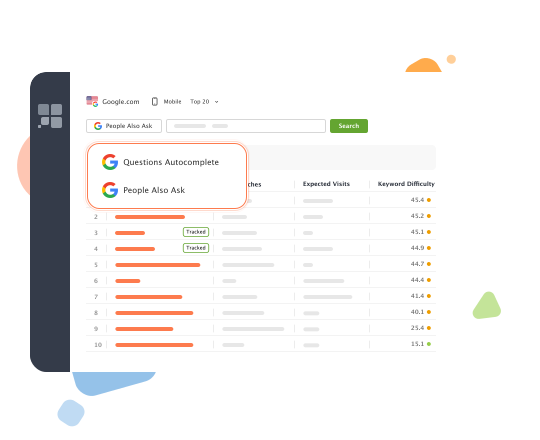
Use the Related Searches and Related Questions modules to discover long-tail keywords from the People Also Ask & Questions Autocomplete sections of Google. This way, you'll get to know search trends in your niche and find tons of new keywords for disruptive SEO campaigns.
Why care about long-tail keywords in SEO? They have the highest conversion rates, so you increase your chances to match the search intent and target your audience with the right type of content. And get profits, sure thing.
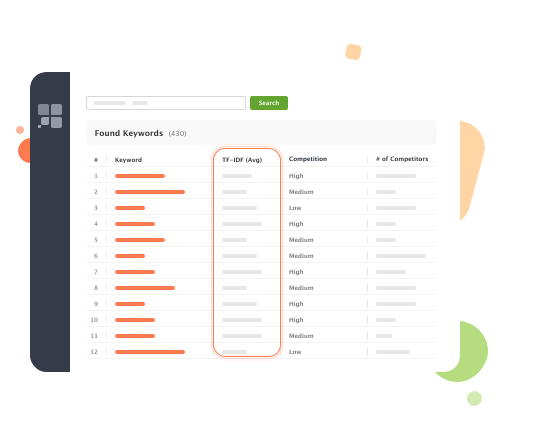
TF-IDF Explorer is a diamond of keyword research tools. It lets you take a closer look at your competitors' high-ranking content and find their best-performing and most meaningful keywords.
The algorithm behind our TF-IDF analysis tool is the following: the keyword software researches your top 10 competitors and deeply analyzes their content. Then, the tool gives you a list of keywords that your competitors use most often and estimates how important these keywords are. This way, you have a refined list of top SEO keywords you can use in your content strategy.
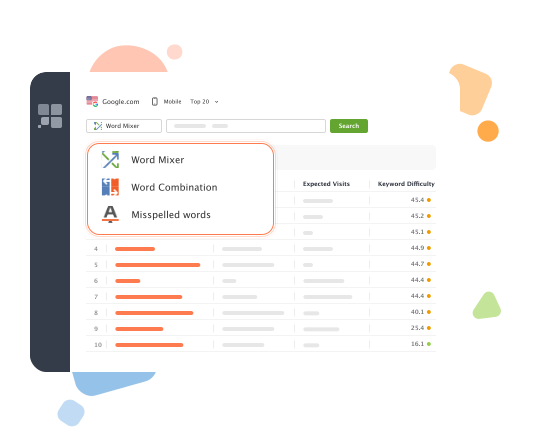
The Keyword Combinations module includes 3 options — Word Mixer, Word Combinations, and Misspelled words — all helping you see how people actually form their search queries and match their searches in a better way.
The tool will supply you with a keyword list of all possible permutations, combinations, and misspelled variants of your target keywords. If there is a connection between two search queries, you'll see it. The feature is especially useful for long-tail keywords with many possible word combinations.
Professional SEO tools are for everyone Rank Tracker is more than just a keyword finder. Our SEO software brings value to anybody who's looking to do complete and comprehensive keyword research. It's built for the one who wants to do keyword tracking and keyword analysis without having to use two or three different tools.
Utilize smart features and keyword filtering options
Simply collecting a large pool of keywords may not be enough to form a successful keyword strategy. You need to select only relevant, powerful keywords that do have high traffic potential and bring you to the top of the search. With SEO PowerSuite's tools, professional keyword filtering is dead easy.
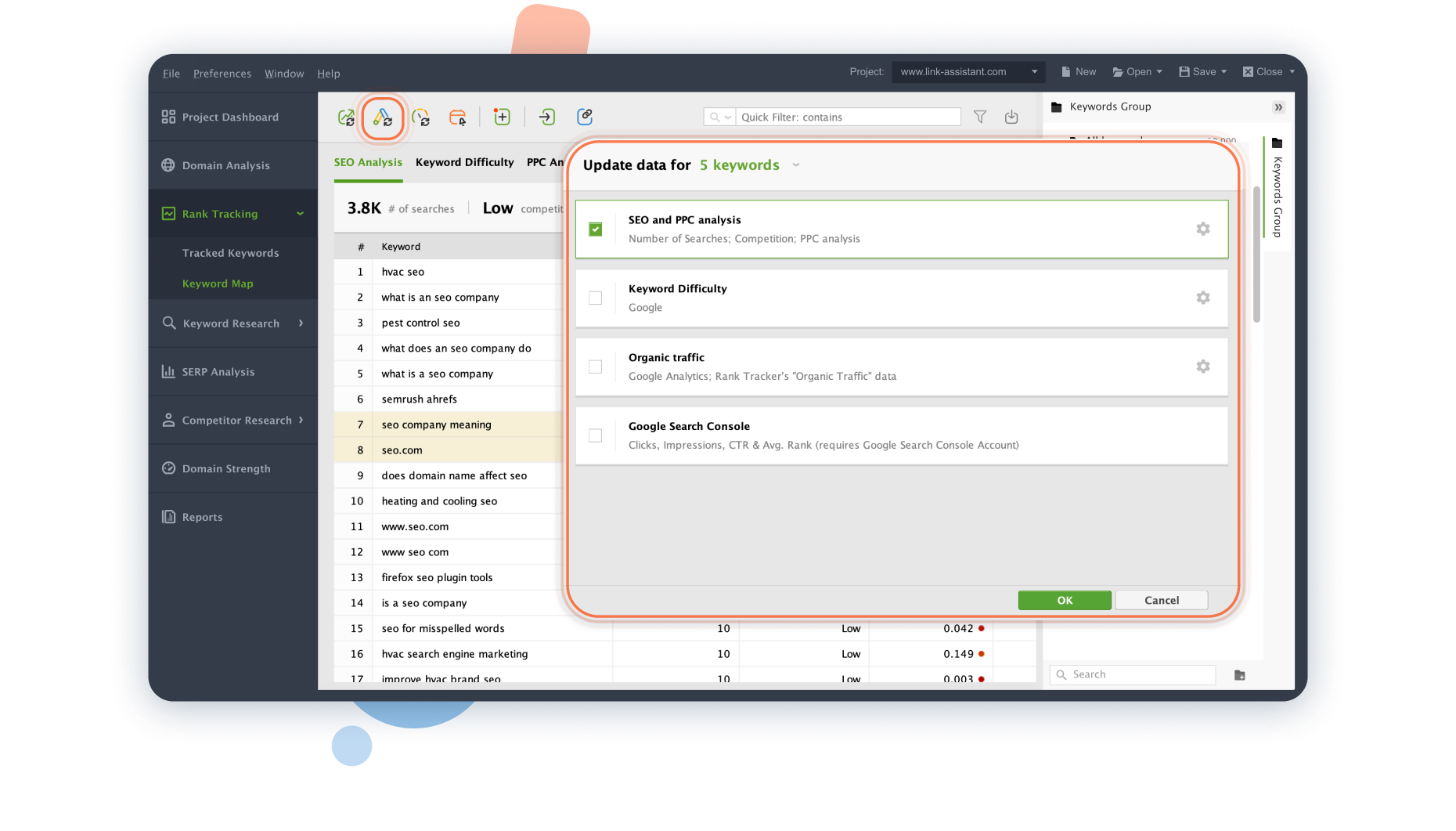
To make your keyword research and filtering process smoother, the SEO software will estimate how difficult it is to rank for a certain keyword (with the help of Keyword Difficulty metric), the accurate search volume data (monthly exact match searches), CPC, competition, local SEO peculiarities, etc. You can filter out negative keywords and research competitors' content strategies as well.
Do local SEO
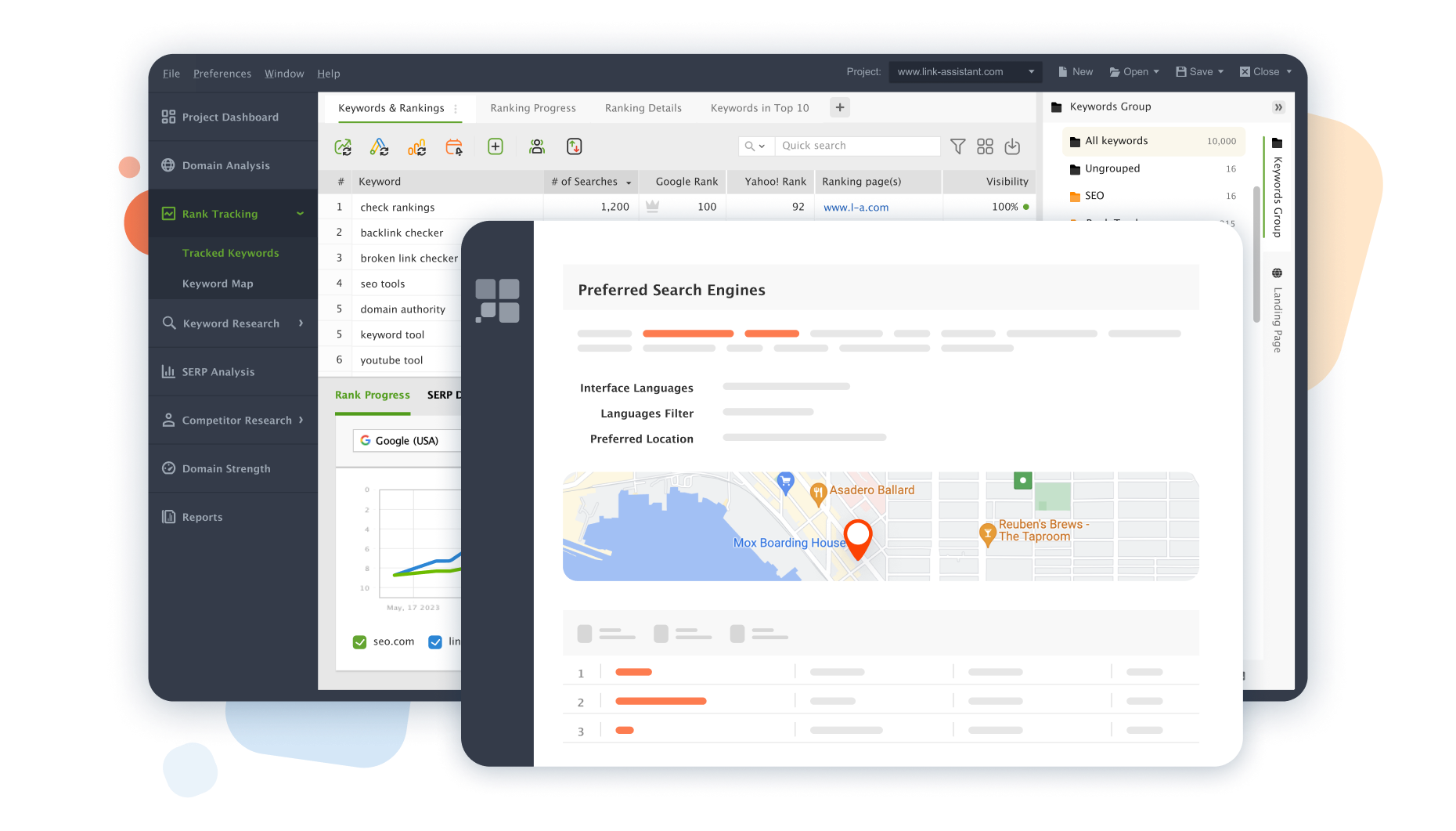
The unique feature of SEO PowerSuite's Rank Tracker is that it gives you the possibility to do research and find keywords both locally and worldwide. You can narrow your keyword analysis to a specific geographic location and be as precise as the exact street address. The free keyword tool automates what you would otherwise have to adjust manually through the search settings in your browser.
In Preferred Search Engines, specify the region, country, and town, select the language, and get a fine-tuned ranking search in the exact location of your choice. You will also be able to compare the SERP rankings and use that information to get the big picture of your rankings.
Do negative keyword research
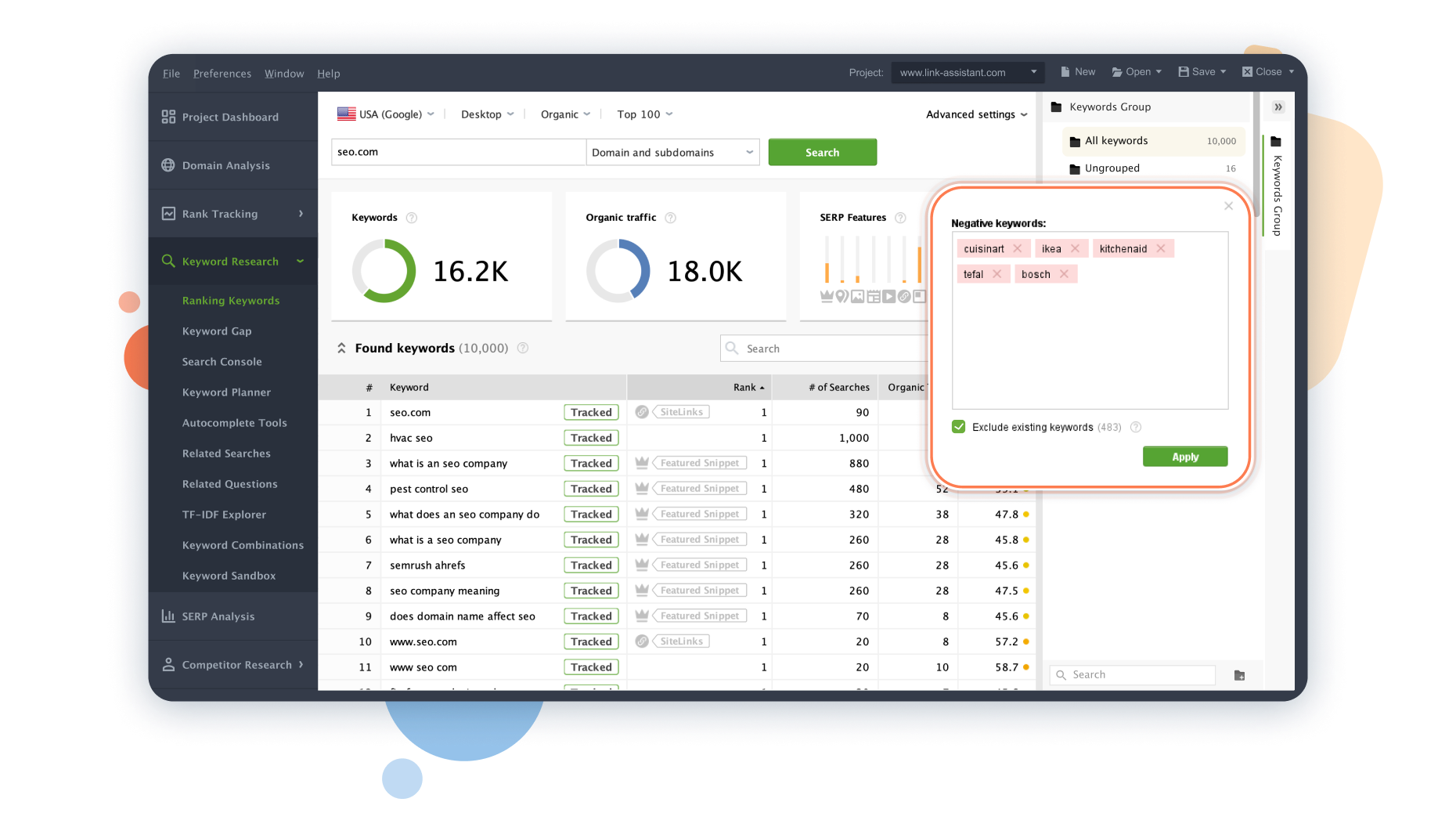
Use Rank Tracker to do negative keyword research easily and quickly. By looking at the full picture of SEO keywords related to your website, you can also find the keywords that you'd most likely exclude.
Negative keyword research allows you to exclude irrelevant search terms you don't want to focus on in your SEO campaigns. Consequently, it helps you target only the keywords that matter to your customers.
Excluding the negative keywords will also help you better optimize your content. As a result, you will have a higher chance to appear on a SERP perfectly corresponding to the search term you want to rank for.
Research your competitors' keyword tactics
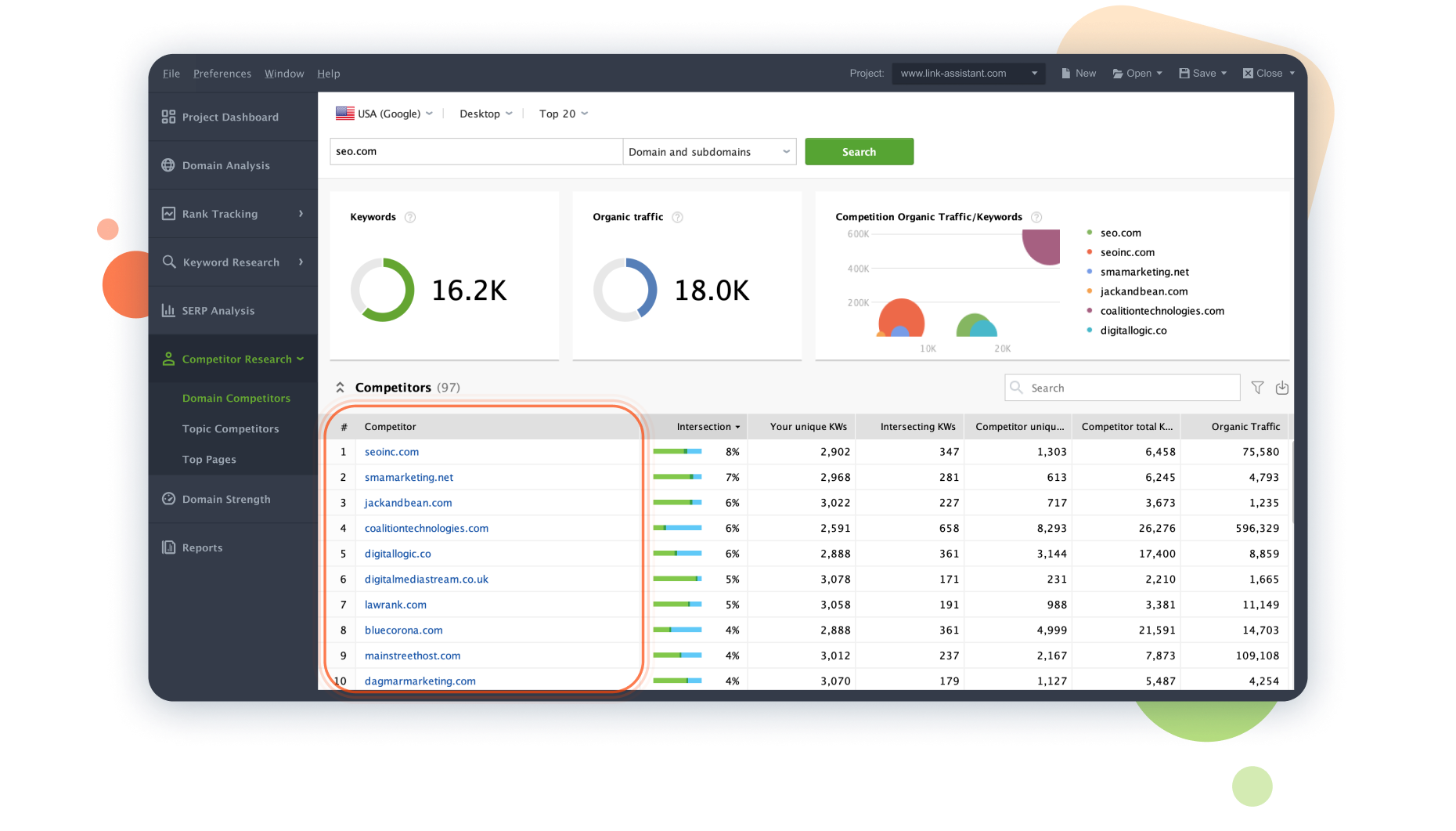
Using the Competitor Research module, you'll augment your research in a big way through competitor analysis. First, you will identify what's your competition for the keywords you want to target. Then, you'll get to see what keywords your competitors already rank for.
You will also get all the relevant SEO metrics for those keywords, such as keyword difficulty and estimated traffic. Based on that, you'll be able to build your strategy more effectively to keep ranking higher.
Check the Pay-per-click information
Get an opportunity to see and easily check the PPC information as part of your overall free keyword research. While doing the research, there is an option to see the estimated pay-per-click cost for every keyword analyzed. Not only that, but there's also an estimated overall CPC price per month that comes with that particular keyword.
The CPC data comes mainly either from the SEO PowerSuite index or from your personal Google Ads account.
Do keyword filtering
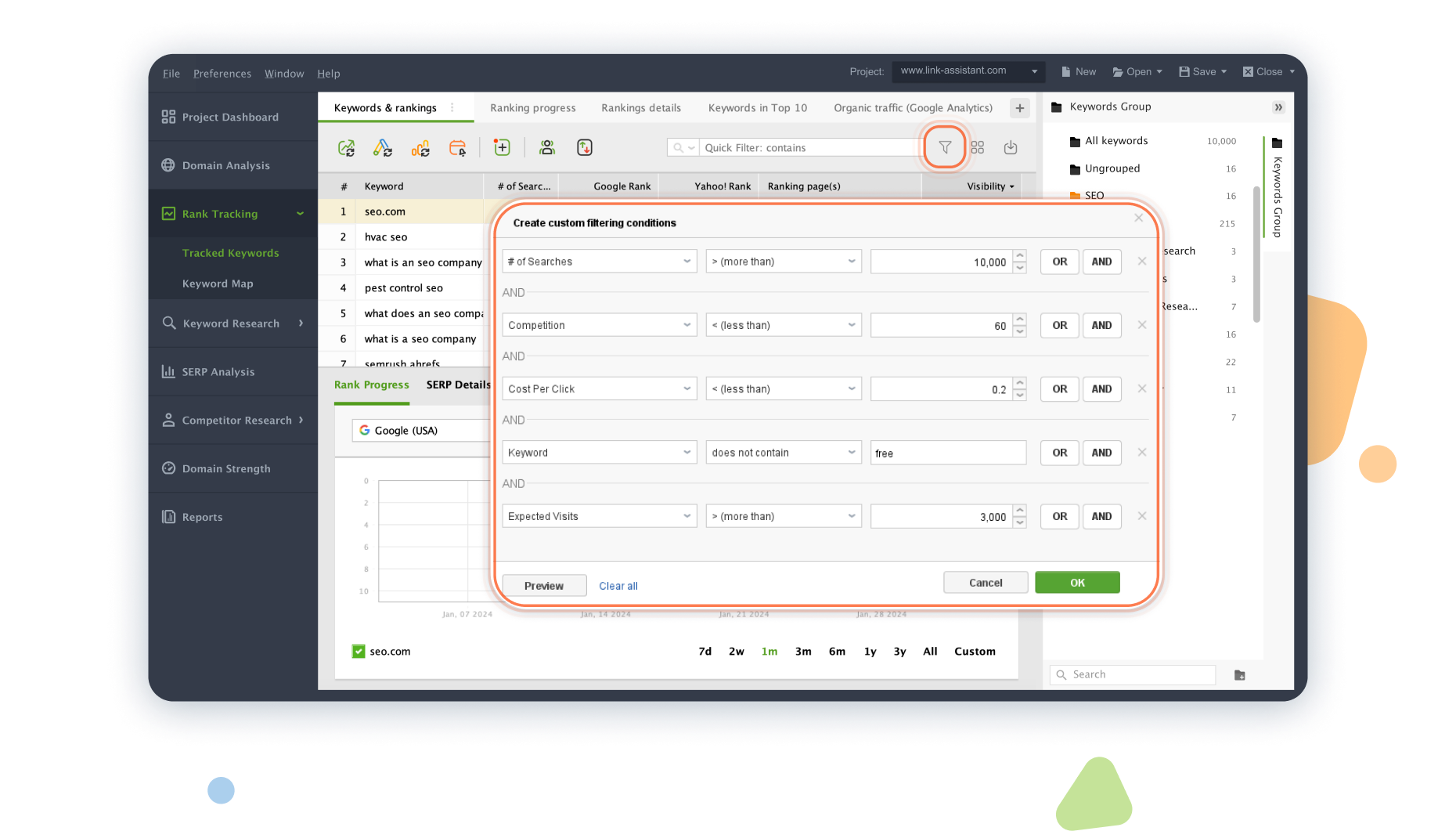
Once you conducted your comprehensive keyword research, you are most likely to drown in tons of keywords you've collected with different research tools. Still, not all these keywords are a good solution for your site. Rank Tracker's keyword filtering options will help you groom your keyword list.
In addition to the built-in filtering options, you can always create custom keyword filtering conditions. For instance, you can filter keywords in bulk based on monthly search volume and Keyword Difficulty score, or make the tool show you only long-tail keywords by setting the Keyword Length filtering condition to be more than 3 words.
Once you've decided on the best keywords that are worth being included in your SEO campaign, just move them to Tracked Keywords to monitor their performance and timely spot changes and fluctuations.
Map keywords with the keyword mapping tool
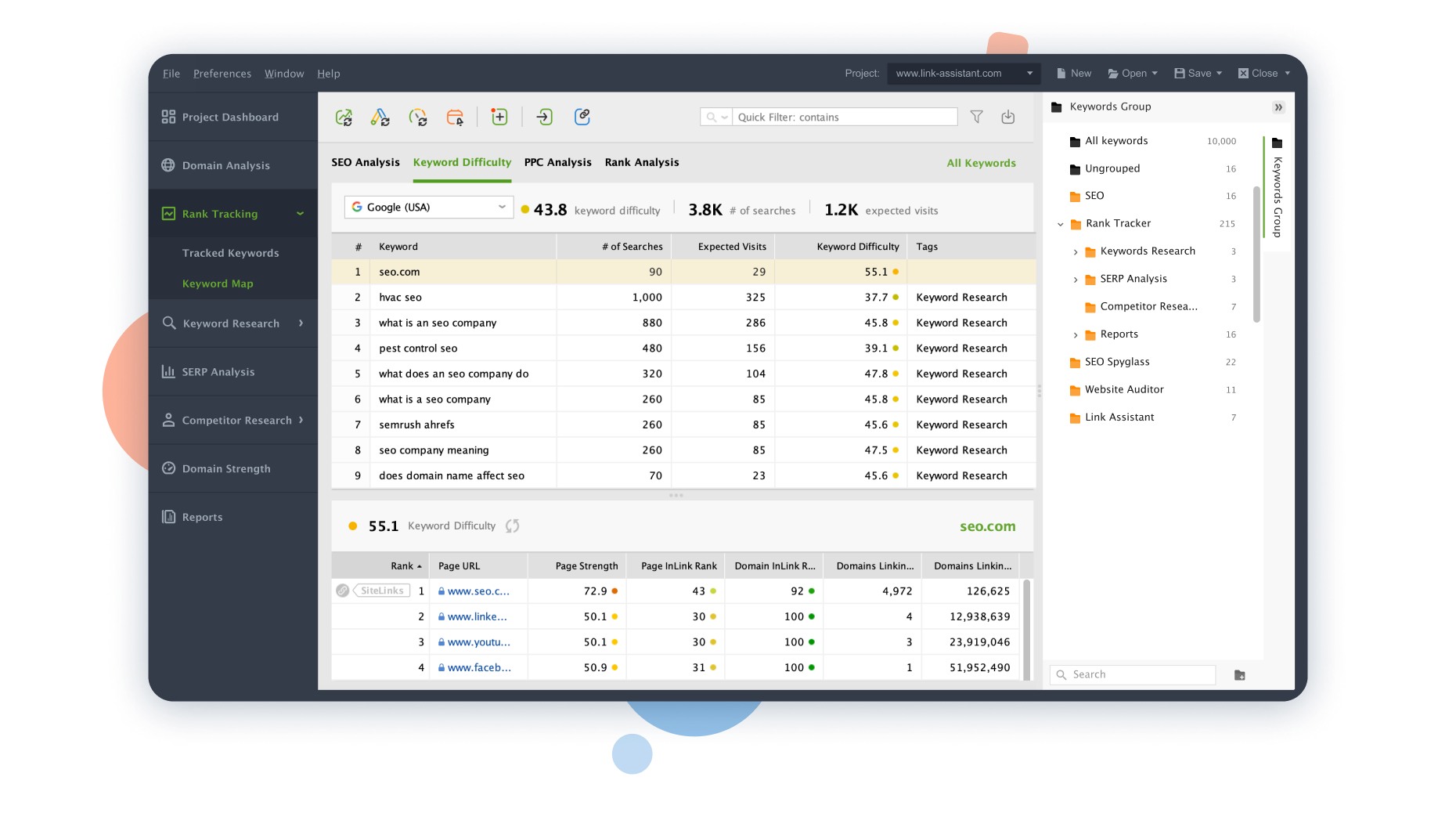
Rank Tracker's built-in keyword mapping tool lets you strategically assign the newly-found keywords to your landing pages. This way, you'll always be able to monitor if your content performs according to your keyword strategy, and timely make changes if anything goes wrong.
Keyword mapping lets you prevent keyword cannibalization and balance your SEO effort. For example, you can assign more difficult keywords to stronger pages, thus increasing your chances of winning the SERP. All in all, the features of the Keyword Map tool allow you to micro-manage the level and the type of online presence you want to achieve.
What our customers say about us