
Perform a free website audit with WebSite Auditor
A 360° SEO audit of your website, an action plan with how-to fixes, and a reporting tool in one app? It's not a fantasy — it's WebSite Auditor software, a collection of website audit tools for webmasters, SEO agencies, and business owners.
Technical website audit, on-page optimization, tools for webmasters, visualization of website structure – those are just a few helpful features you’ll find in WebSite Auditor. Download the tool for free and get a comprehensive SEO audit report showing all issues and providing tips for fixes.
Robust SEO audit & reporting tool
Audit websites, build custom website audit reports, fix issues to increase organic traffic, and deliver a better service to your customers.
See what's inside WebSite Auditor
Efficient SEO audits with ease
Crawl your sites like search engines do
Analyze the pages of your site for technical SEO errors and check how search engines see them. WebSite Auditor lets you perform a site crawl as Google, Google Mobile Bot, Bing, or Yahoo, following robots.txt instructions for the respective bot.
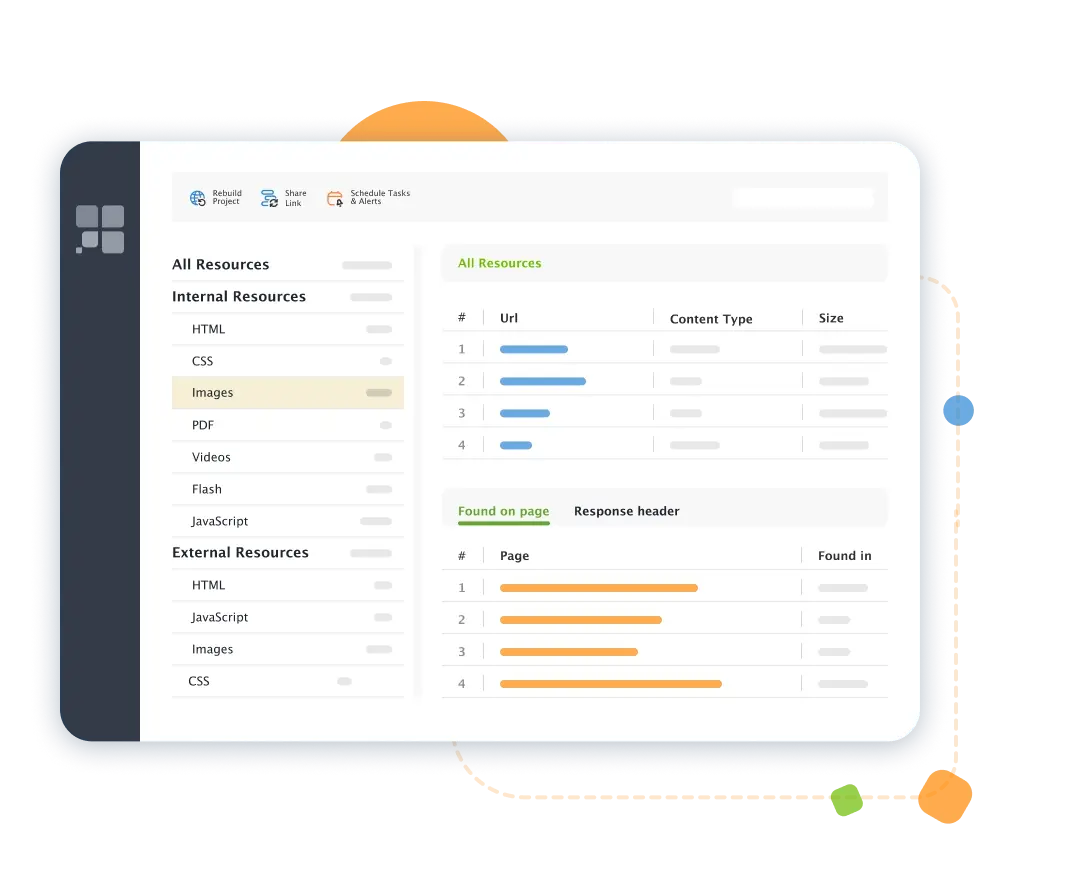
Just like any of the search engine bots, WebSite Auditor digs diligently through your entire site to find and audit all resources, both internal and external: URL, HTML tags, CSS, JavaScript code, images, videos, and more.
Run a technical SEO audit and get how-to-fix tips
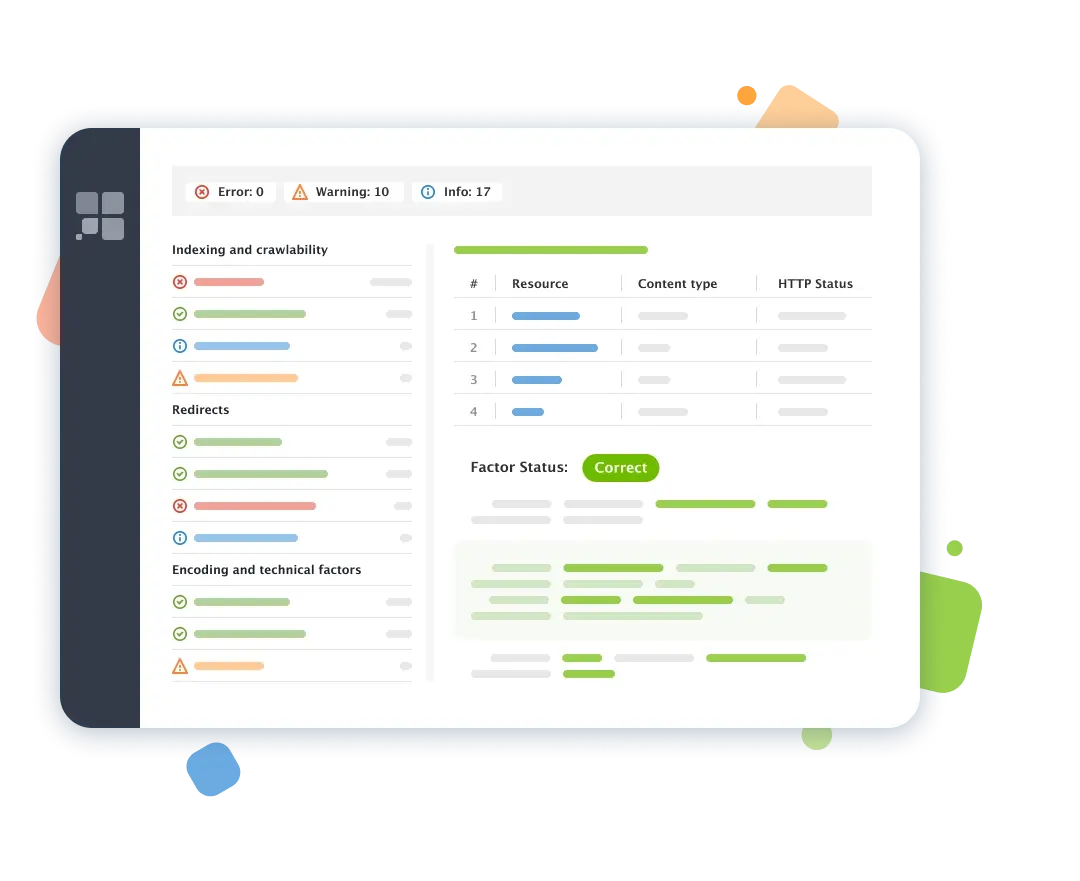
WebSite Auditor will run an SEO audit for errors that may affect search engine indexation, rankings, and user experience. Broken links, duplicate pages, empty meta tags, thin content – the tool will never miss even the tiniest issue.
The best part? Go through the list of SEO errors that the crawler finds: for every error or warning, you'll get a list of affected pages along with a simple how-to-fix list.
Get an SEO audit overview with a wealth of detail
A toolbox for in-depth SEO audit
Improve Core Web Vitals with PageSpeed API integration
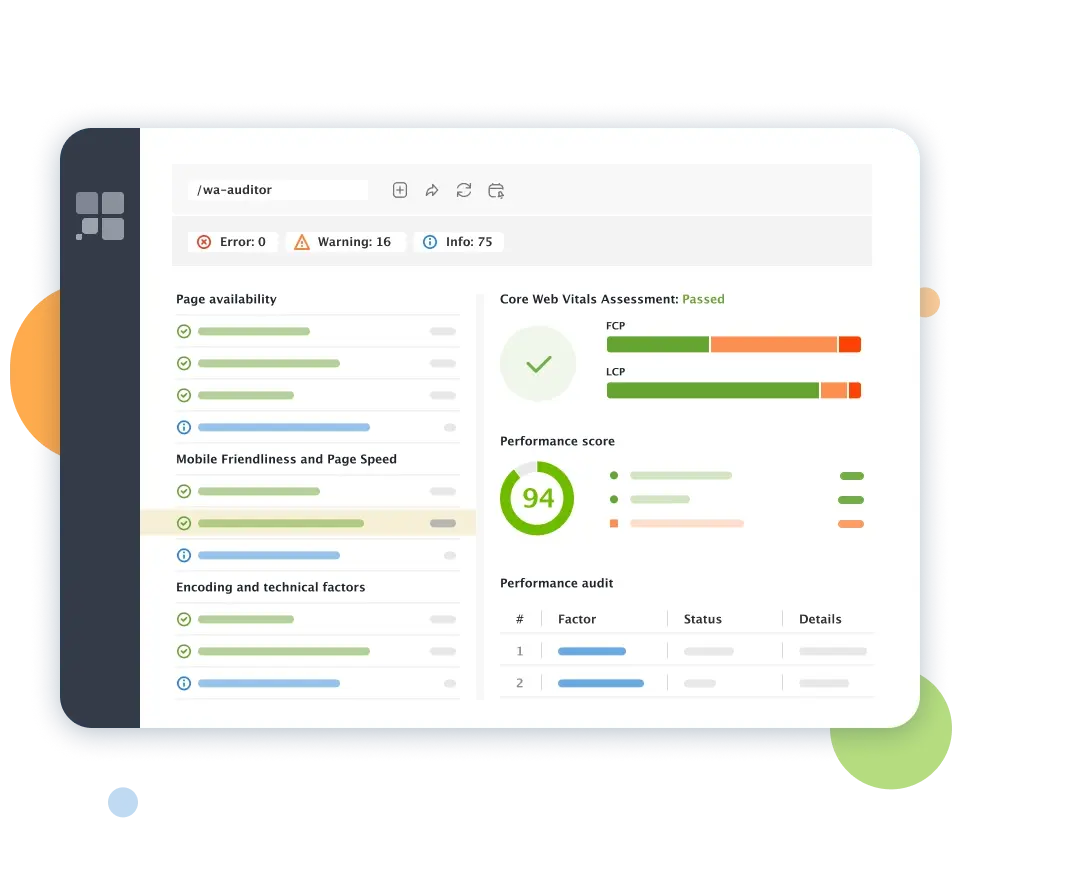
With a powerful Core Web Vitals module in WebSite Auditor, you can fix technical issues affecting site speed and overall site performance. Add the PageSpeed API key, run the website audit, and see how many pages fail to pass the Core Web Vitals assessment.
The website analysis report will show how many URLs have a poor Performance Score and what page speed issues need to be fixed. The bulk overview of all tech SEO issues and in-depth data from PageSpeed Insights is here for you in an easy-to-navigate workspace.
Download for FREEGenerate robots.txt and sitemaps easily
Access, create and edit tech SEO files to instruct Google crawler how to scan and index your pages.
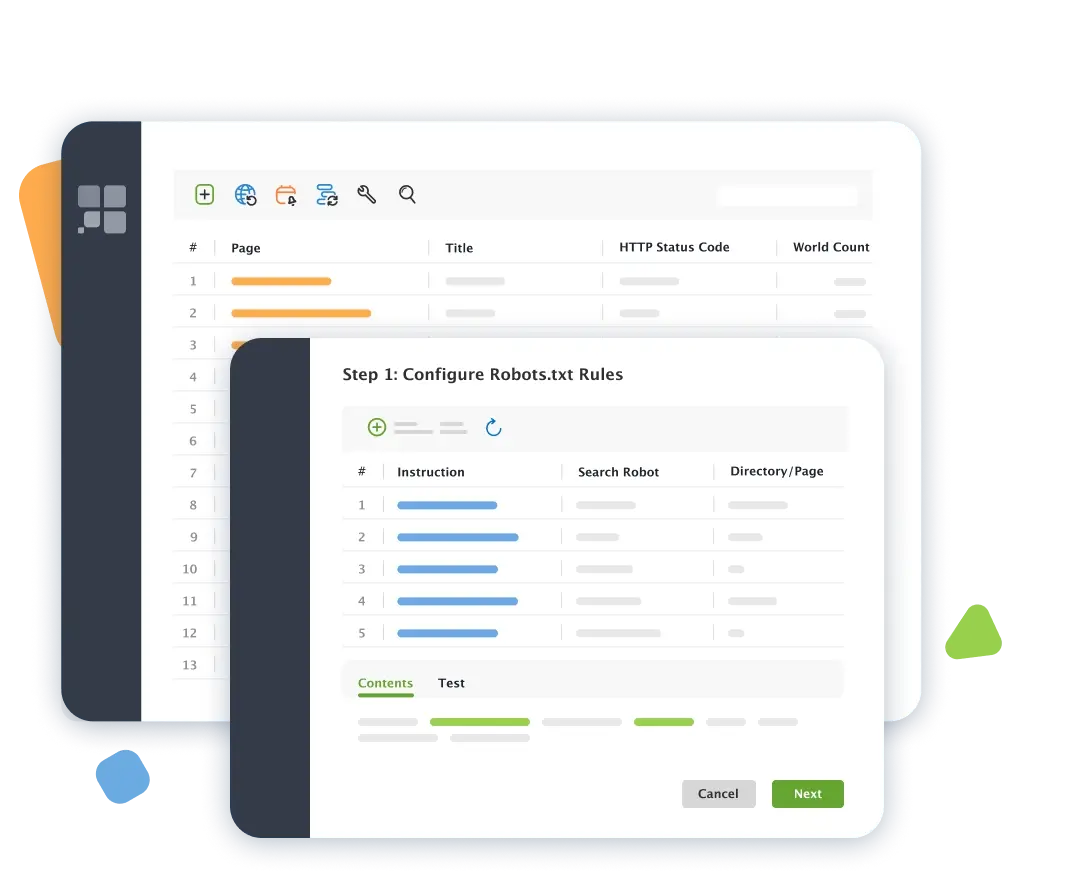
Generate an XML sitemap or a robots.txt file in one click without bothering about the files' tricky syntax. Disallow pages, limit crawl frequency, and manage hreflang tags for international SEO.
Already have a sitemap and robots instructions in place? Review and edit the files right in the app and upload the changes to your site instantly via FTP. To make sure that all your important pages are easily discovered in search engines, add the updated files and re-run a website audit later.
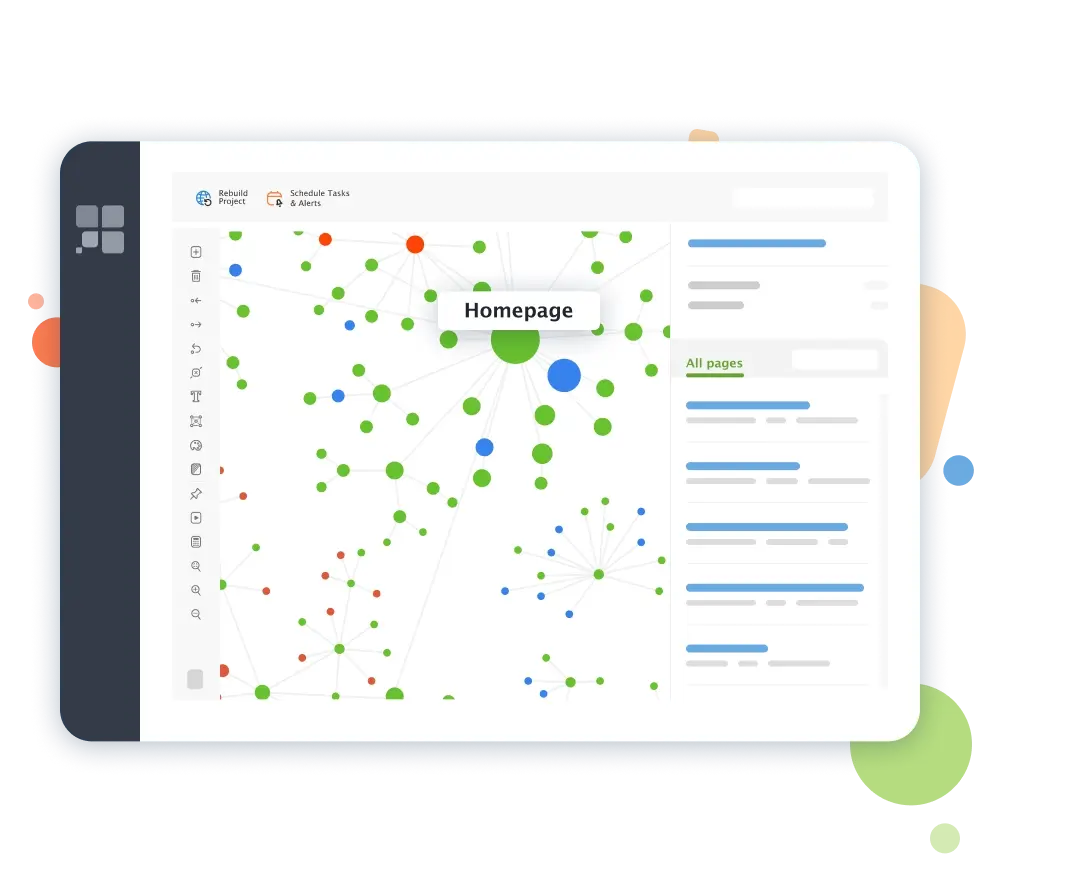
Visualize your site structure
The right internal linking strategy boosts the crawlability and discoverability of pages. Use the internal link checker to visualize your site structure, instantly uncover problems in the site architecture, and impress clients with customized graphic reports.
Get a structured overview of internal link juice (aka PageRank) and see the pages' importance by pageviews. See a problem? Fix it right in the app – plan new pages and links and export the changes as a to-do checklist for your developers.
Extract data using Custom Search
The tool will get you a close-up of all resources on a page, including images, incoming links, and outbound links to both internal and external pages.
With the Custom Search tool and CSS selectors, you can extract any piece of data present in your HTML: outdated content, structured data markup, tracking codes, or anything else you want to find.
Download for FREE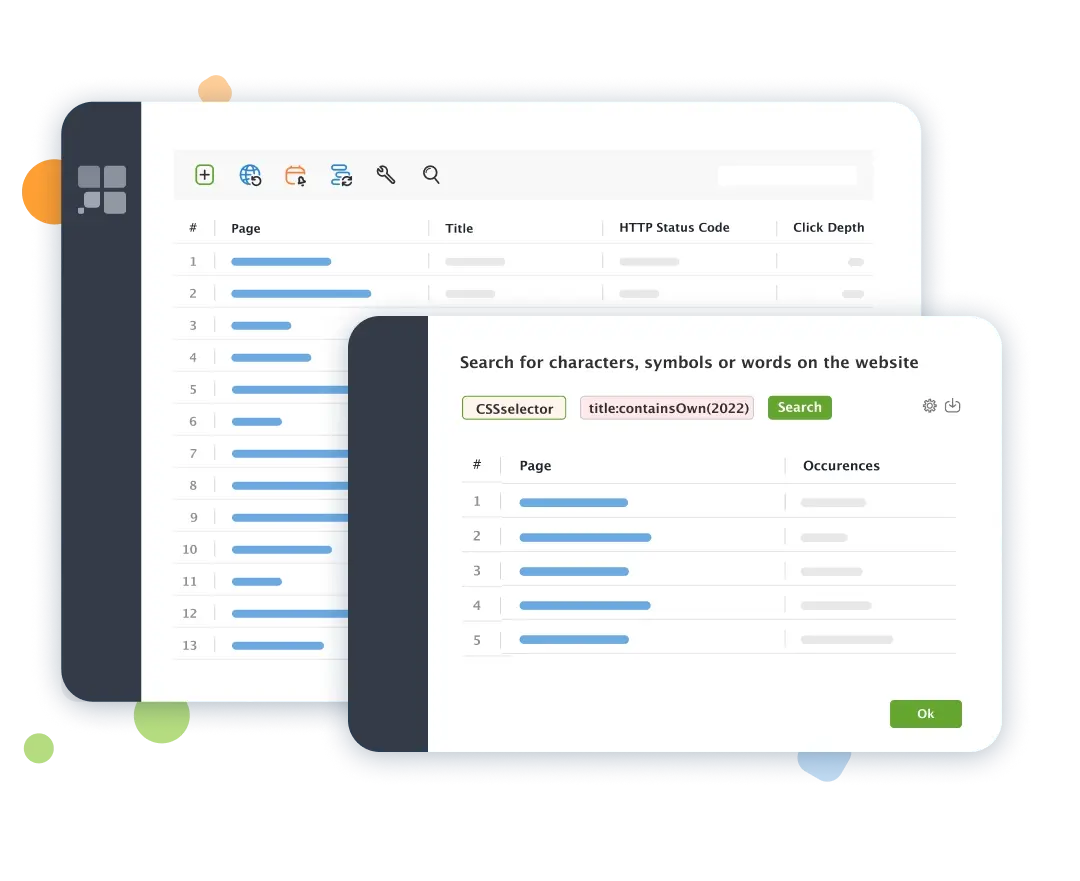
Advanced SEO audit tool for professionals
Free SEO audit tool for competitive analysis and content optimization
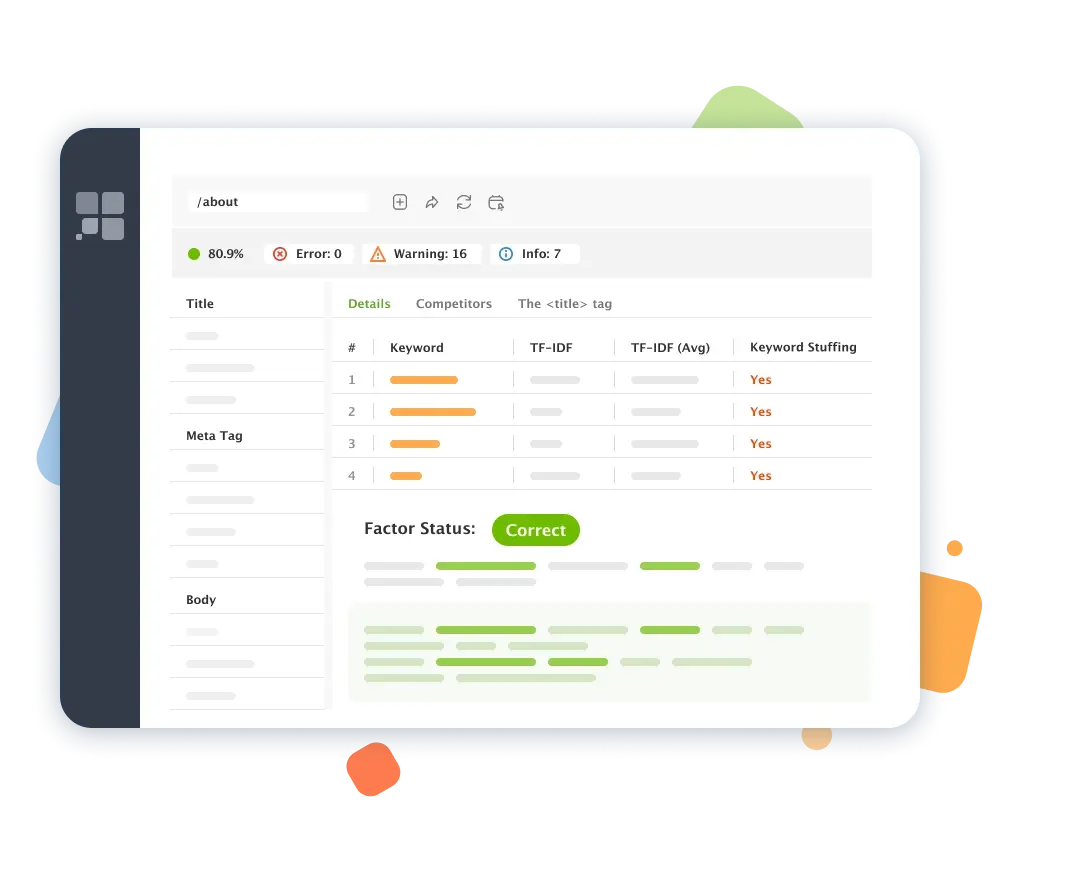
Run a smart on-page SEO audit
Use the free audit software to run a thorough SEO analysis of any page, from meta tags to loading speed and internal linking. Create landing pages that are perfectly optimized for organic search. Let the tool check your title tags and headings, link anchors, alt text for images, and tons of other stuff.
On top of that, the tool will calculate an SEO score indicating how well your page is optimized for the target keyword.
Download for FREEEnhance topic relevance with TF-IDF algorithm
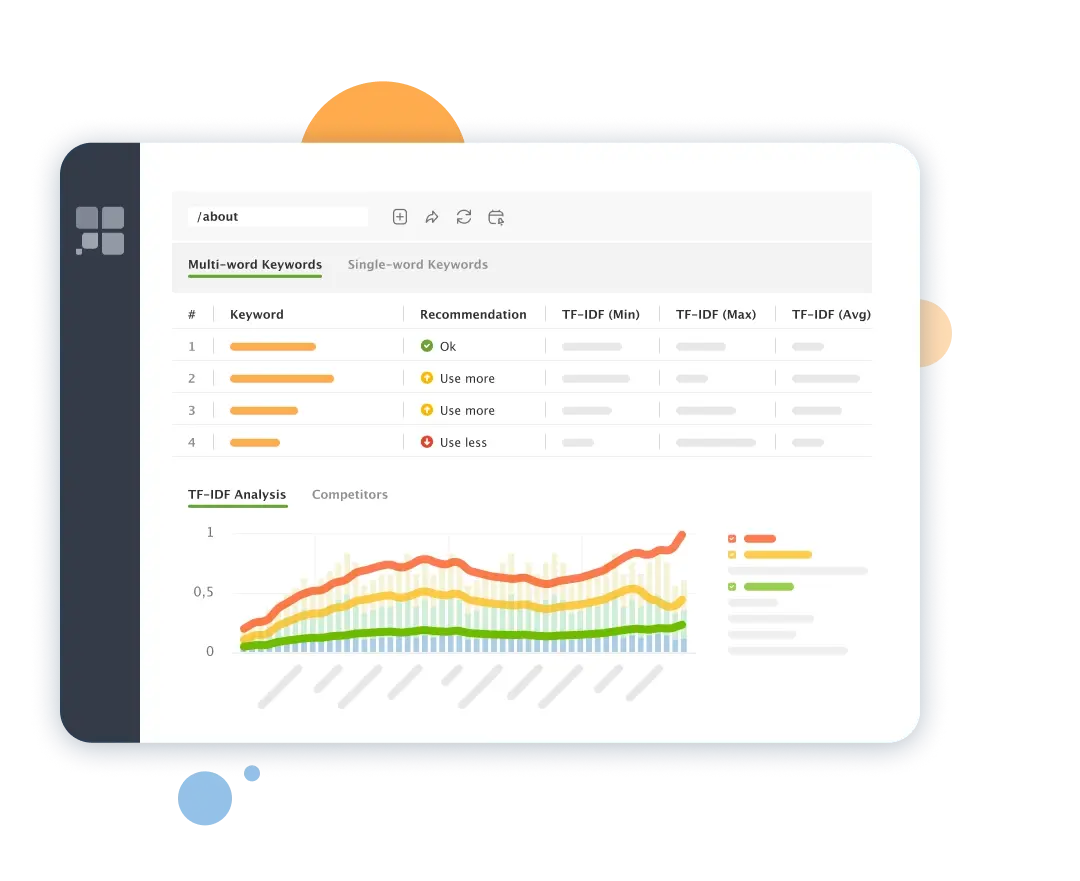
Optimize your pages for better performance in the era of semantic search. The TF-IDF dashboard built in the SEO audit tool helps improve your pages' topical relevance based on the analysis of top-ranking web pages.
The SEO audit tool finds dozens of topically relevant terms and gives tips on keyword usage in your content. The algorithm helps to fix keyword stuffing and cover topic gaps to increase a website's authority.
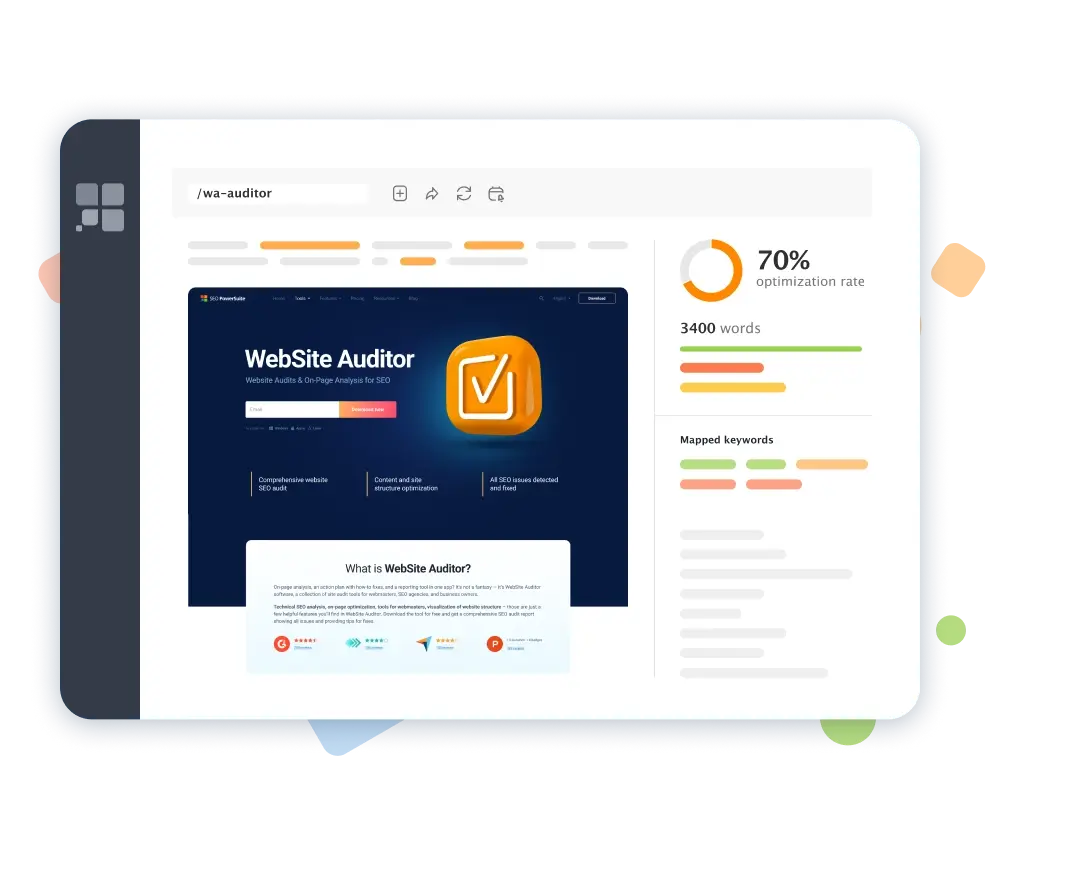
Optimize your content right in the app
WebSite Auditor not only analyzes your content. It lets you optimize pages without leaving the app — in a user-friendly WYSIWYG interface or HTML — with step-by-step advice as you type.
Write your pages' title and meta description tags and preview your Google snippet right in the workspace. Add recommended keywords to your text body and see how the SEO health score improves. Done optimizing? A single click will save the HTML copy to your hard drive, ready for upload.
Benefit from a sitewide content audit
Use the Keyword Map module to audit your landing pages and ranking keywords. Discover content gaps, detect cannibalized URLs, and employ tons more techniques with the help of competitive research tools in WebSite Auditor.
Finally, prioritize your tasks, write optimized content, finetune your SEO strategy, and get better results in search.
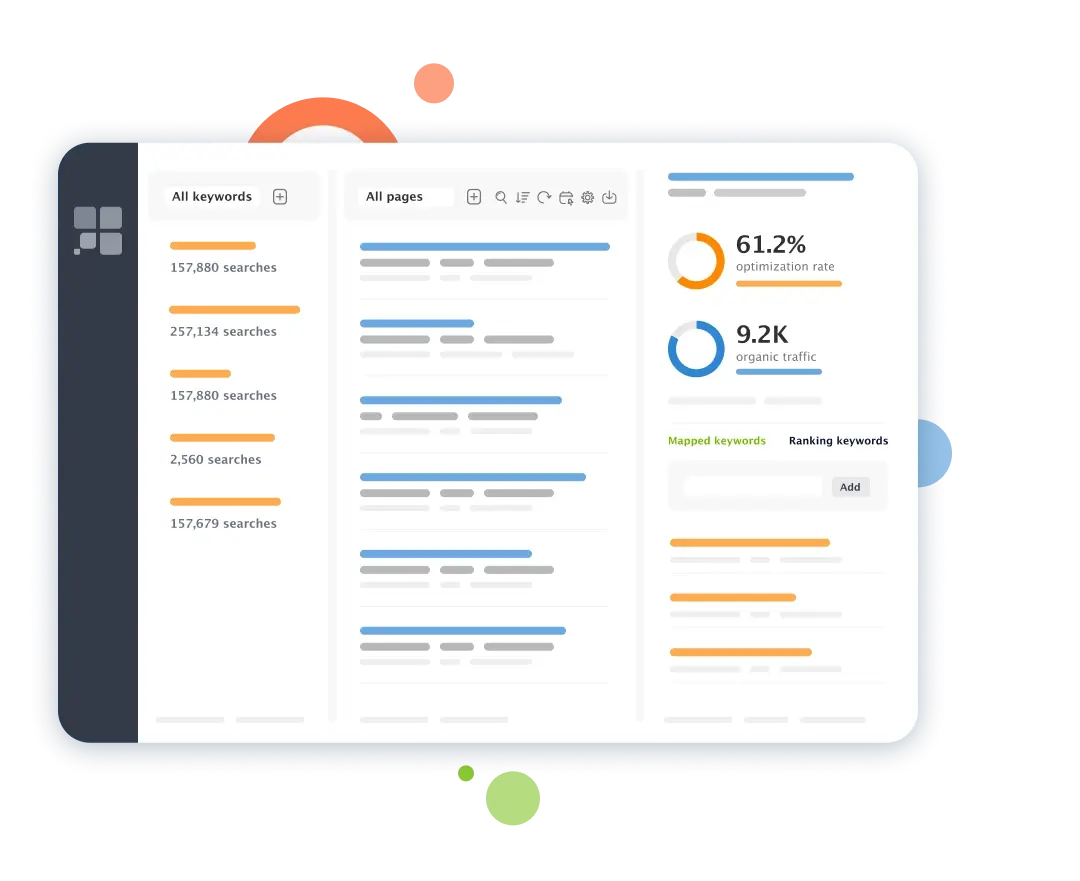
SEO audit tool with fully automated checkups


Run your free website analysis now No strings attached. No credit card required. Grab a free copy of WebSite Auditor and take it for an unlimited test drive.
FAQ about Website Audit Tool
What is an SEO audit?
What is the reason for a website audit?
How to do an SEO audit of a website?
Running an SEO audit is a step-by-step process of examining different aspects of a website's performance in search. These include a technical checkup, content audit, user experience assessment, link analysis, and competitive benchmarking.
An SEO audit should offer an action plan with tips on fixing errors and improving the website's SEO health. Website SEO checker tools, such as WebSite Auditor and Screaming Frog, help run through this process smoothly.