

What is SEO spider?
An SEO spider is a website crawler that scans your site the way search engine bots do. It follows links, checks pages and resources, and collects technical SEO data to show what may affect crawling, indexing, rankings, and user experience.
WebSite Auditor’s SEO Spider helps you audit every important part of your website — pages, links, redirects, images, JavaScript, CSS, PDFs, videos, response headers, structured data, hreflang, canonicals, robots directives, and more. Use it to find crawlability problems, fix broken resources, improve internal linking, understand your site structure, and create clear reports for your team or clients.
Run a technical SEO audit without missing hidden issues
See your website like Google, Bing, or Yandex
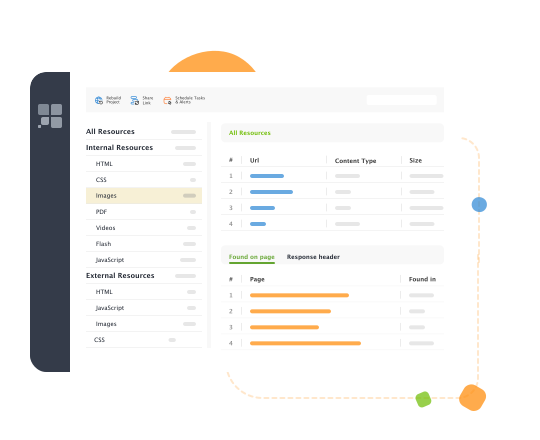
Search engines do not always see your site the same way users do. WebSite Auditor lets you crawl your site using different search engine bots, follow robots.txt instructions, and check whether important pages and resources are available for crawling.
You can also execute JavaScript to render dynamic pages and discover content or links that only appear after scripts load. This is especially useful for JavaScript-heavy websites, ecommerce stores, app-like sites, and modern frameworks where important content may not be visible in raw HTML.
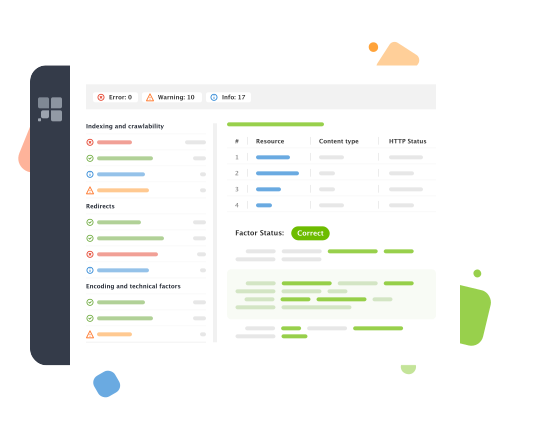
Find broken links, errors, and redirect chains
Broken links waste crawl budget, hurt user experience, and make technical audits harder to manage. WebSite Auditor helps you find 404 pages, server errors, broken images, and problematic external links.
You can also audit redirects in detail. Find temporary and permanent redirects, long redirect chains, loops, canonical targets, and meta refresh URLs, then export the affected URLs for developers or clients.
Improve titles, descriptions, and on-page signals
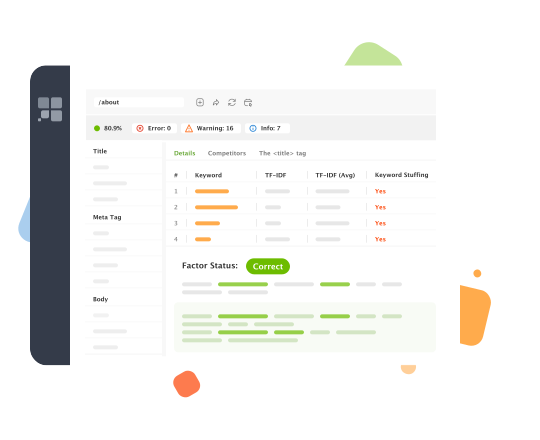
The crawler checks key on-page elements across your site, including titles, meta descriptions, headings, duplicate URLs, empty tags, and duplicate page elements.
Use this data to quickly find pages with missing metadata, repeated templates, low-quality page elements, or duplicated signals that make it harder for search engines to understand which page should rank.
Audit images and page resources
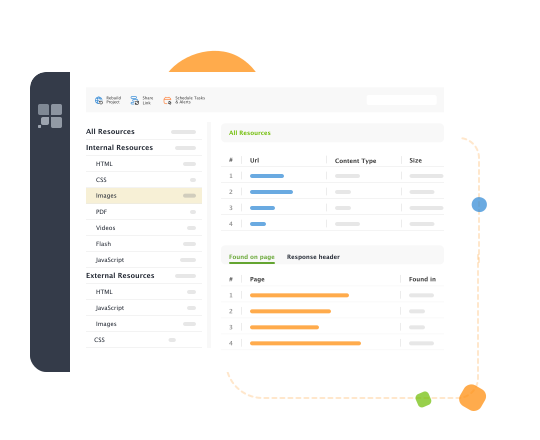
Images and page resources can quietly damage both SEO and UX. WebSite Auditor checks images for broken URLs and missing alt text, and helps you identify heavy resources that may slow pages down.
Because the crawler scans more than HTML, you can inspect the scripts, stylesheets, images, videos, PDFs, and external resources used on a page and quickly find what is causing technical problems.
Analyze internal linking and click depth
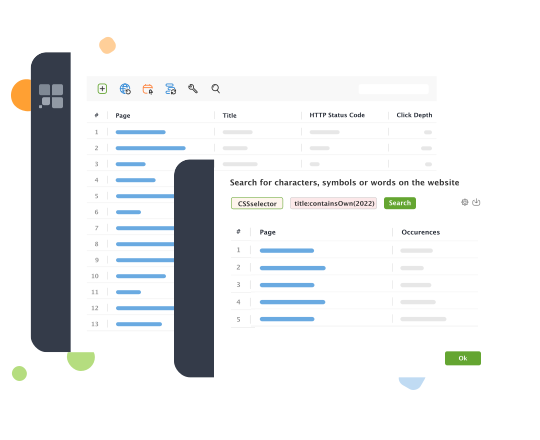
Internal links help search engines discover, prioritize, and understand your pages. WebSite Auditor shows how pages and resources are connected, which pages receive internal links, and which important URLs are buried too deep in the site structure.
Use click depth data to find pages that take too many clicks to reach from the homepage. Then improve your internal linking so important pages are easier for both users and search engines to find.
Visualize your website structure
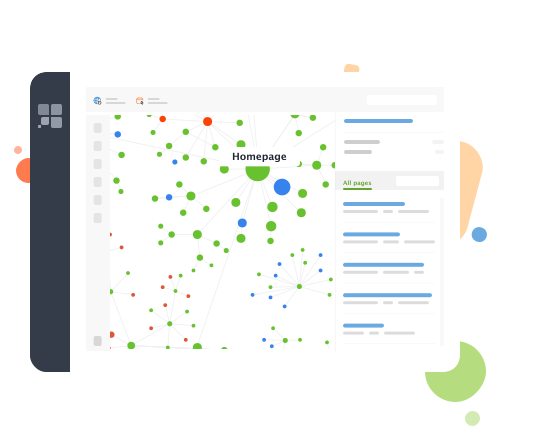
A table of URLs is useful. A visual map is faster to understand.
WebSite Auditor’s visual sitemap helps you see your site architecture, internal linking patterns, and page relationships. Use it to spot isolated sections, overly deep page groups, weakly linked pages, and structural problems after a migration, redesign, or large content expansion.
Improve Core Web Vitals with PageSpeed API integration
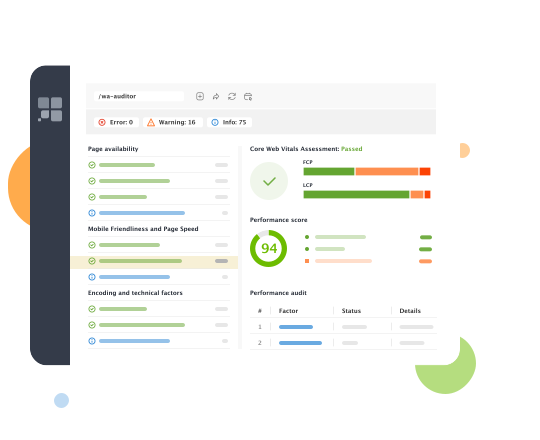
With a powerful Core Web Vitals module in WebSite Auditor, you can fix technical issues affecting site speed and overall site performance. Add the PageSpeed API key, run the website audit, and see how many pages fail to pass the Core Web Vitals assessment.
The website analysis report will show how many URLs have a poor Performance Score and what page speed issues need to be fixed. The bulk overview of all tech SEO issues and in-depth data from PageSpeed Insights is here for you in an easy-to-navigate workspace.
Generate XML sitemaps and robots.txt files
A crawl can reveal what is wrong. WebSite Auditor also helps you prepare the files that guide search engines through your site.
Use the tool to generate XML sitemaps, review robots.txt rules, create robots directives, and upload files via FTP when you are ready to update your site.
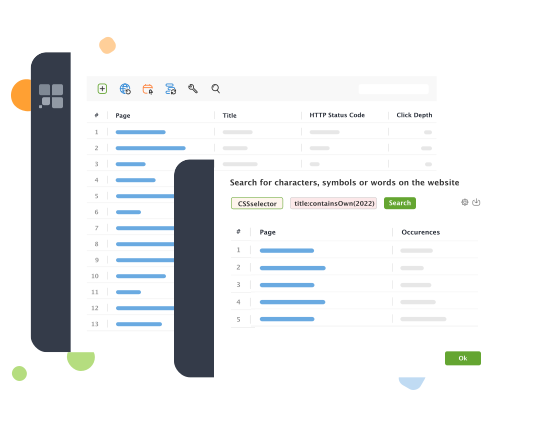
Use custom search and extraction
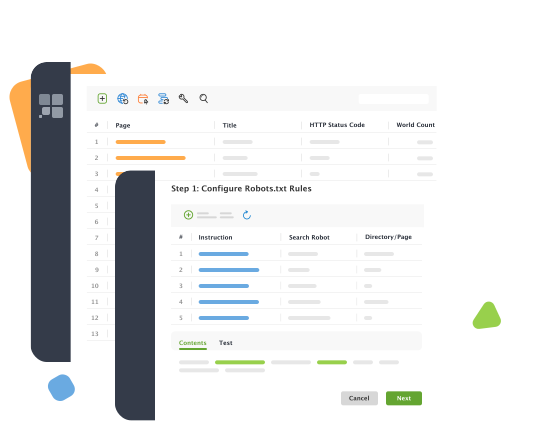
Need to find every page that contains a specific script, tag, plugin, tracking code, phrase, heading, CSS selector, or HTML element?
WebSite Auditor’s Custom Search lets you look for any piece of content across your website. SEOs, developers, and site owners can use it to check analytics tags, find outdated code, locate templates, audit CMS elements, or extract specific data from pages.
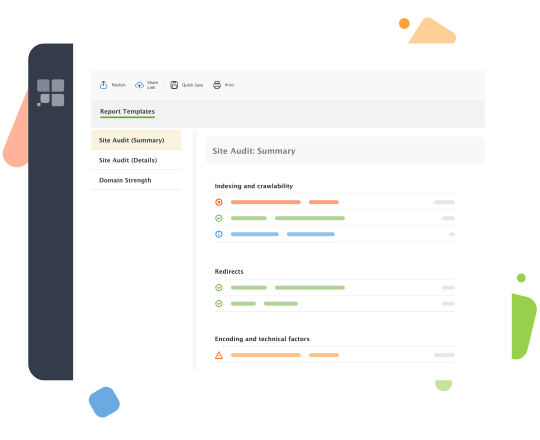
Turn crawl data into reports your team can use
Technical SEO work should not end with a spreadsheet full of URLs. WebSite Auditor helps you organize audit findings, export data, schedule recurring checks, and create reports for clients, developers, or internal teams.
Use scheduled audits to monitor technical health over time and catch new problems before they hurt rankings.
Crawl advanced websites with flexible settings
Everything you need for a complete technical SEO crawl
Free SEO spider download
FAQ
What is an SEO spider tool?
How does WebSite Auditor’s SEO Spider work?
Can I crawl JavaScript websites?
Yes. WebSite Auditor can execute JavaScript and crawl dynamically generated content, including copy and links that appear after rendering.