131609
•
9-minute read


When an important page disappears, a competitor removes valuable content, or you need to understand how a ranking page looked months ago, the Wayback Machine is usually the first place to check.
The problem is that it doesn't always have the data you need.
Missing snapshots, incomplete page captures, and limitations around dynamic content can make historical website research surprisingly difficult. For SEO professionals, marketers, researchers, and content teams, relying on a single archive source often means missing valuable context.


That's why many professionals use additional website archiving tools alongside—or instead of—the Wayback Machine.
In this guide, we'll compare 15 Wayback Machine alternatives and explain where each tool excels, whether you're recovering lost content, analyzing competitors, preserving web pages, or conducting historical website research.
Arthur Andreyev is the CMO and a seasoned content strategist with a passion for making SEO practical and results-driven. He blends over a decade of marketing expertise with a deep understanding of search algorithms to craft strategies that help businesses stand out in competitive markets. At SEO PowerSuite, Arthur leads the marketing vision, drives content strategy, and shares actionable insights on ranking higher, faster. Outside of work, he’s an avid traveler and coffee enthusiast, always on the hunt for the next great brew.
The Wayback Machine, part of the Internet Archive, allows users to view past versions of websites. Since its launch in 2001, it has stored billions of snapshots, making it one of the largest digital archives.
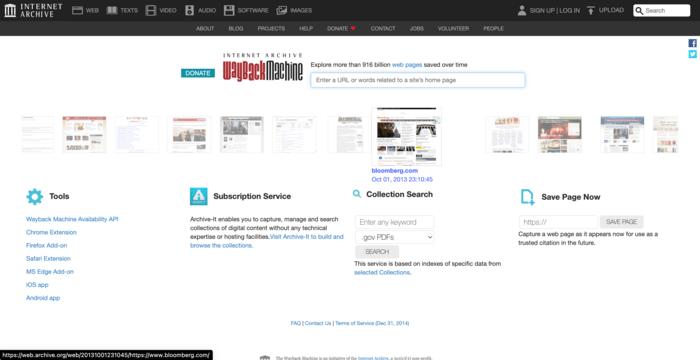
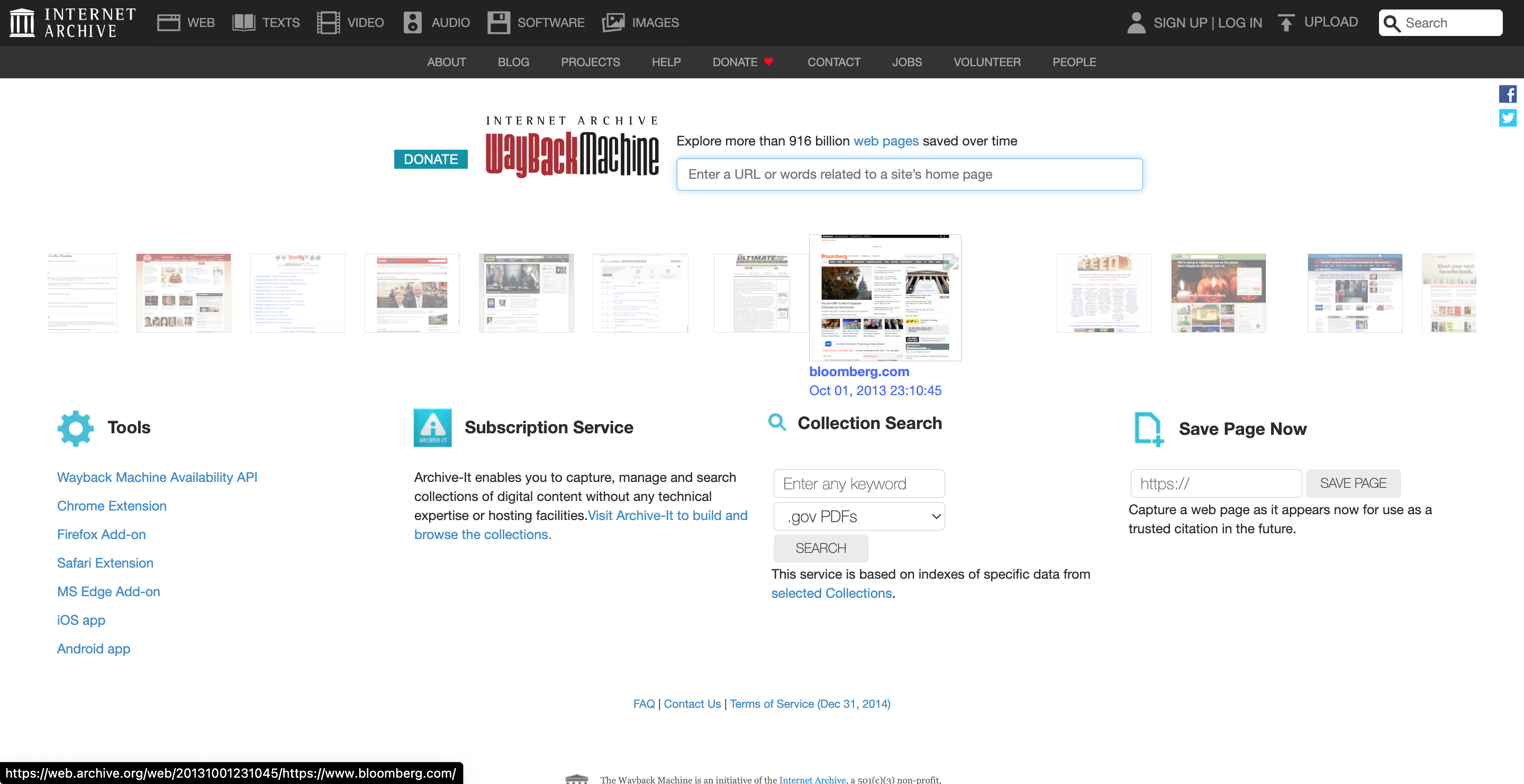
For researchers, journalists, and everyday users, it’s a powerful tool for revisiting deleted or updated web pages.
However, the Wayback Machine has limitations. Not every site is archived consistently, and certain pages may be missing.
Sometimes, websites opt out of being archived, and snapshot frequency can vary. These issues, combined with occasional slow load times, lead users to seek alternative options that better meet their specific needs.
When searching for an alternative to the Wayback Machine, it’s helpful to consider what features are most important for your needs. Not all archiving tools work the same way, so having a clear idea of what you’re looking for can make your choice easier.
One key factor is the frequency of snapshots. Some services archive web pages more frequently than others, which is useful if you need up-to-date records. Another aspect to consider is the depth of archiving. While some tools capture only the main page, others store more detailed elements like images and linked content.
Ease of access is also essential. If you’re archiving pages for research, compliance, or legal reasons, having a user-friendly interface can save time. Finally, think about whether you need real-time archiving or on-demand snapshots, as some alternatives offer more flexibility in this area.



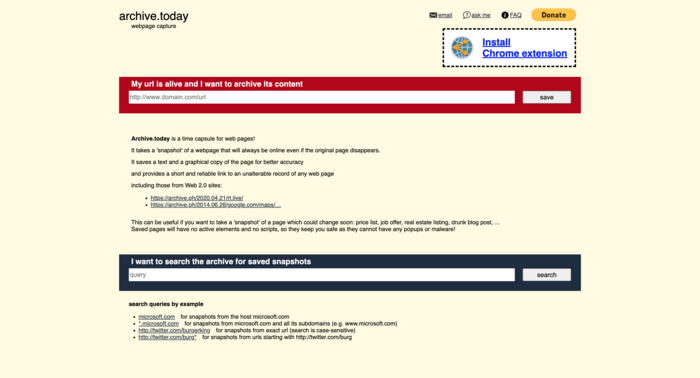
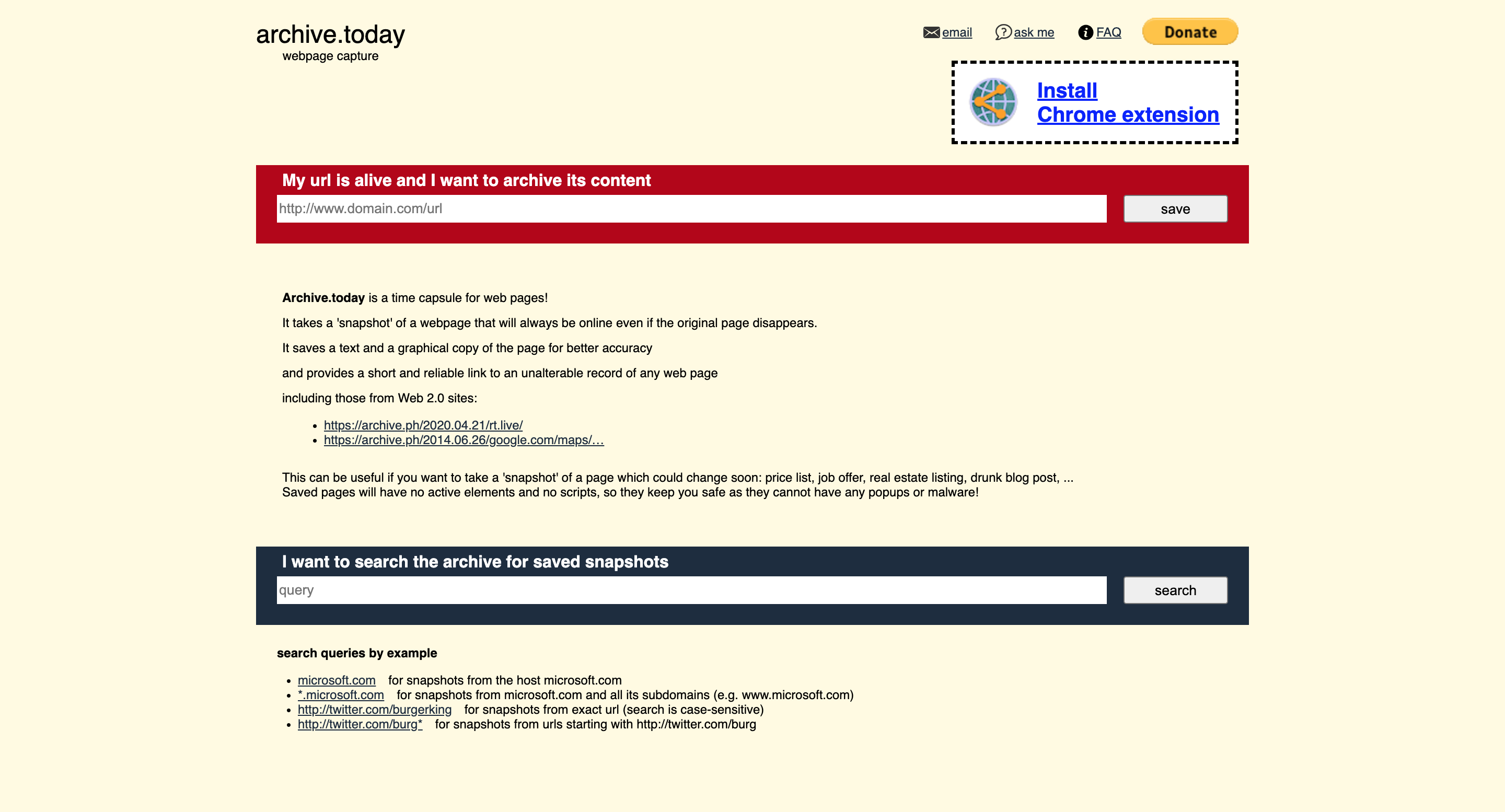
Archive.today, also known as Archive.is, is a straightforward, no-frills web archiving tool. Unlike the Wayback Machine, it allows users to save a webpage instantly and creates a permanent record of that page as it looked at that moment. This service is popular for preserving content that might change or disappear.
One unique feature of Archive.today is its ability to capture pages that might not be saved by other tools. Users can save snapshots manually, which is especially helpful for pages that update frequently. It also provides two versions of the saved page: a static copy and an interactive version that includes clickable links.
While it lacks the extensive historical archive of the Wayback Machine, Archive.today is reliable for on-demand archiving. This tool is commonly used by researchers and journalists looking to preserve online content as it appears in real-time.

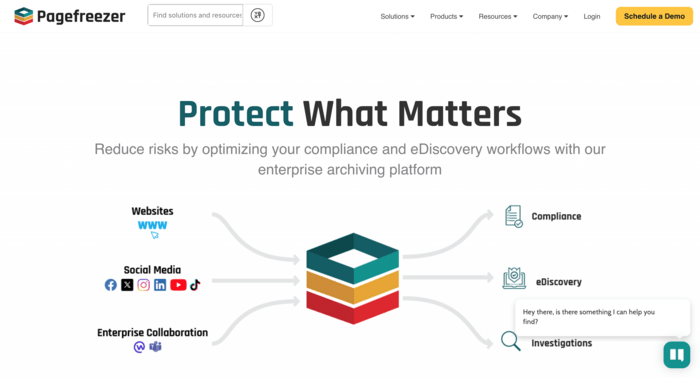
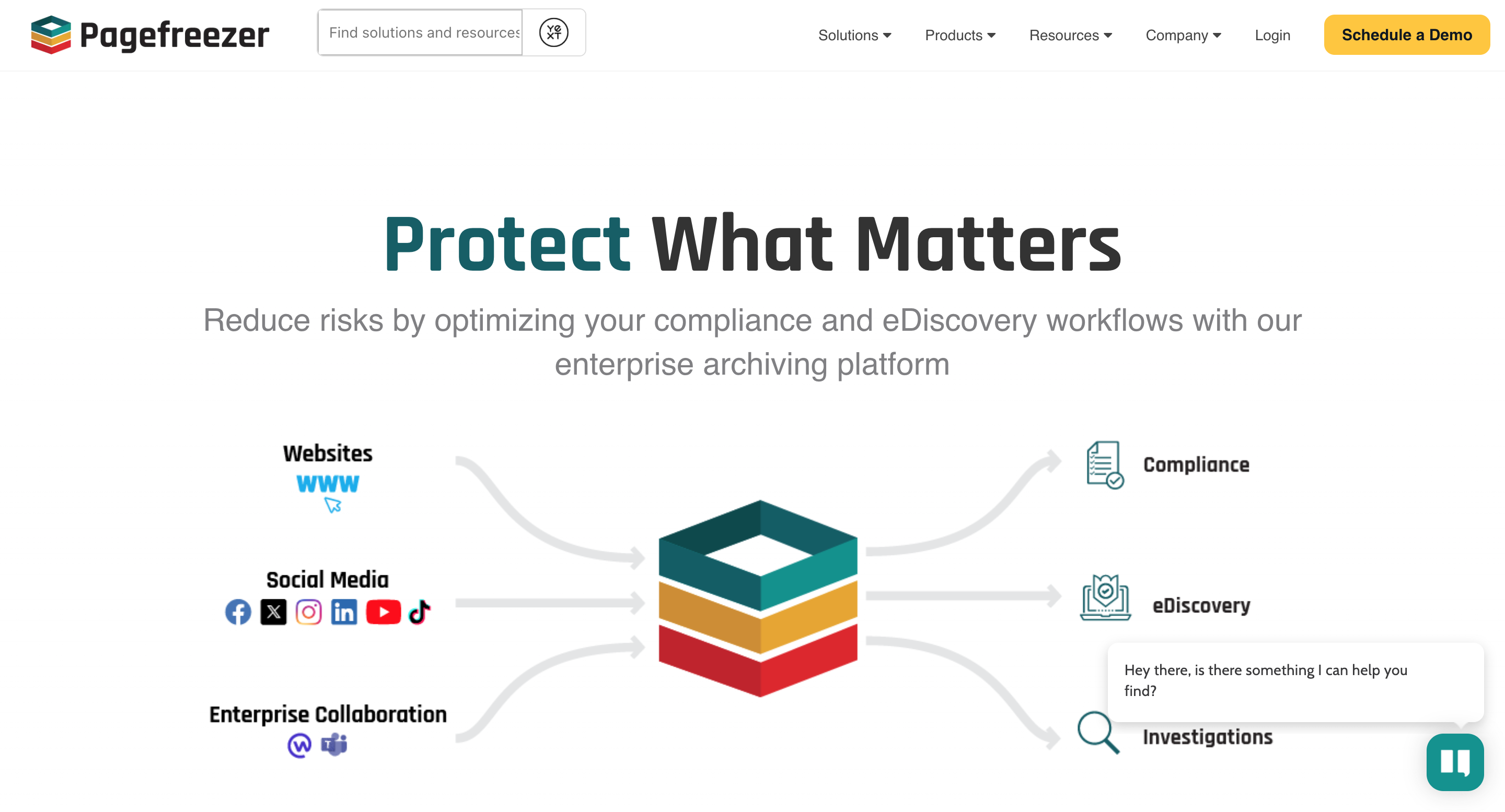
Pagefreezer is a web archiving solution tailored for businesses, especially those needing to meet compliance or legal standards. Unlike public tools, it offers secure, real-time archiving of websites, social media, and even enterprise communications. For industries with strict regulations, like finance or government, Pagefreezer ensures that all online content is preserved accurately and can be accessed when needed.
One key advantage of Pagefreezer is its real-time, automated archiving. This means users don’t have to manually save pages; the tool captures changes continuously. Additionally, it provides a certified record of web content, which is useful in audits or legal cases where the authenticity of data is critical.
Although Pagefreezer comes with a subscription cost, it’s ideal for organizations requiring consistent, legally compliant archiving. For businesses, this can be a more dependable solution than the Wayback Machine, which isn’t tailored for compliance.
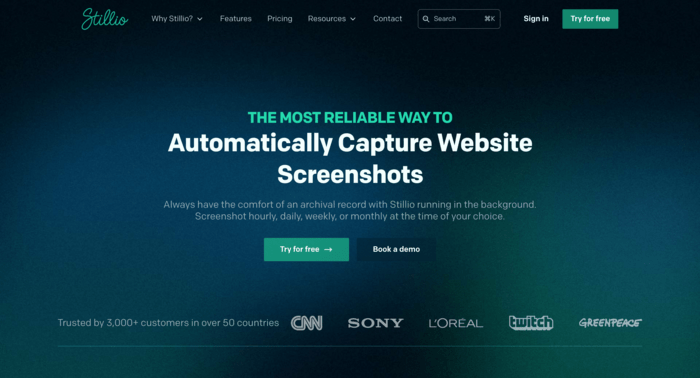
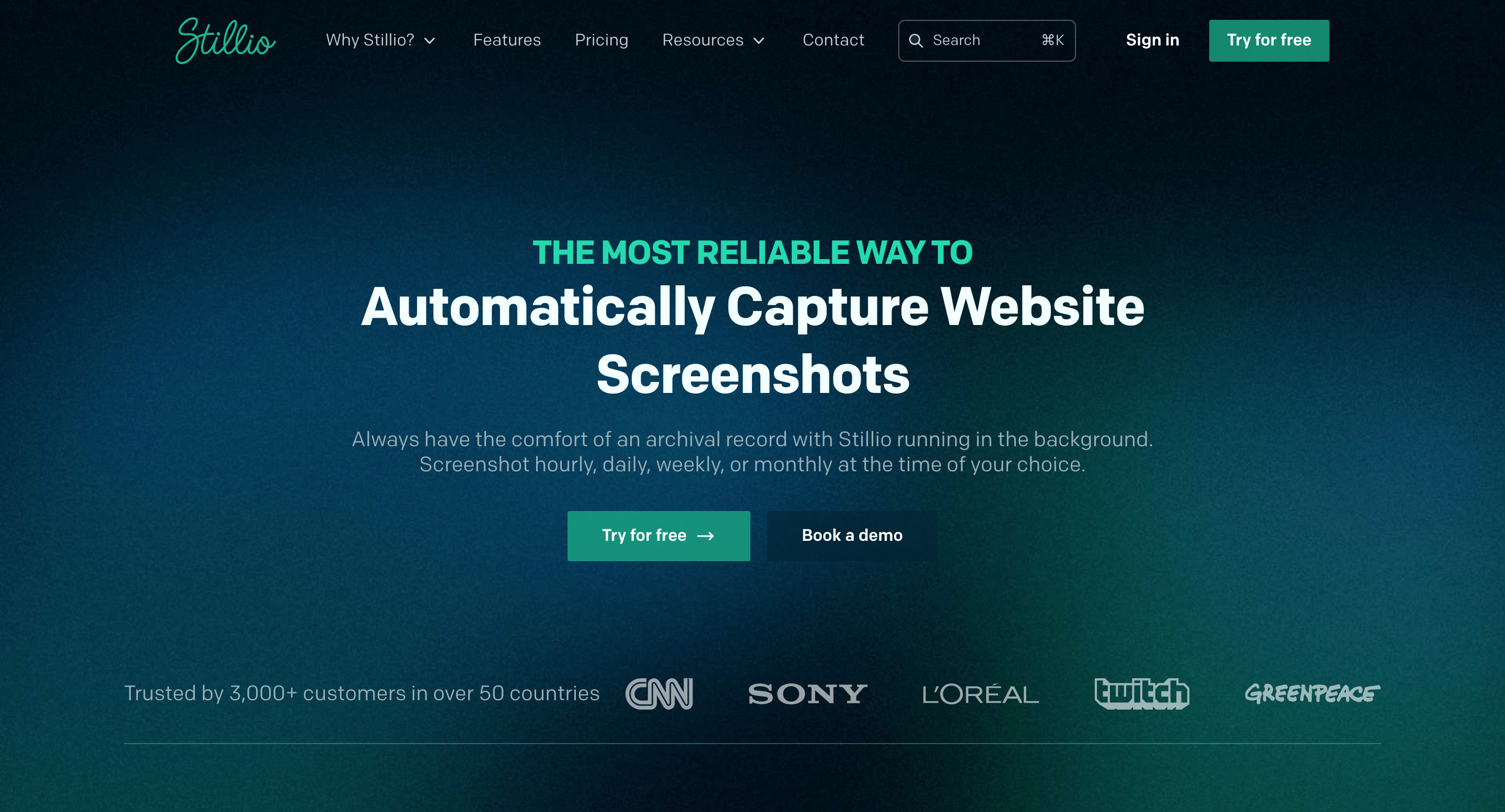
Stillio is designed for users who need regular, automated snapshots of specific web pages. This tool allows users to schedule snapshots at intervals that suit their needs—daily, weekly, monthly, or even hourly. It’s particularly popular with businesses and marketers who want to track changes on specific web pages over time.
Stillio offers features that let users customize the frequency and format of snapshots. For example, if you’re monitoring competitors’ pages or keeping records for compliance, Stillio can be set to capture updates automatically. Users can also archive content in formats like PDFs, making it easy to store and share records.
Compared to the Wayback Machine, Stillio’s automatic archiving provides more control, especially if you need regular updates without manual effort. Although it’s a paid service, its flexibility makes it ideal for professional use cases where frequent snapshots are essential.
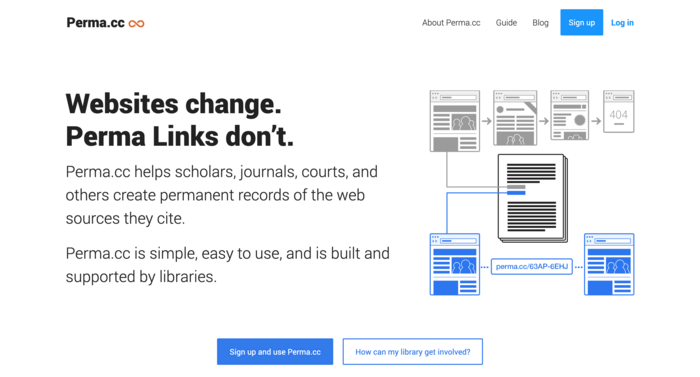
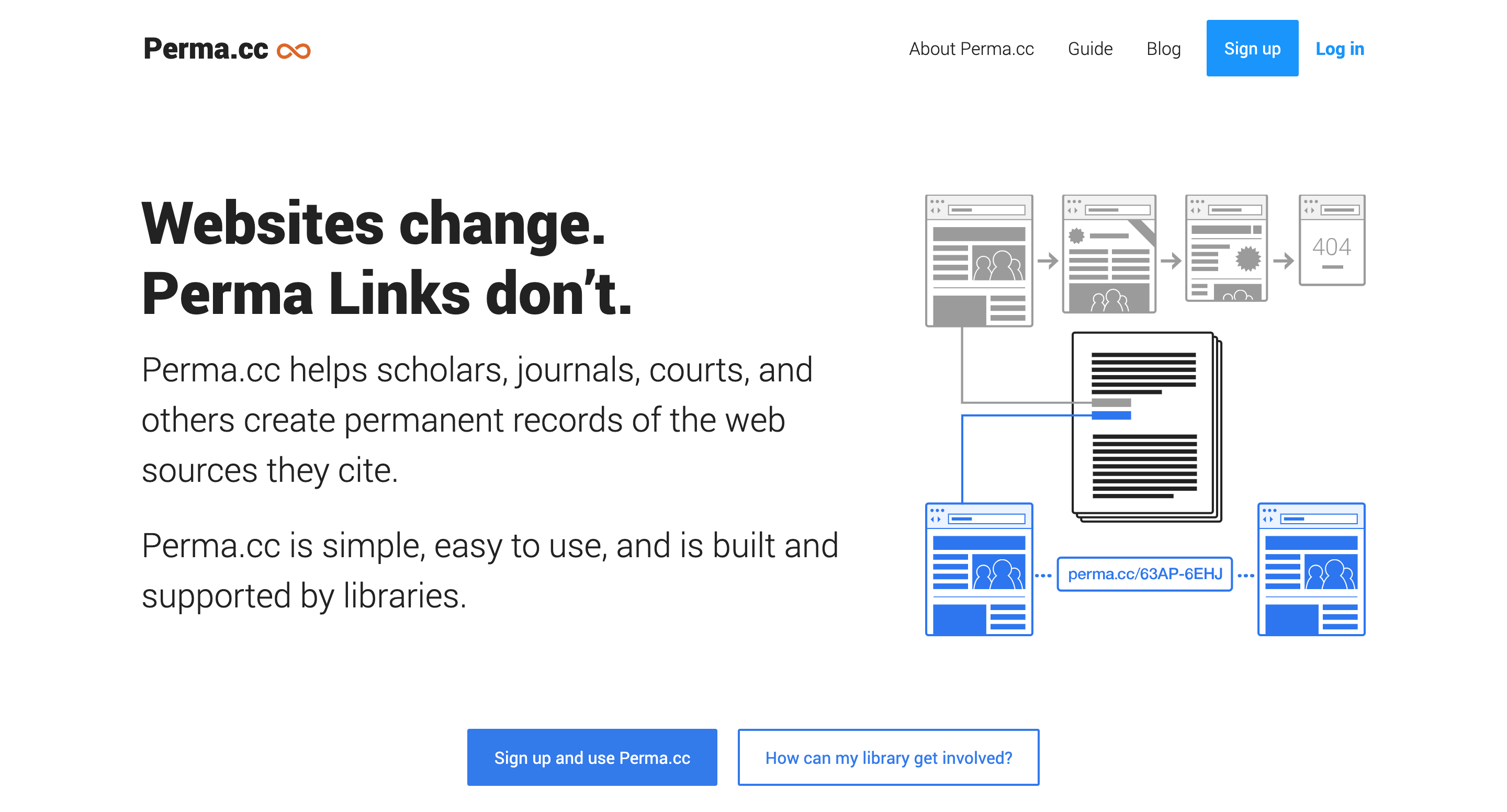
Perma.cc was developed to address the issue of “link rot,” where links in academic and legal documents become inaccessible over time. This tool creates permanent, unchangeable links to web pages, preserving content exactly as it appeared at the time it was archived. Perma.cc is widely used in universities, legal institutions, and libraries.
One of the unique features of Perma.cc is that it’s specifically designed to prevent broken links in citations. Users can generate a stable link that redirects to a saved, archived page, which helps maintain the integrity of scholarly and legal references.
While it isn’t a broad archiving tool like the Wayback Machine, Perma.cc is excellent for citation purposes and preserving critical information for research. Free accounts are available for personal use, while institutions can set up subscription accounts to support larger archiving needs.
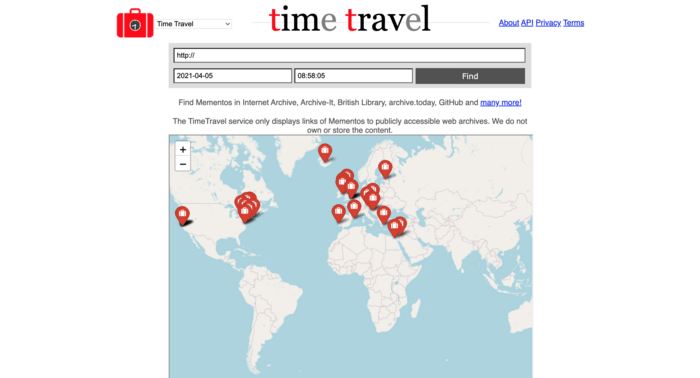
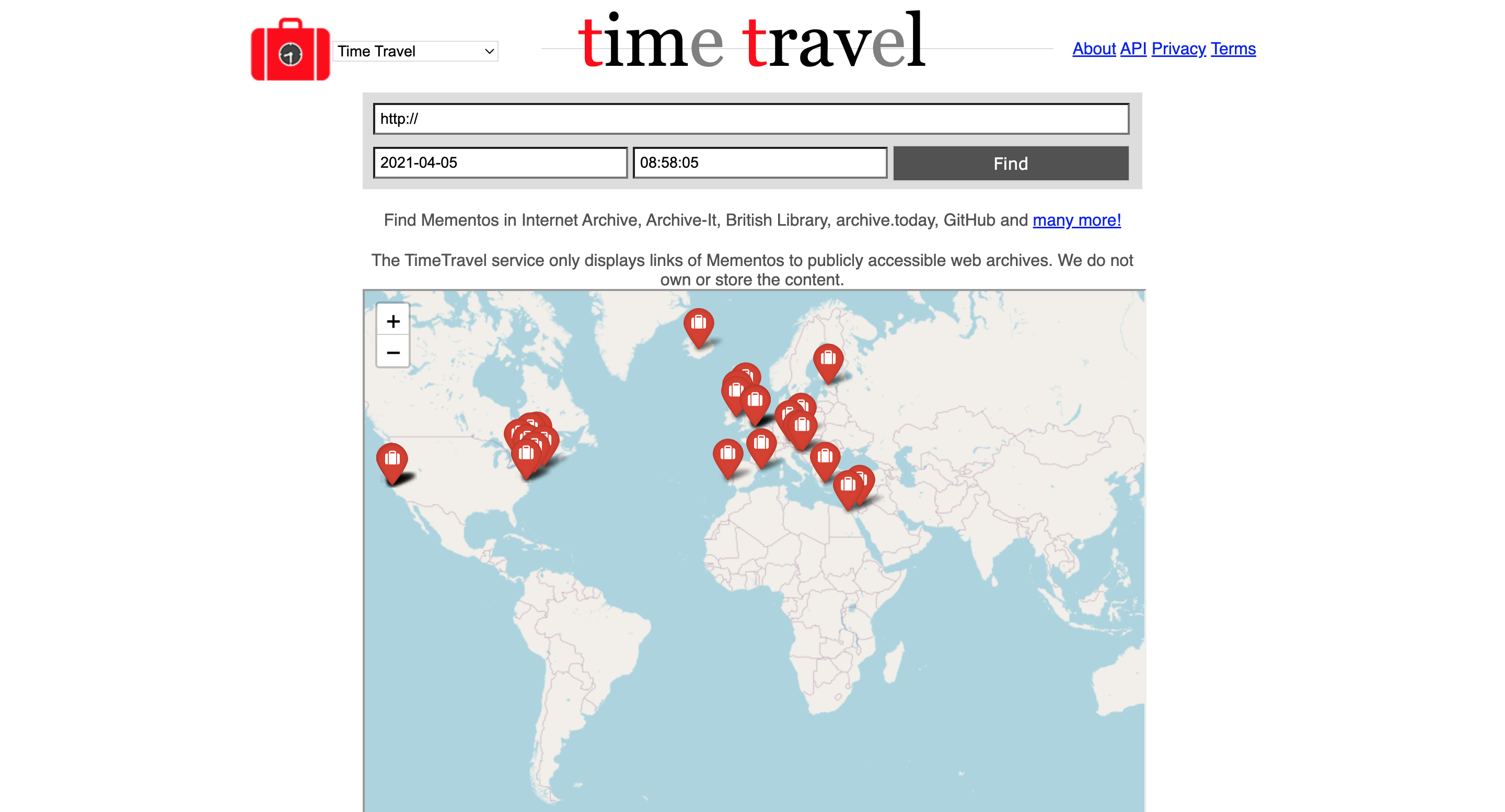
Memento Time Travel is a unique archiving tool that aggregates archived web pages from various sources, including the Wayback Machine, Archive.today, and other archives. Instead of being a standalone archiving service, Memento acts as a search tool that helps users find available snapshots of a page across multiple archives.
The main advantage of Memento is its “Time Travel” feature, which lets users locate specific versions of a webpage from different points in time by pulling results from multiple archives. This is especially useful if a page isn’t available in one archive but might be preserved in another.
For users who need a comprehensive view of a page’s history across several archives, Memento Time Travel offers flexibility and coverage that single-archive tools can’t provide. It’s free to use and ideal for those wanting to explore archived content from multiple sources without checking each archive manually.
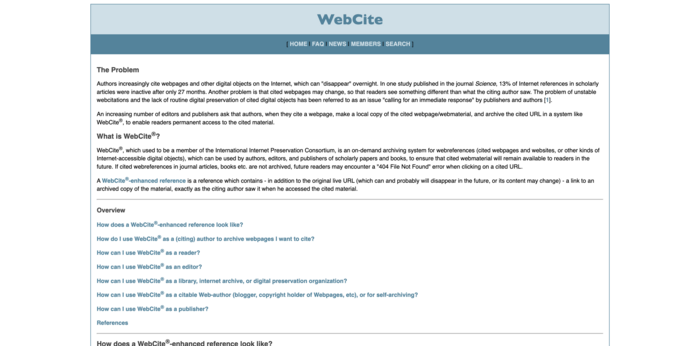
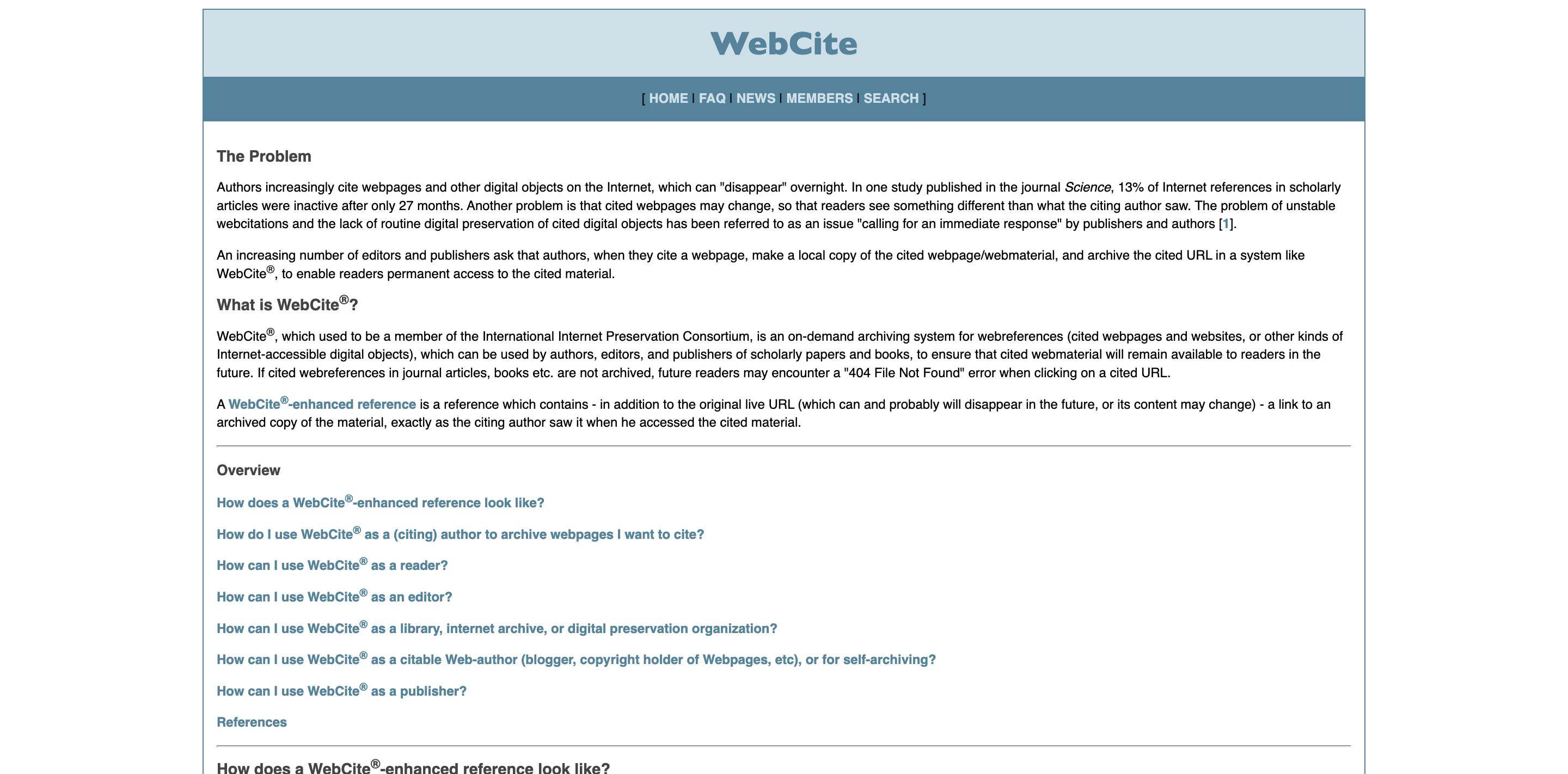
WebCite is an on-demand archiving service tailored to academic and scholarly needs. It allows users to archive specific web pages, creating permanent links for citations. Widely used in research and academia, WebCite helps prevent “link rot” by providing a stable reference to the original content as it appeared when archived.
One standout feature of WebCite is that it enables authors and publishers to preserve sources at the time of reference. This helps maintain the integrity of citations in scholarly work, especially when sources are updated or removed over time.
While WebCite’s availability has occasionally been inconsistent, it remains a popular choice for those in academia who need to create reliable, long-lasting links. Compared to the Wayback Machine, it’s more suited to preserving individual pages for research purposes.
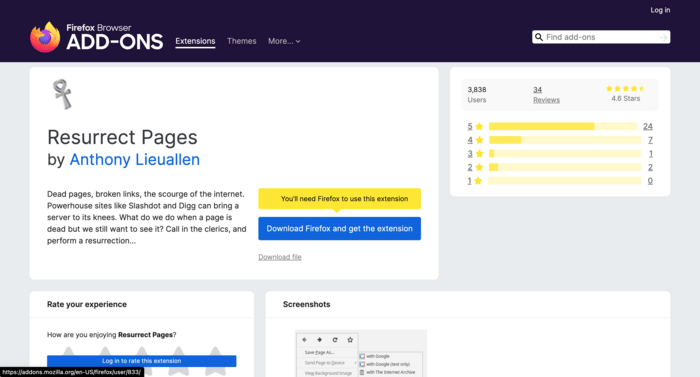
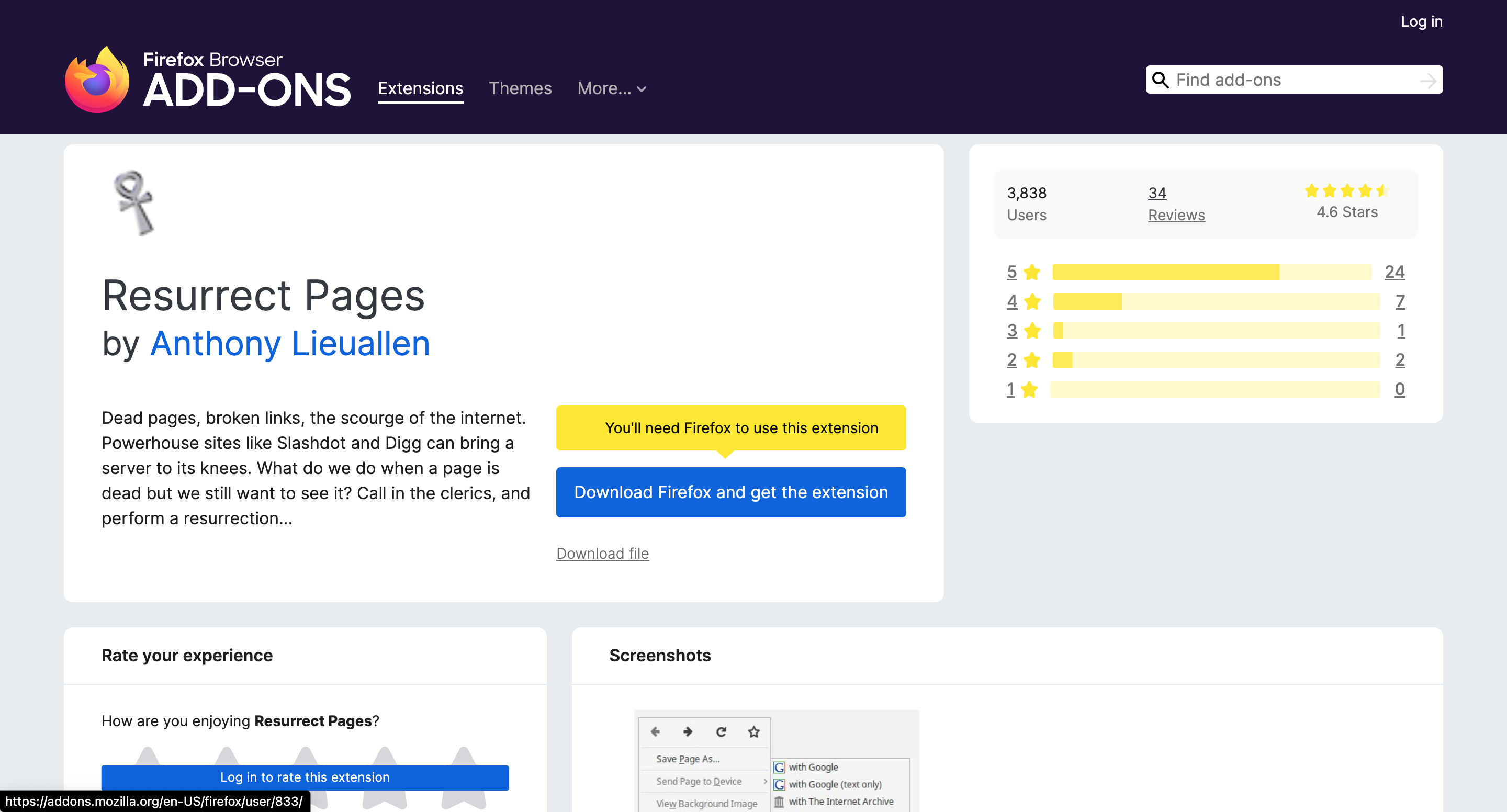
Resurrect Pages is a handy browser extension that helps users access archived versions of web pages from multiple sources. When a page is unavailable—due to a server issue or because it’s been removed—this extension offers links to various archives, including the Wayback Machine, Archive.today, and others.
The key advantage of Resurrect Pages is its convenience. Instead of manually visiting different archives, users can instantly access an archived version with a right-click in their browser. This tool is especially useful for researchers or anyone frequently encountering broken or missing pages online.
While Resurrect Pages doesn’t create new archives, it simplifies the process of finding archived pages across different sources. It’s a practical alternative to the Wayback Machine for quick access to preserved content when browsing the web.
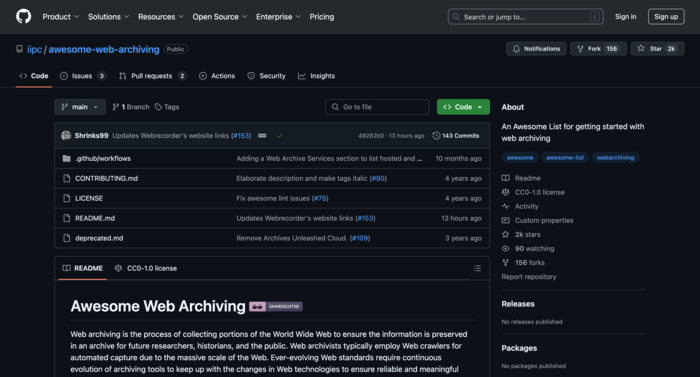
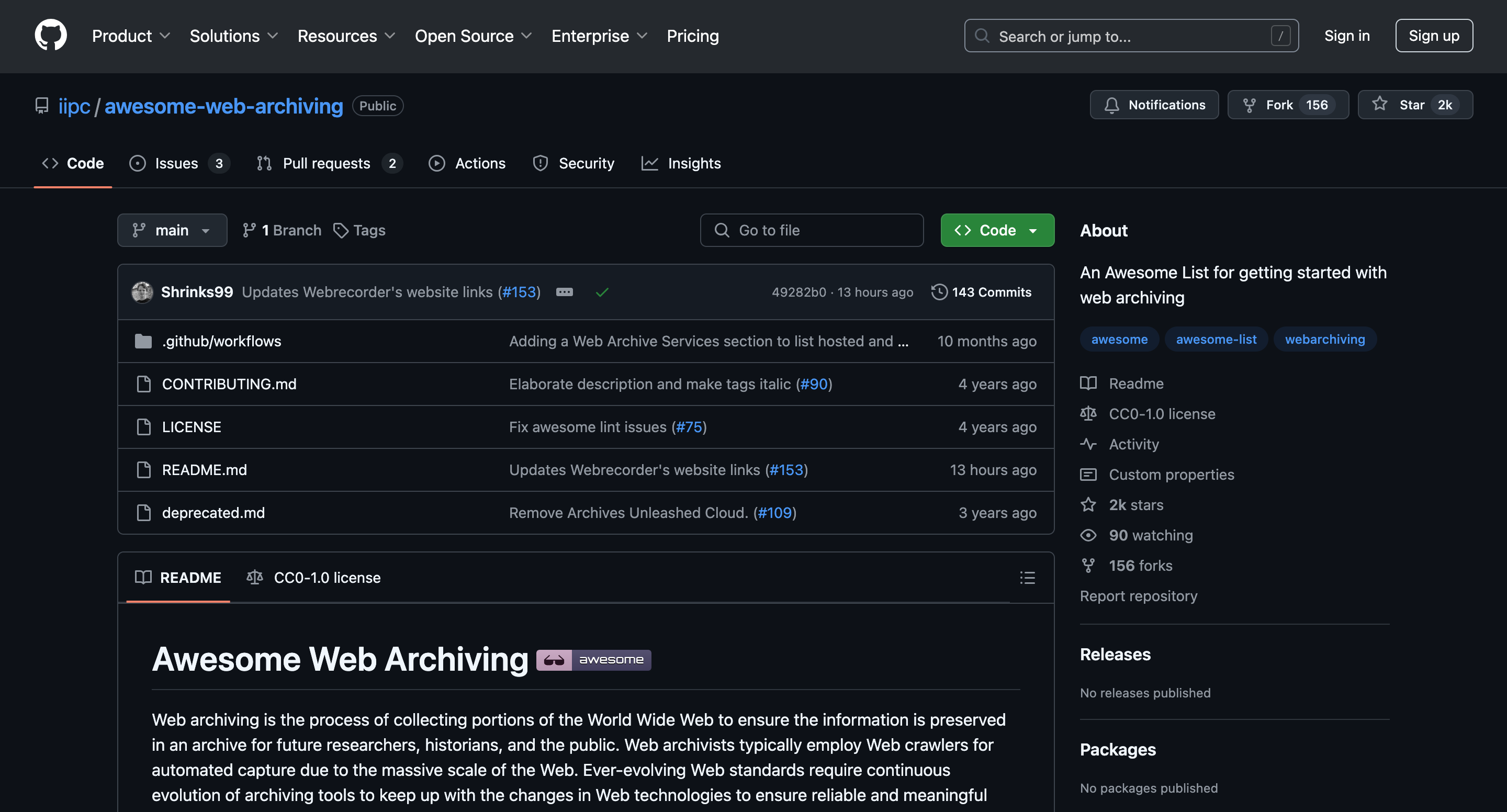
GitHub may not be a traditional archiving tool, but it’s increasingly used for preserving web content, especially by developers and technical users. Through GitHub, users can create repositories that store snapshots or even entire copies of specific web pages. This is particularly useful for open-source projects and web content that needs to be accessed or referenced by a specific community.
Developers often use GitHub to archive code, documentation, and other web resources that might be taken down or altered. By storing content on GitHub, users can also collaborate on archiving efforts, ensuring that important information remains accessible.
While not a direct alternative to the Wayback Machine, GitHub is a valuable tool for anyone needing customizable, technical web archiving. It’s a practical solution for tech-savvy users who require control over how and what they archive.
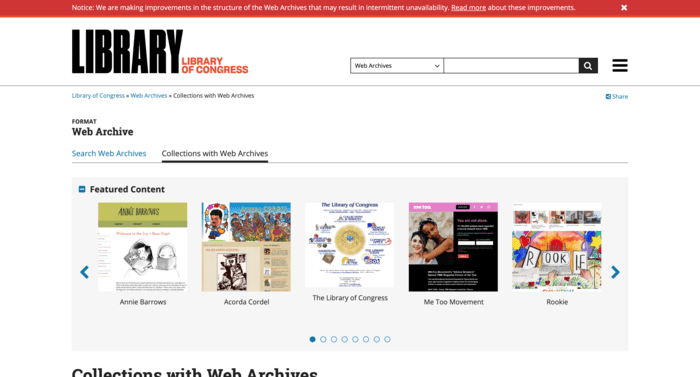
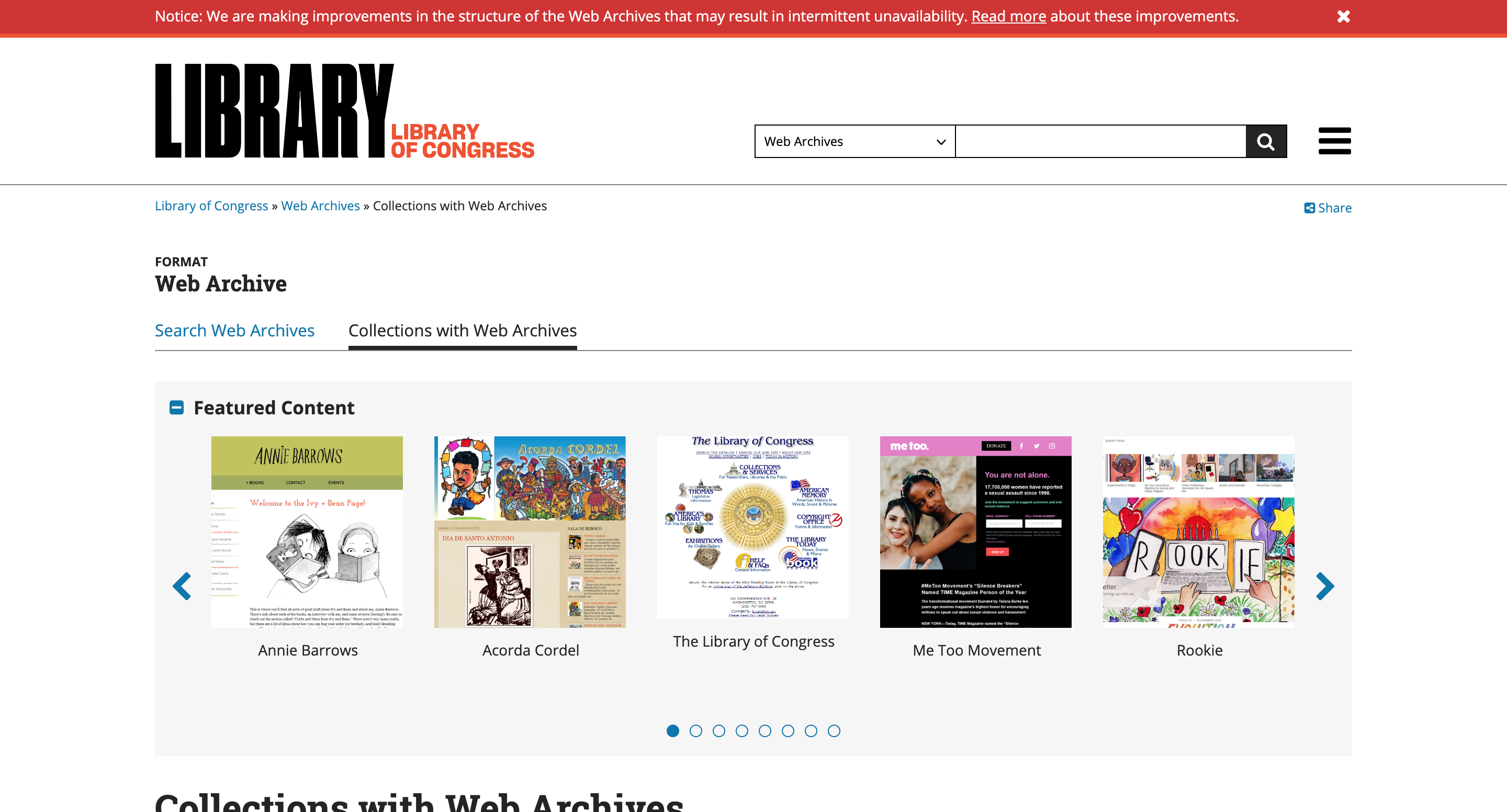
The Library of Congress Web Archives offers a rich collection of archived websites, particularly those related to U.S. history and cultural heritage. Unlike other archives that focus on broad web coverage, this archive selectively preserves content deemed significant for historical and cultural research.
One unique feature of this archive is its focus on preserving web content related to public policy, political events, and important historical records. It’s a valuable resource for researchers, historians, and anyone looking to explore the digital history of the United States and beyond.
Though not as comprehensive as the Wayback Machine in terms of page variety, the Library of Congress Web Archives provides deep, curated access to historically relevant web content. It’s freely accessible and ideal for those interested in studying major historical events through archived online materials.
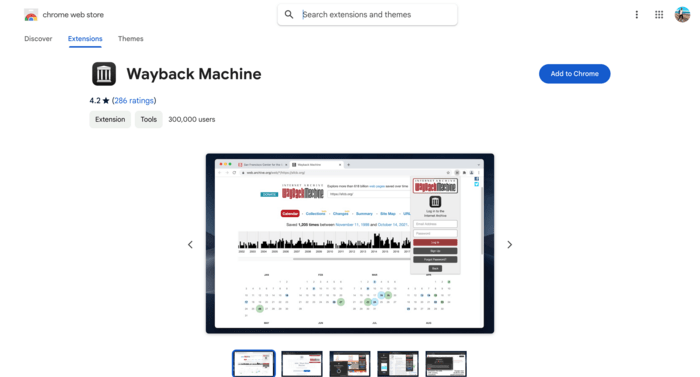
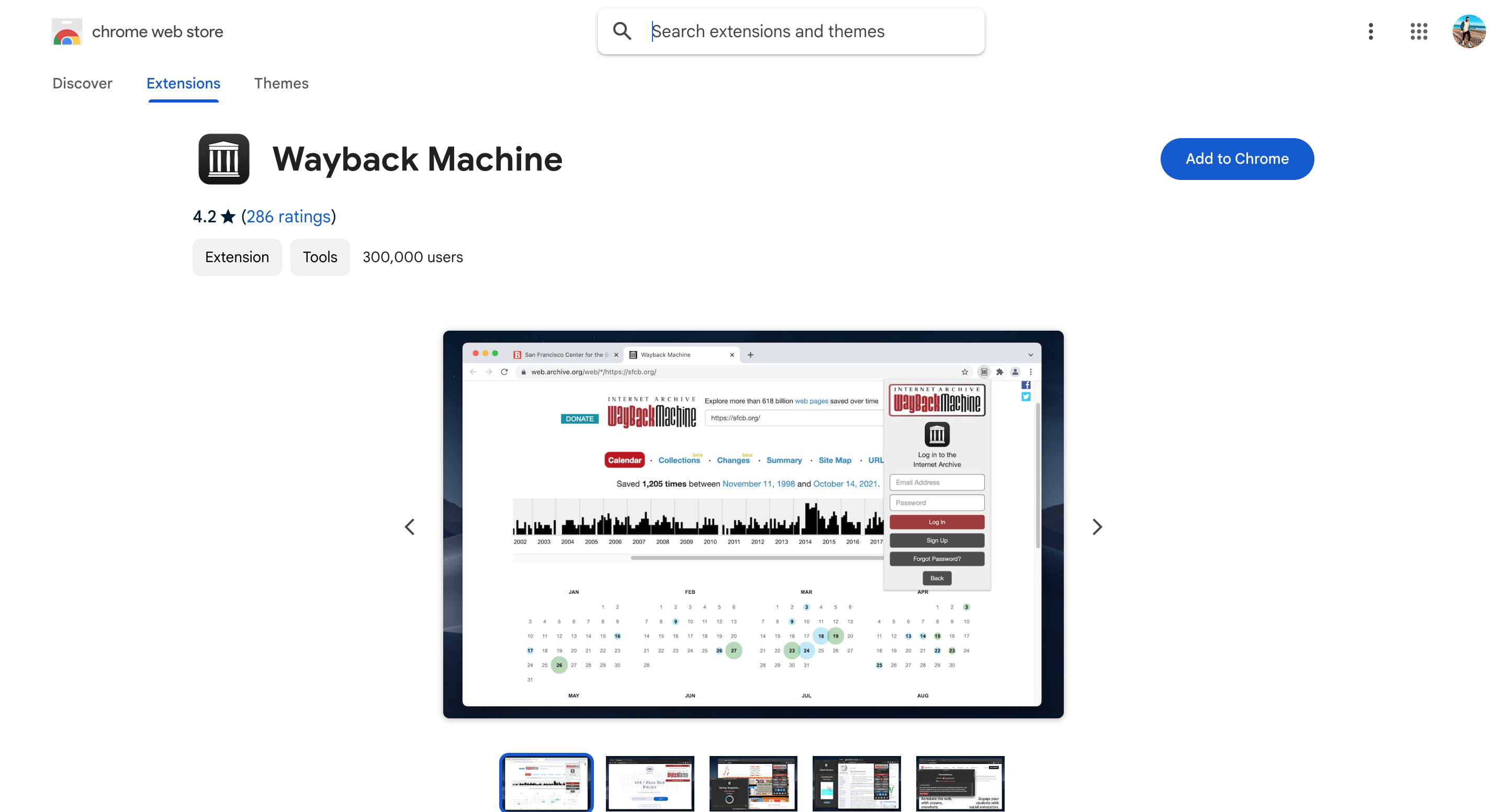
The Wayback Extension for Chrome is a convenient browser tool that lets users access archived versions of web pages with a single click. This extension scans multiple web archives, including the Wayback Machine, Archive.today, and others, to find the best available snapshot when a page is down or has been removed.
One of the key benefits of this extension is its simplicity. Users can quickly locate archived pages without needing to visit each archive individually. It’s especially helpful for those who frequently encounter broken links or need to retrieve outdated content during web browsing.
While it doesn’t create new archives, the Wayback Extension makes it easier to retrieve archived content across several platforms. It’s an excellent tool for anyone wanting quick, on-the-go access to preserved web pages.
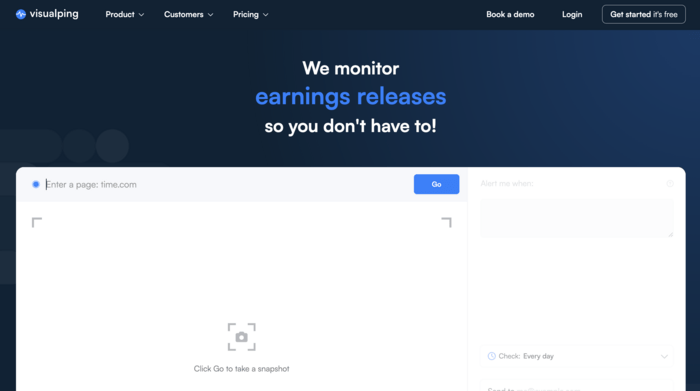
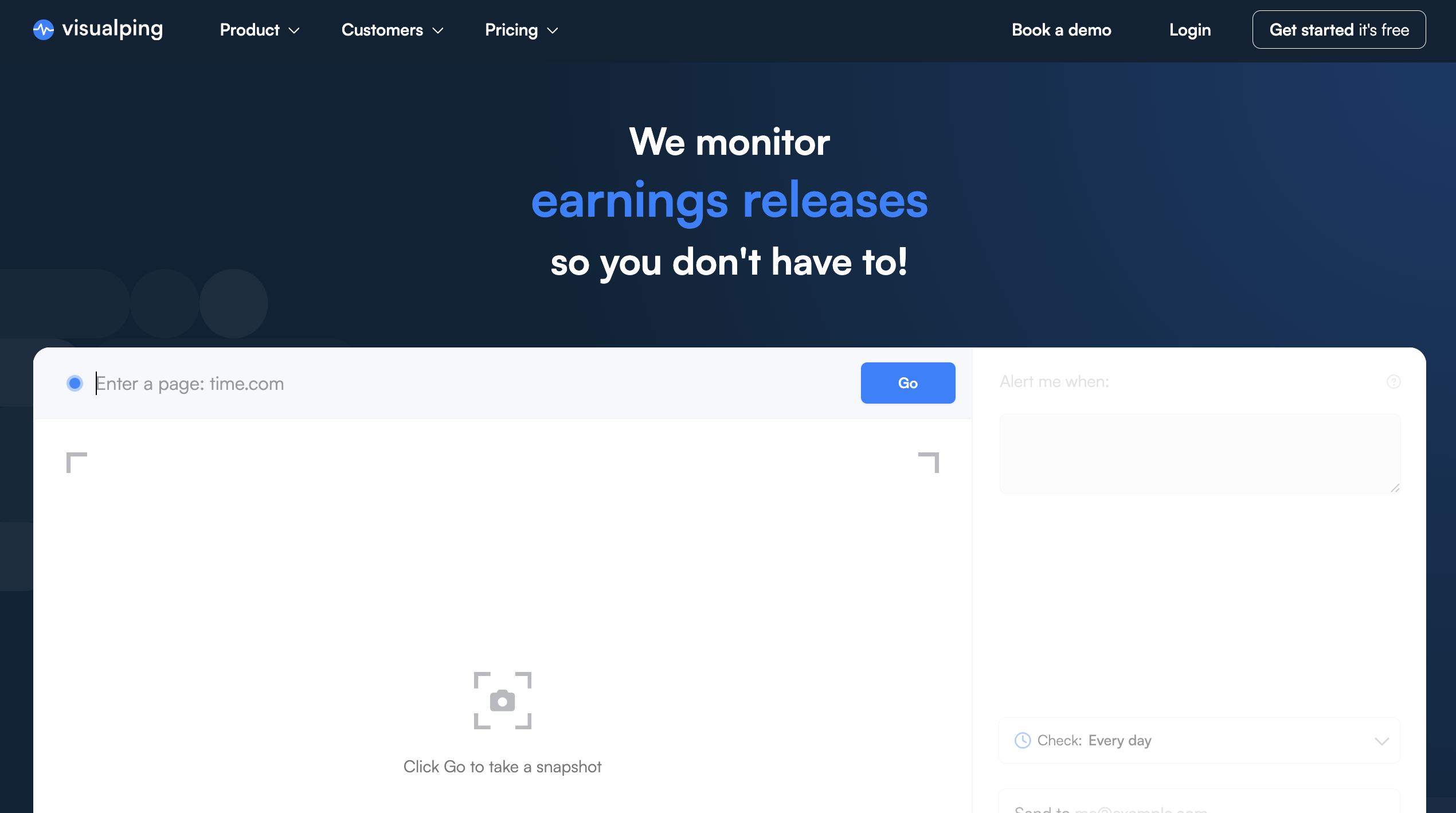
Visualping is not a traditional web archive in the same sense as the Wayback Machine. Instead of helping you browse old versions of random pages, it lets you monitor specific pages and build your own visual archive over time.
The tool checks a page on a schedule and saves screenshots whenever it runs. If something changes, Visualping sends an alert and highlights the difference, so you don’t have to manually check the page again and again.
This makes it especially useful for SEO and marketing tasks. For example, you can monitor a competitor’s pricing page, landing page, product page, or job listing and see exactly when something was updated. It’s also helpful for tracking regulatory pages, public announcements, and pages where small changes may matter.
Compared to the Wayback Machine, Visualping gives you more control over what gets captured and when. The downside is that it won’t help much if you need to recover a page from years ago, unless you were already monitoring it. But for ongoing change tracking, it’s a practical alternative.
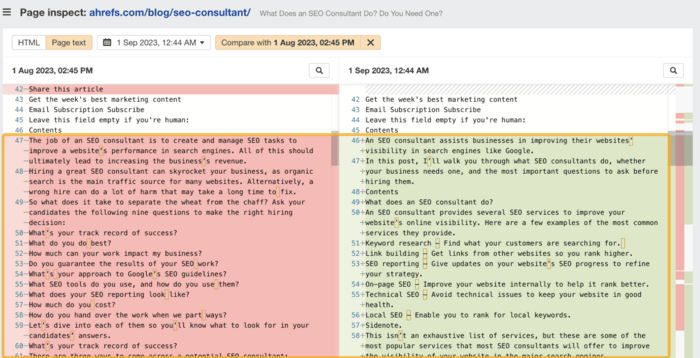
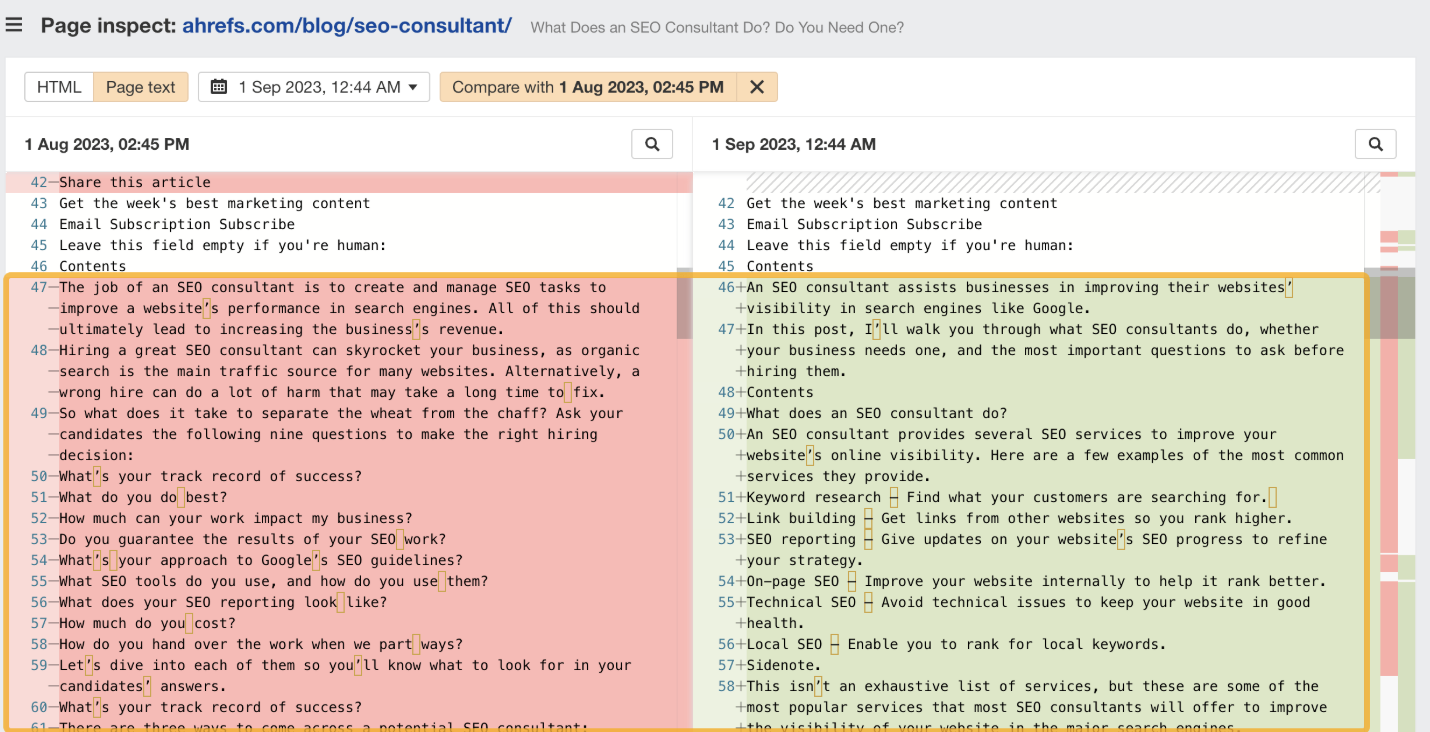
Ahrefs Page Inspect is a useful option for SEOs who need more than a visual snapshot of an old page. It shows how a page’s HTML and text content changed over time, which can be very helpful when you’re trying to understand why rankings moved.
For example, if a competitor suddenly outranks you, you can inspect their page history and look for changes in title tags, headings, internal links, content structure, or on-page copy. This gives you SEO context that general web archives don’t usually provide.
The main limitation is that Ahrefs Page Inspect is not a public web archive. It works within Ahrefs’ own crawl data, so availability depends on whether Ahrefs has crawled the page and stored the historical version you need.
Still, for SEO professionals, this can be more useful than the Wayback Machine in some cases. The Wayback Machine shows you what a page looked like. Ahrefs can help you understand what changed from an SEO perspective.
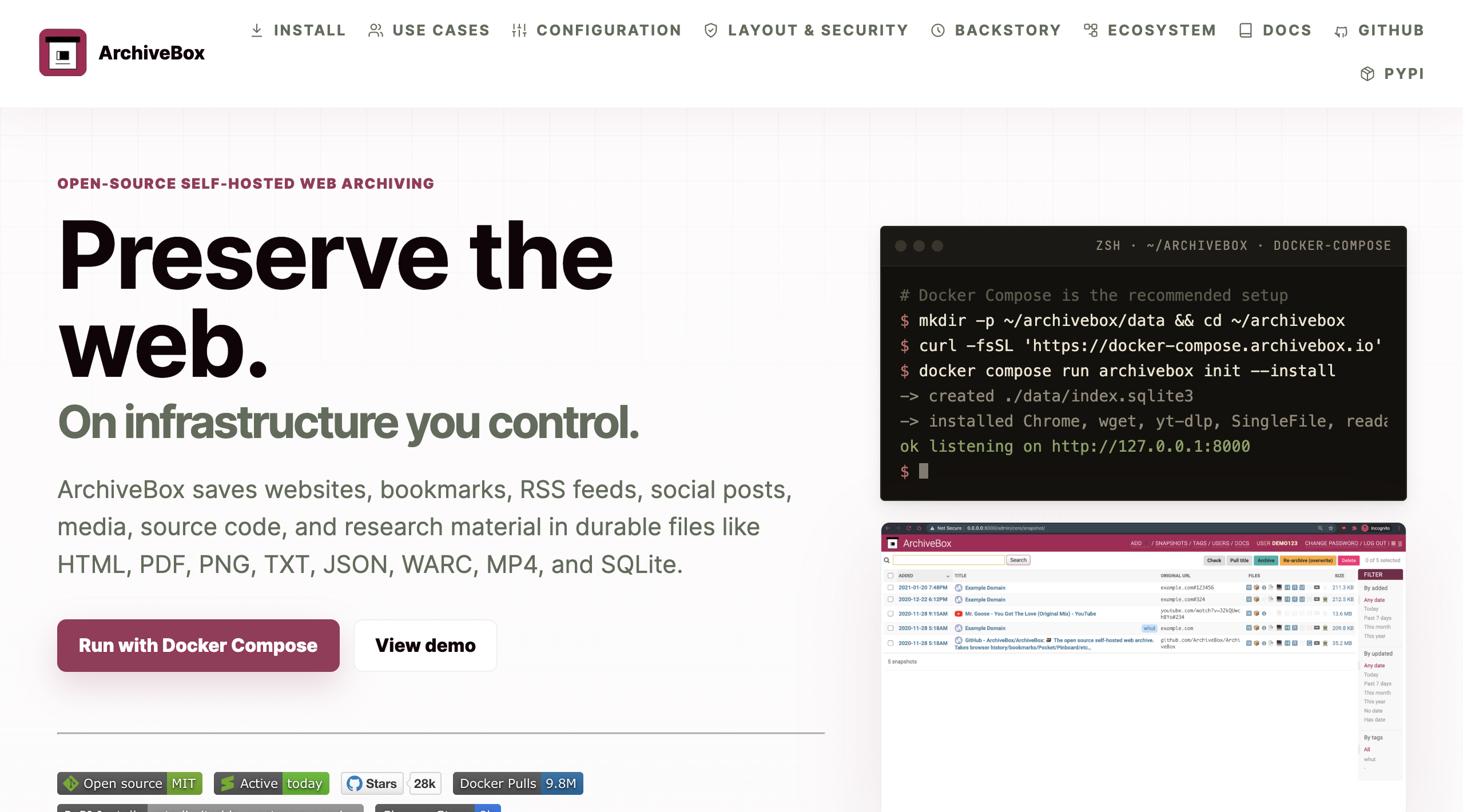
ArchiveBox is an open-source tool that lets you create your own personal web archive. Instead of relying on a public service, you host the archive yourself and decide what to save.
It can archive pages in several formats, including HTML, PDF, screenshots, plain text, media files, and WARC files. You can add URLs manually or import them from bookmarks, RSS feeds, browser history, or other sources.
The biggest advantage of ArchiveBox is control. Your archive belongs to you, and you don’t have to depend on a third-party platform keeping a page available. This makes it a good choice for researchers, developers, journalists, or anyone who wants to build a private archive of important web content.
The trade-off is that ArchiveBox requires technical setup. It’s not the easiest option for casual users, and you’ll need to manage hosting and storage yourself. But if you want a self-hosted Wayback Machine alternative, it’s one of the strongest options available.
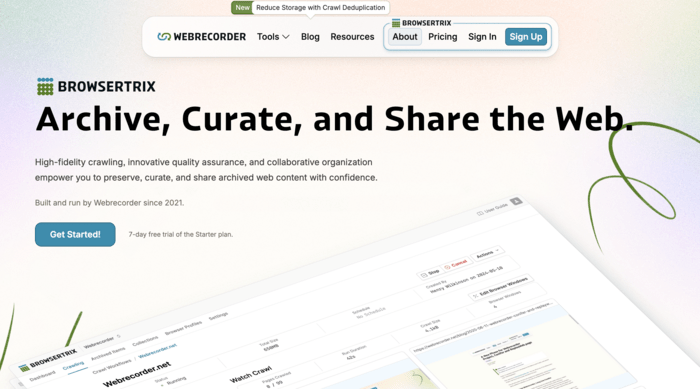
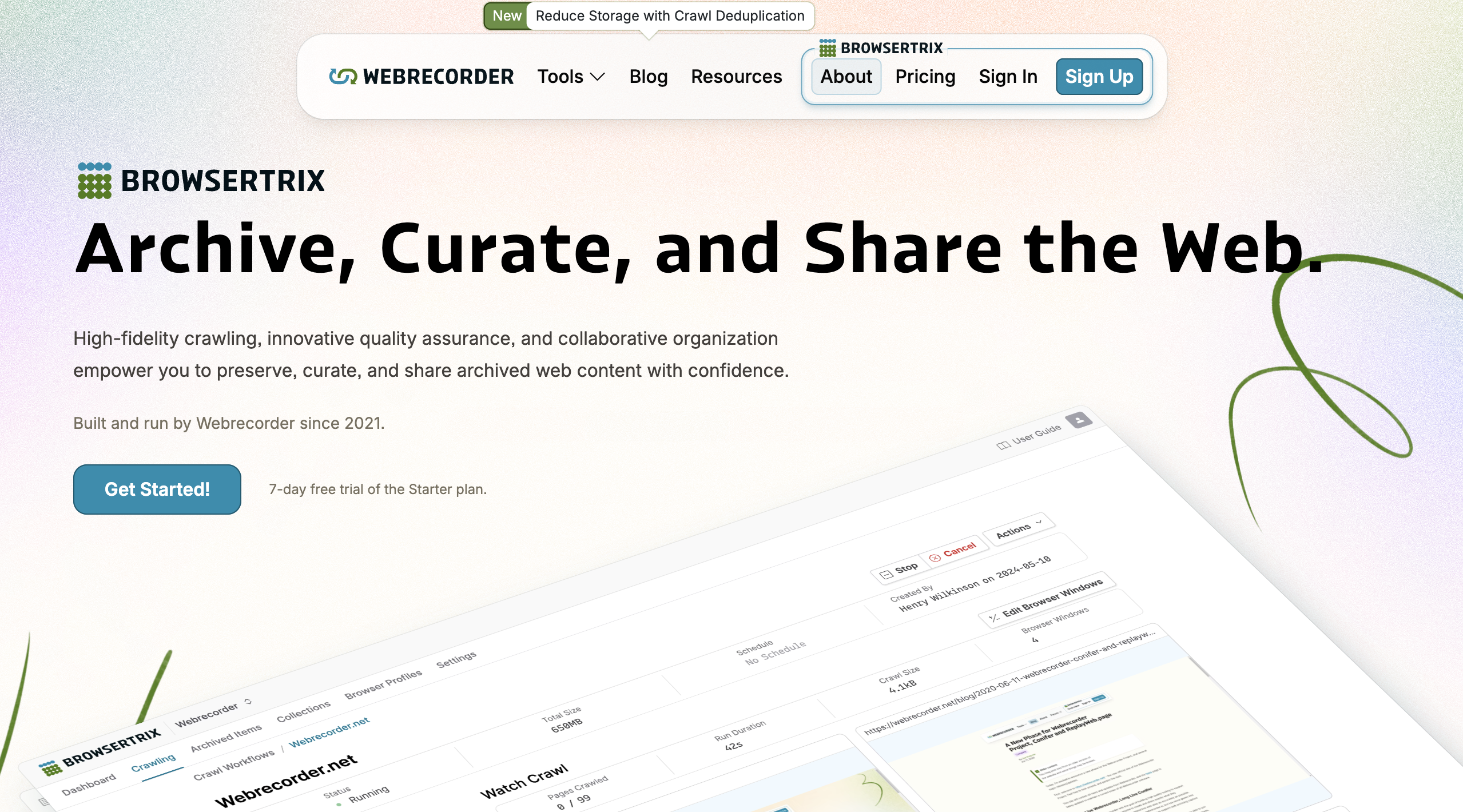
Browsertrix is a web archiving tool designed for capturing modern, dynamic websites. This matters because many websites today are not simple static pages. They use JavaScript, interactive elements, infinite scroll, embedded media, and other features that traditional archives may not capture well.
With Browsertrix, you can create interactive copies of websites and schedule crawls to capture them as they change. This makes it useful for preserving web apps, digital projects, social media-style pages, and other content that doesn’t work well as a flat screenshot.
It’s also a good replacement to mention instead of Conifer. Conifer was known for interactive web archiving, but it is being discontinued, while Browsertrix is the actively maintained option from Webrecorder.
For most SEO tasks, Browsertrix may be more advanced than necessary. But for researchers, archivists, and technical teams that need high-fidelity captures of complex websites, it’s a strong Wayback Machine alternative.
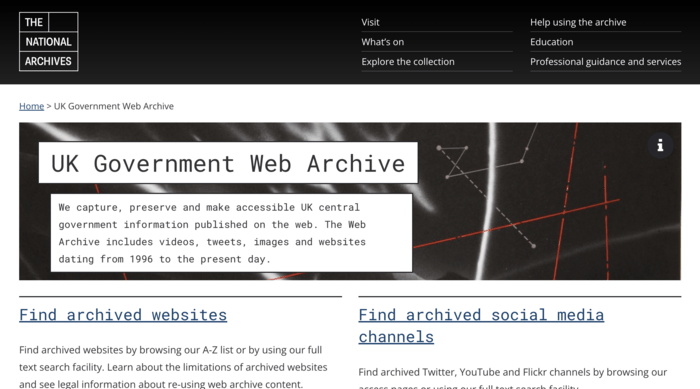
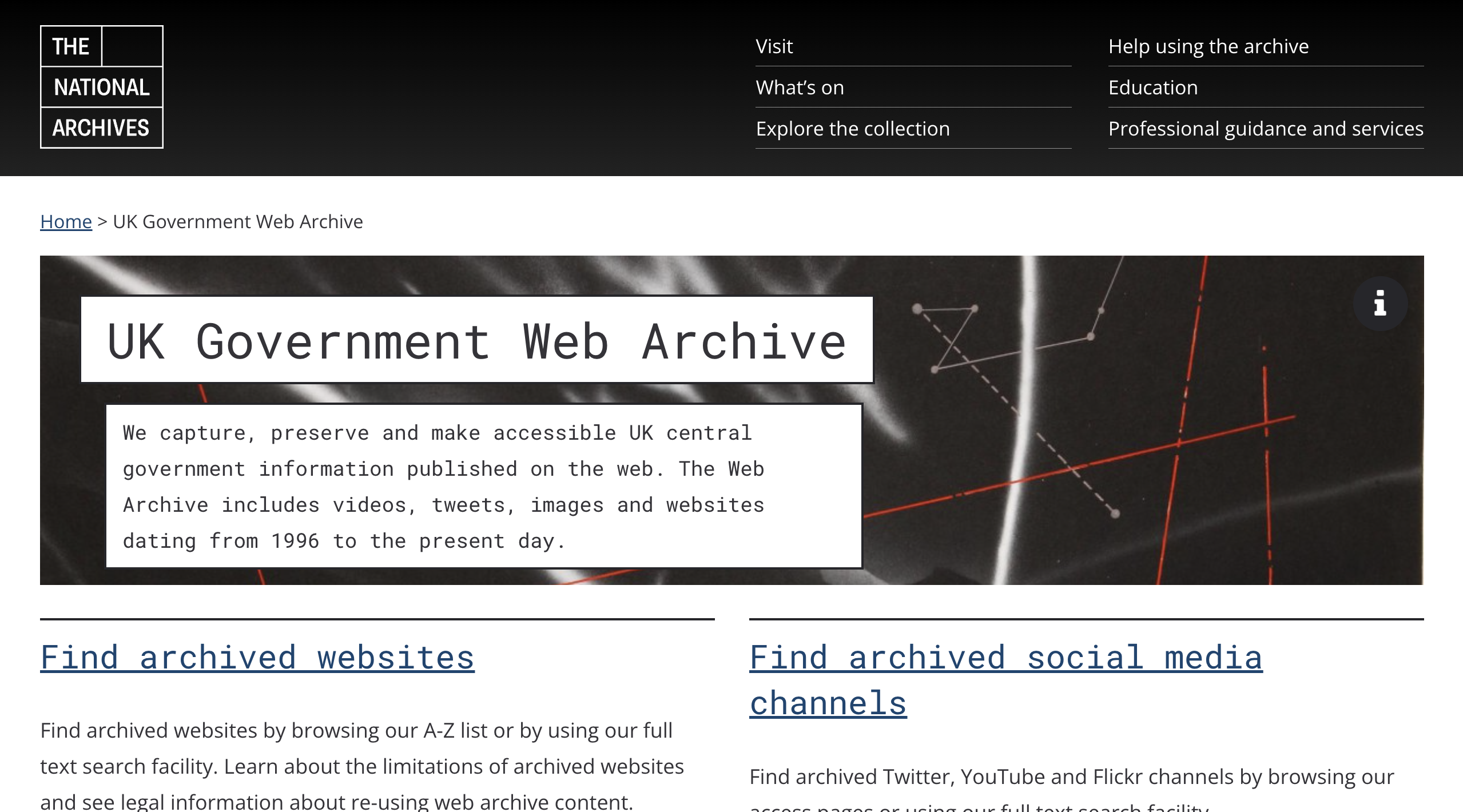
National web archives are another useful source when the Wayback Machine doesn’t have the page you need. These archives are usually run by national libraries or government-backed institutions and focus on preserving a country’s digital history.
For example, the UK Web Archive preserves websites from the .uk domain, while the Library of Congress Web Archives collects selected U.S. websites related to government, culture, politics, and public life. Other countries have similar archives for their own national web spaces.
These archives are not as broad or flexible as the Wayback Machine. You won’t necessarily find every commercial page or random blog post there. But they can be very valuable when researching government pages, public institutions, historical events, elections, cultural projects, and country-specific web content.
For researchers and journalists, national web archives are worth checking when a page is missing from the Wayback Machine, especially if the content has public, historical, or cultural significance.
With so many options available, choosing the right Wayback Machine alternative depends on your specific needs. Here are a few factors to consider when deciding on a web archiving tool:
By assessing your needs based on these factors, you can find a web archive alternative that best aligns with your goals. Each tool offers unique strengths, so considering these aspects can help narrow down the options effectively.
Most of the alternatives, such as Archive.today and Memento Time Travel, are free. However, some services like Pagefreezer and Stillio are subscription-based, as they offer advanced features tailored to businesses and organizations.
In many cases, archived tools capture public-facing pages, so content behind paywalls might not be fully accessible or archived. Some tools, like Archive.today, might archive limited content behind a paywall, but it’s not guaranteed.
Security varies by tool. Publicly accessible tools like the Wayback Machine make archives available to all users, while business-focused tools like Pagefreezer offer more controlled access, which is essential for legal or compliance purposes.
Yes, many of these tools, such as Resurrect Pages and Wayback Extension, help locate deleted pages by checking multiple archives. However, if the page wasn’t archived before deletion, it may not be recoverable.
Pagefreezer and Stillio are both designed with business use in mind, including compliance requirements. They offer consistent snapshots, data authenticity, and secure records, which are essential for legal cases and audits.
Web archiving is an invaluable tool for preserving the digital past, and while the Wayback Machine is a popular option, it isn’t the only one. Each alternative offers unique features that cater to specific needs, from real-time archiving and compliance solutions to quick snapshot tools and academic citation preservation.
Whether you’re a researcher, a business, or just someone looking to access old web content, there’s likely an alternative that meets your requirements. From the simplicity of Archive.today to the comprehensive, real-time capabilities of Pagefreezer, these tools provide various ways to capture and revisit web pages.
As the internet continues to evolve, so does the need for flexible, reliable web archives. By exploring these alternatives, you can find the best fit for your archiving goals, ensuring that important web content remains accessible and preserved for the future.