1561
•
12-minute read


Content gap analysis is often reduced to one exercise: find keywords your competitors rank for that you don’t.
That can uncover useful ideas. But it can also leave you with a long list of keywords and very little guidance on what to do with them.
A missing keyword does not always mean you need a new page. You may already have a relevant page that covers only part of the topic. A broad page may be ranking because there is no better alternative. Two pages may be competing for the same searches. Or the right page may already exist and simply need help moving from page two to page one.


In this guide, we’ll look at how to find content gaps yourself, how to decide what kind of gap you are dealing with, and when to create, expand, split, consolidate, optimize—or leave a page alone.
A content gap analysis is the process of finding topics your audience is searching for that your website does not cover — or does not cover well enough.
The most obvious example is a topic your competitors rank for that your site doesn't address at all.
A content gap does not always mean the same thing. Sometimes a topic is missing entirely. In other cases, the gap exists within or between pages you already have.
For example:
That last point matters.
A good content gap analysis should not create work for the sake of creating work. It should help you understand what your site is missing—and what it already has.
A keyword gap exists at the query level: another website ranks for a keyword that yours does not.
A content gap is broader.
Take these queries:
A keyword-gap report may show four separate missing keywords. But if the same search results appear for most of them and the search intent is similar, they may represent one topic that should be handled by one page.
This is why it is usually more useful to think in topics and pages, rather than treating every keyword as a separate content idea.
The obvious benefit is discovering new content ideas. But that is only one part of it.
A thorough analysis can help you:
These are the classic gaps: relevant areas of search demand where your site currently has no suitable page.
They can form the basis of your future content plan.
Sometimes the quickest opportunity is not a new article.
A page ranking at position eight for a valuable topic may need relatively small changes to reach the top results. An existing article may already cover 70% of what searchers want and need only a few additional sections.
That can make improving existing content much more efficient than starting from zero.
More content does not always mean more visibility.
If several pages target the same topic, they can send mixed signals about which URL should rank. If one giant page tries to cover a dozen distinct topics, none of them may receive enough focus.
Content gap analysis can reveal these structural problems as well as missing content.
Most sites have more potential improvements than their teams have time to implement.
The goal is therefore not to find every possible gap. It is to find the ones where the combination of traffic potential, business value, current performance, and required effort makes the work worthwhile.
There is no single report that tells you everything you need to know.
A useful analysis combines keyword research, competitor data, your existing content, and real search performance.
Here is a practical process.
Start by building a picture of the topics your site could reasonably cover.
Competitor research is one of the easiest ways to begin. Look at relevant competitors and identify queries or topics they rank for that your site does not. But do not automatically add every missing keyword to your content calendar.
First ask:
You can use Rank Tracker in SEO PowerSuite to research competitors, discover related keywords, find keyword gaps, and inspect the SERPs.
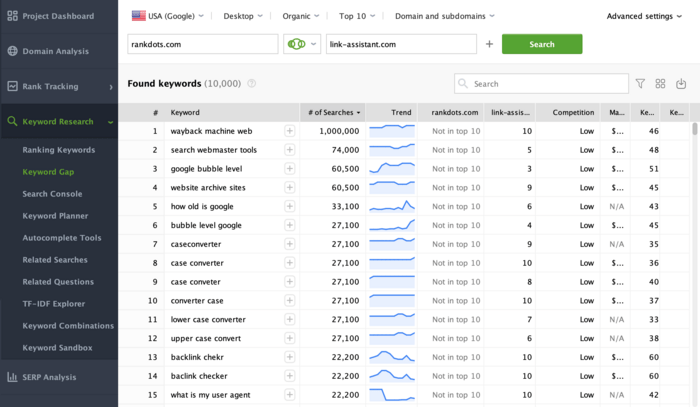
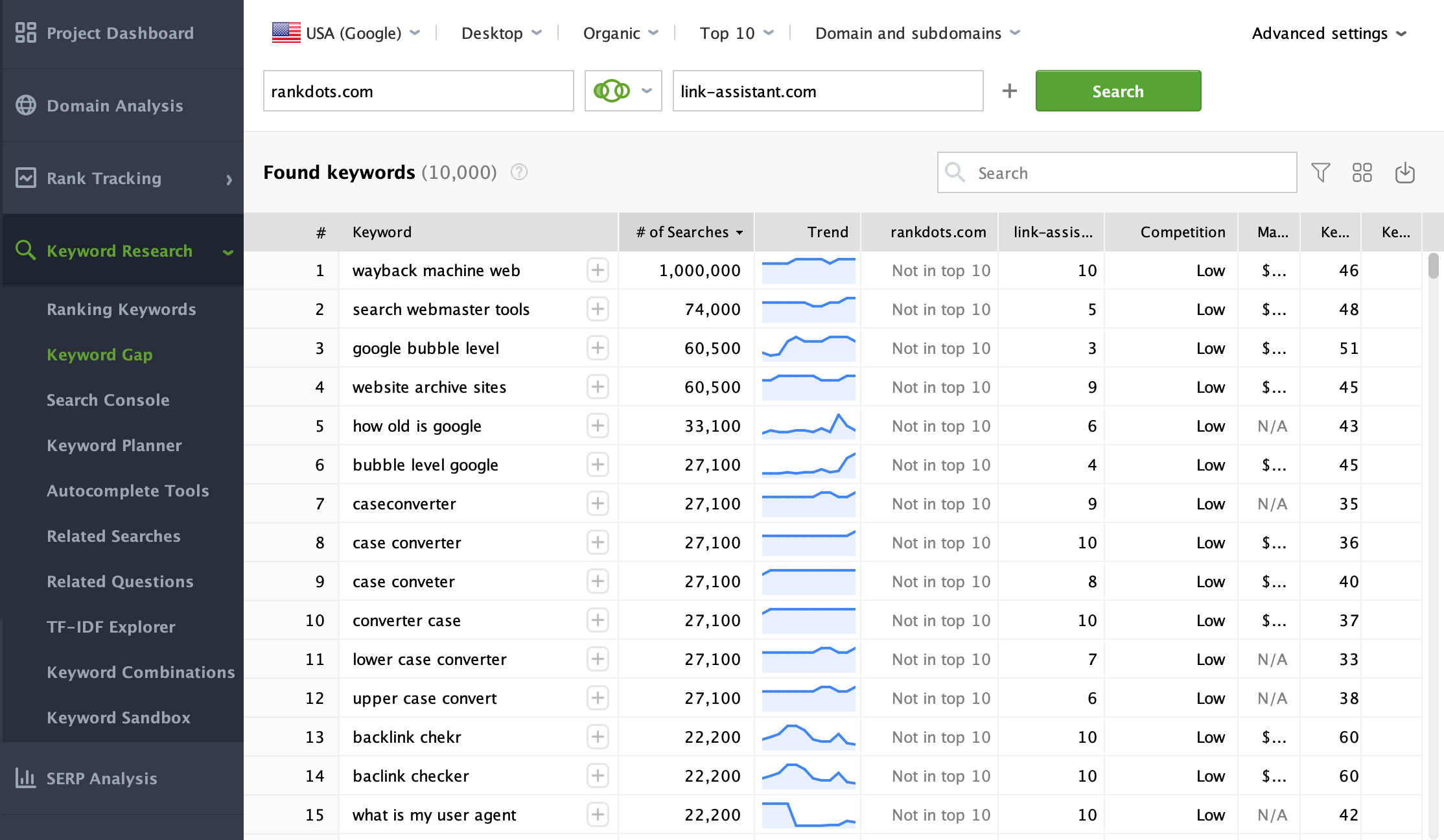
The SERP itself is particularly useful. If several keyword variations return almost the same pages, that is a strong sign they belong to the same topic. If the results are very different, the queries may require separate pages even if the wording looks similar.
You can check this more easily with SERP Analysis in Rank Tracker. It lets you inspect the actual search results for any specific keyword, compare which pages rank, and see how much the SERPs overlap — without having to run and compare searches manually.
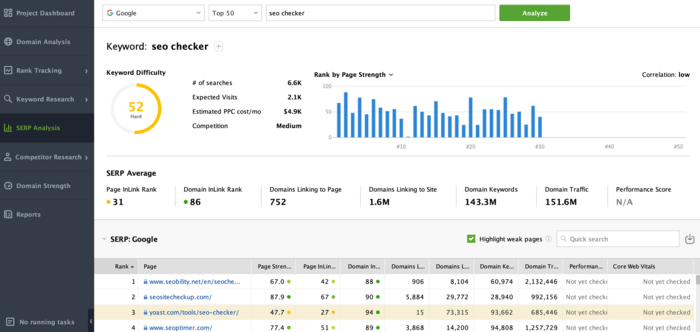
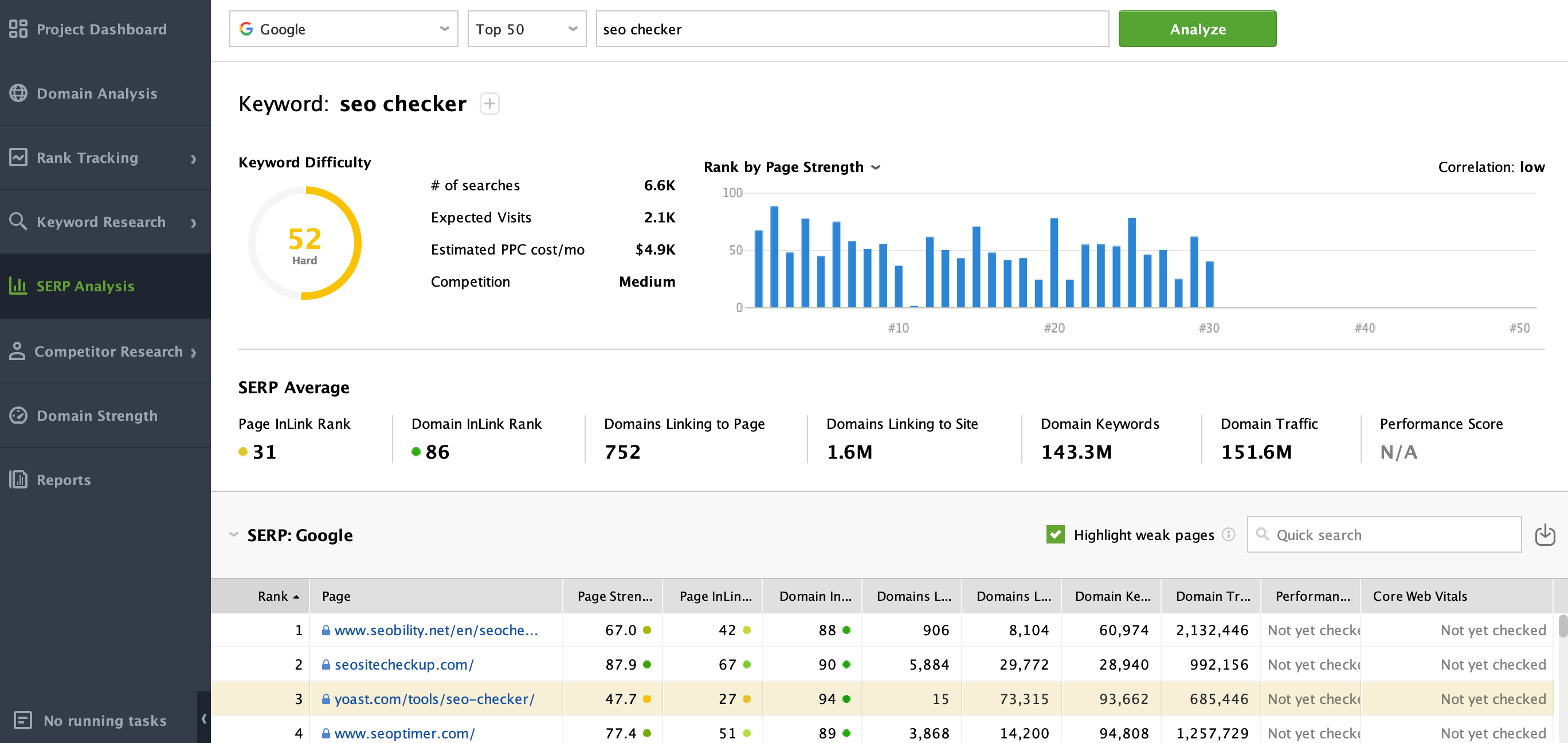
The goal is to turn a raw keyword list into a map of topics your site should ideally cover.
Alternatively, you can use RankDots. The tool collects relevant keywords around your seed topic, groups closely related queries into topic clusters, and turns those clusters into a suggested content structure.
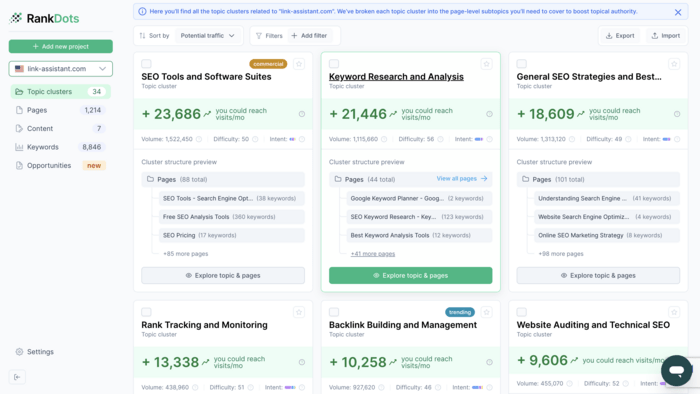
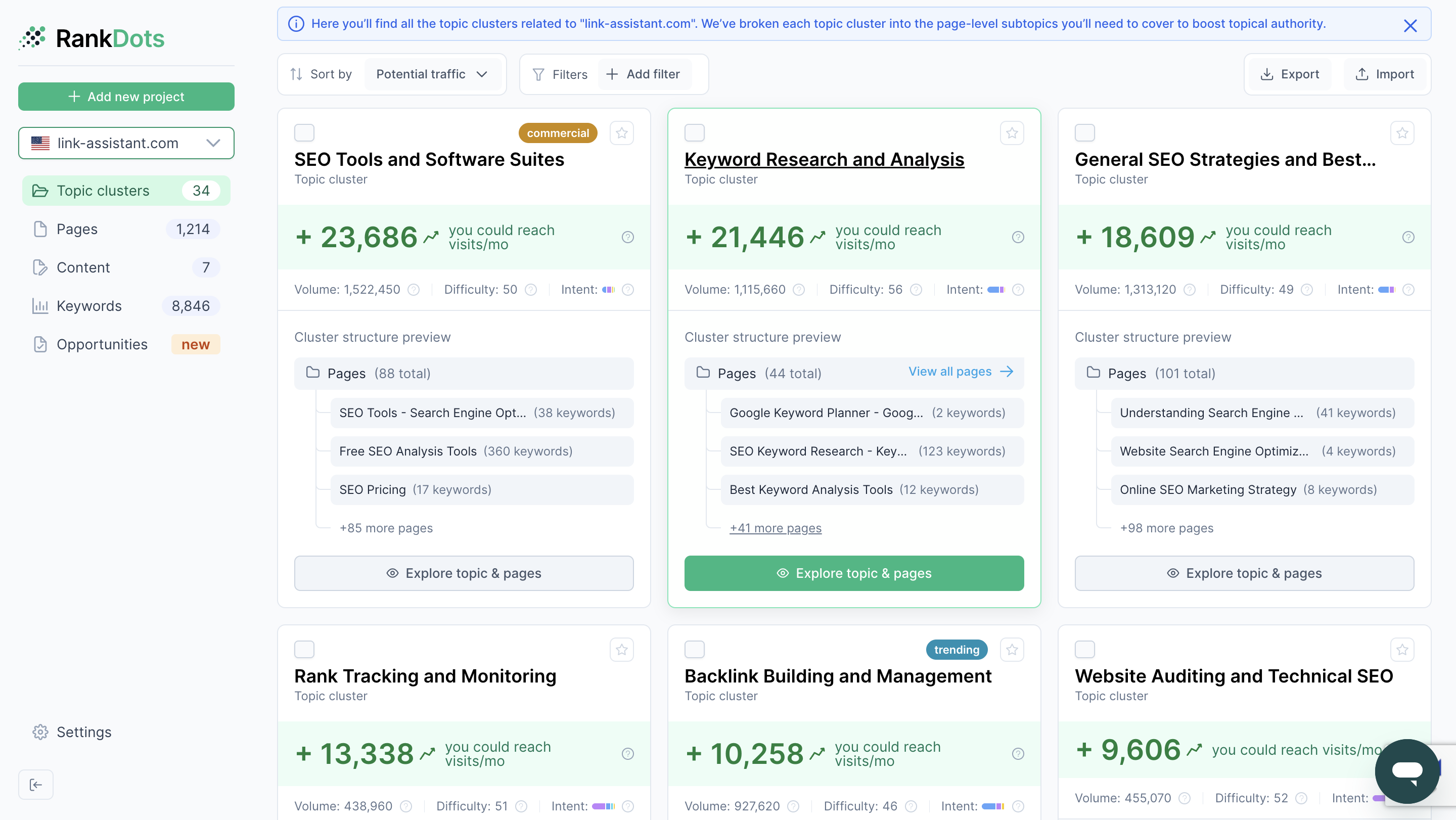
Instead of working through a large keyword list manually, you get a clearer view of which topics may deserve their own pages and which queries can be covered together.
Now move from the ideal site to the real one.
For every topic, ask:
Do we already have a page Google associates with this subject?
Google Search Console is useful here because it shows what is actually happening in search rather than what you intended when you created the page.
Look at:
This process is manageable for a small site. It gets much harder when you have hundreds of topics and thousands of Search Console queries.
RankDots Opportunities automates much of this matching process. It takes the topics in your RankDots content strategy and connects them with the URLs and queries already appearing in Google Search Console.
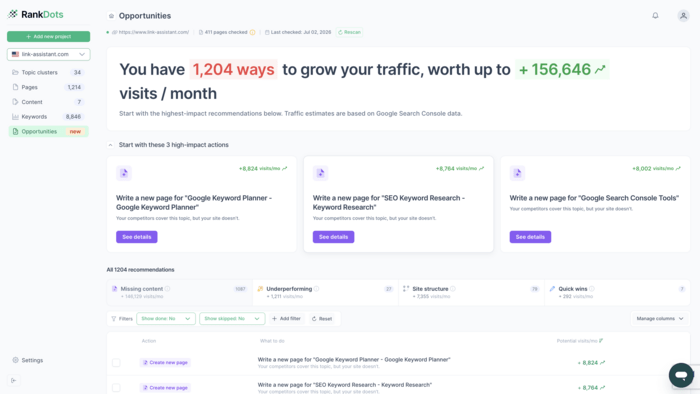
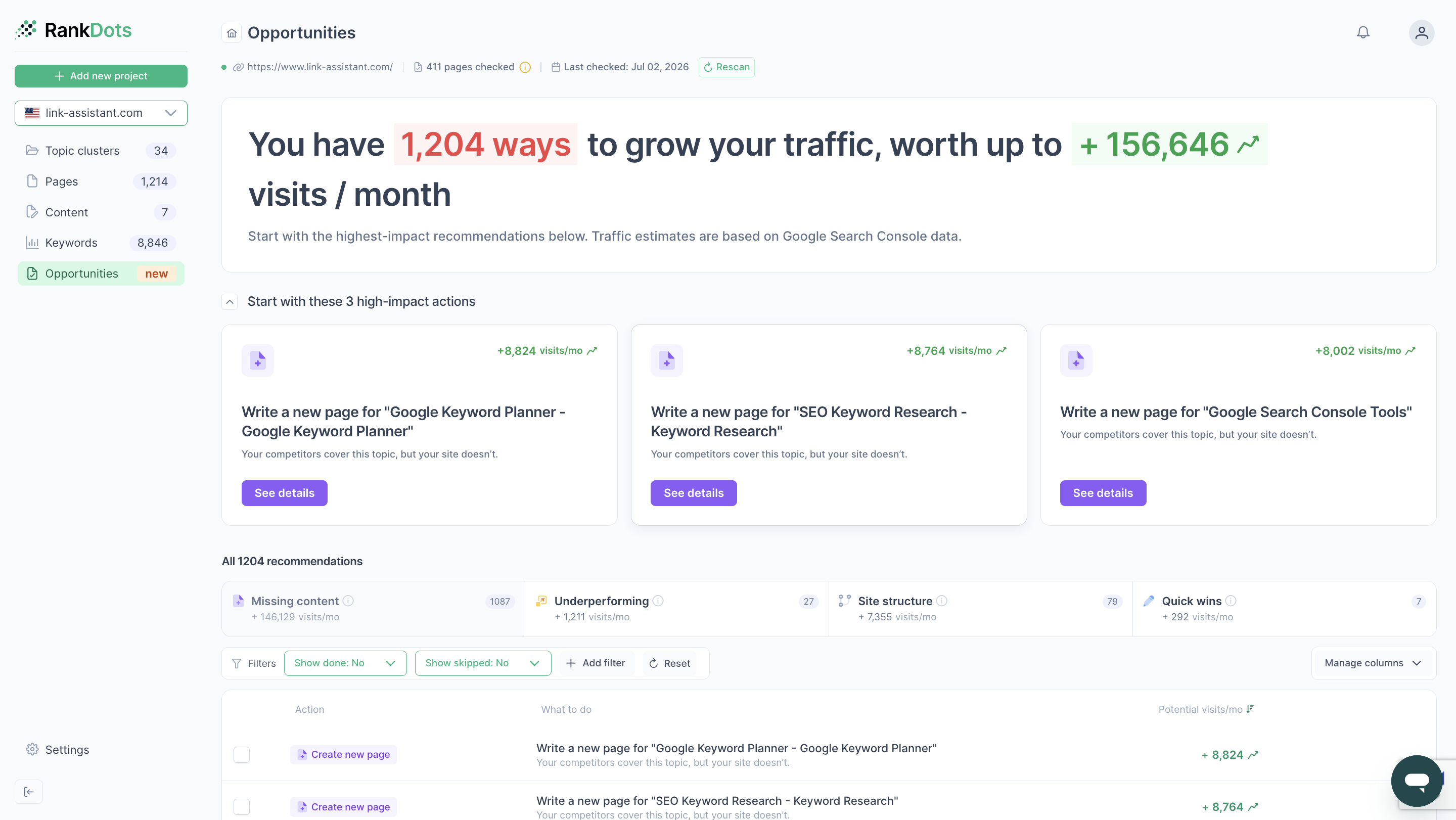
Instead of stopping at “we don't rank for keyword X,” you can see whether there is already a page associated with the broader topic—and what condition that page is in.
Before creating a new page, check whether you already have one that covers the same topic.
Start with the page that is already ranking for the main keyword or topic. Then compare it with the current top-ranking results.
Look for information that appears consistently across the SERP but is missing from your page. This could include:
The key is to look for recurring gaps across several top results, not to copy the structure of one competitor.
For example, if most top-ranking guides on a topic include a section on pricing, implementation, and common mistakes, while your article covers only the basic definition and benefits, that is a good sign your page may need expanding.
At the same time, do not add sections just because competitors have them. Check whether the missing information fits the same search intent and genuinely helps someone looking for that topic.
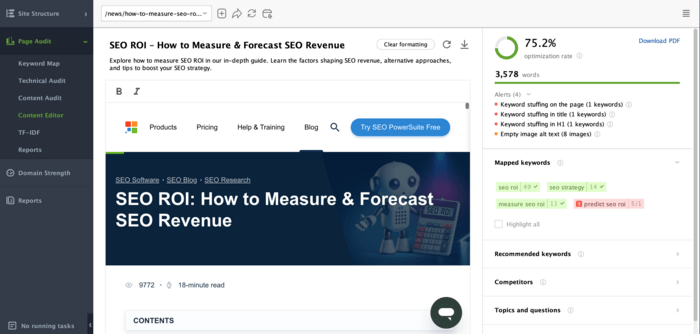
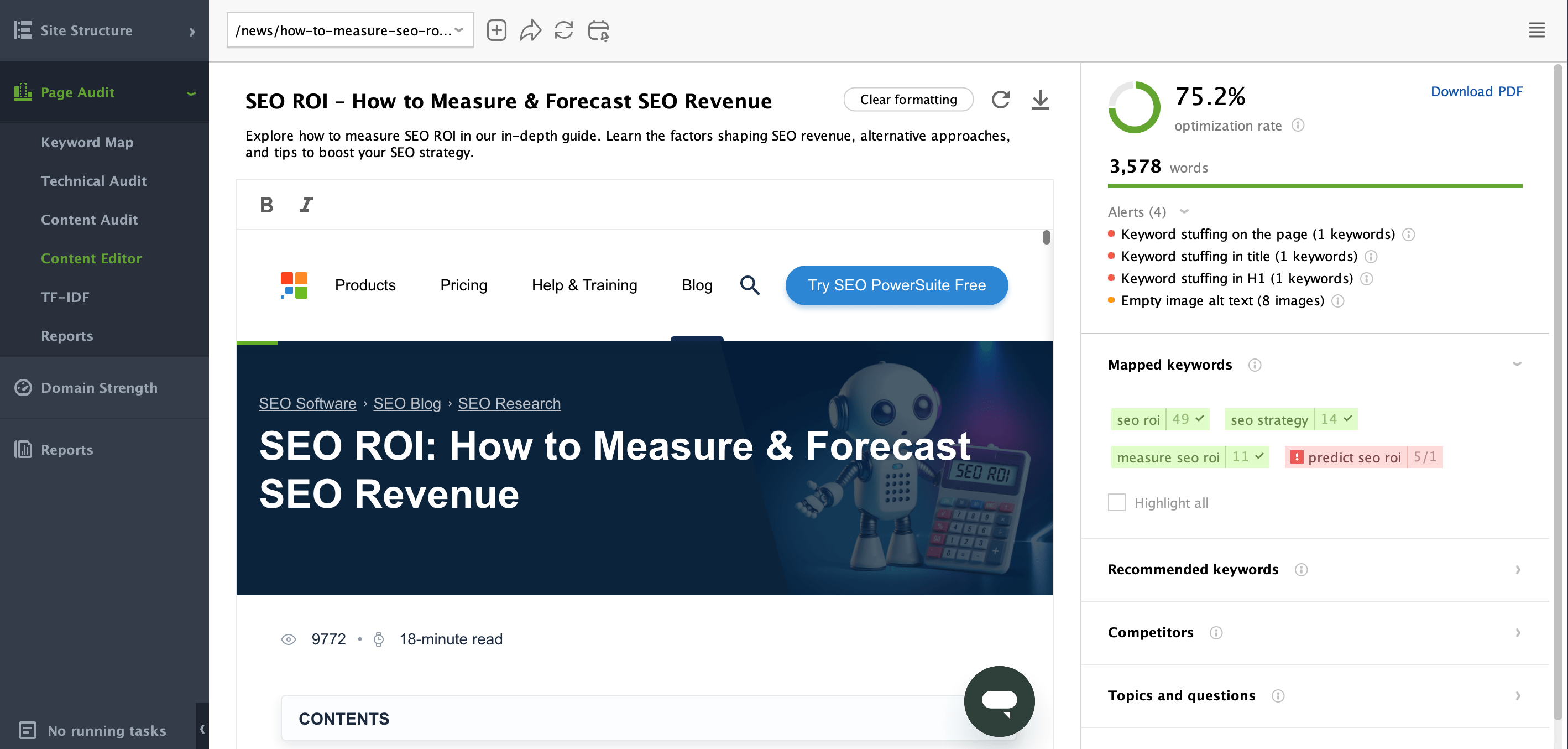
You can use WebSite Auditor's Content Editor to compare your page with the pages currently ranking for the same keyword and identify areas where your content may be less complete or less well optimized.
If the missing information belongs naturally on the existing page, update it. If it represents a clearly different search intent or a substantial topic of its own, consider creating a separate page instead.
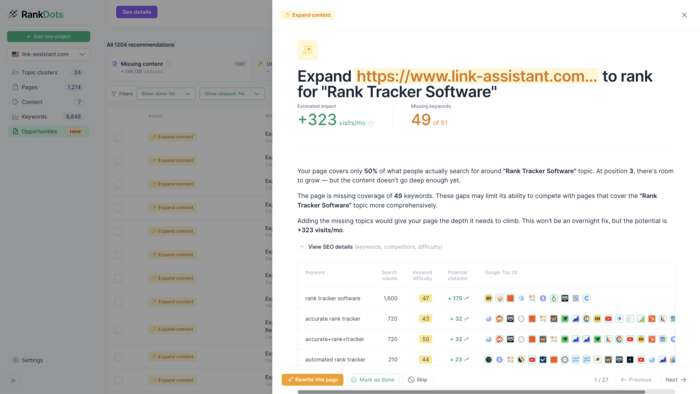
You can also use RankDots Opportunities to find existing pages that may not cover a topic thoroughly enough. Instead of checking every page manually, RankDots compares what the page already ranks for with the broader set of relevant searches and highlights what may be missing.
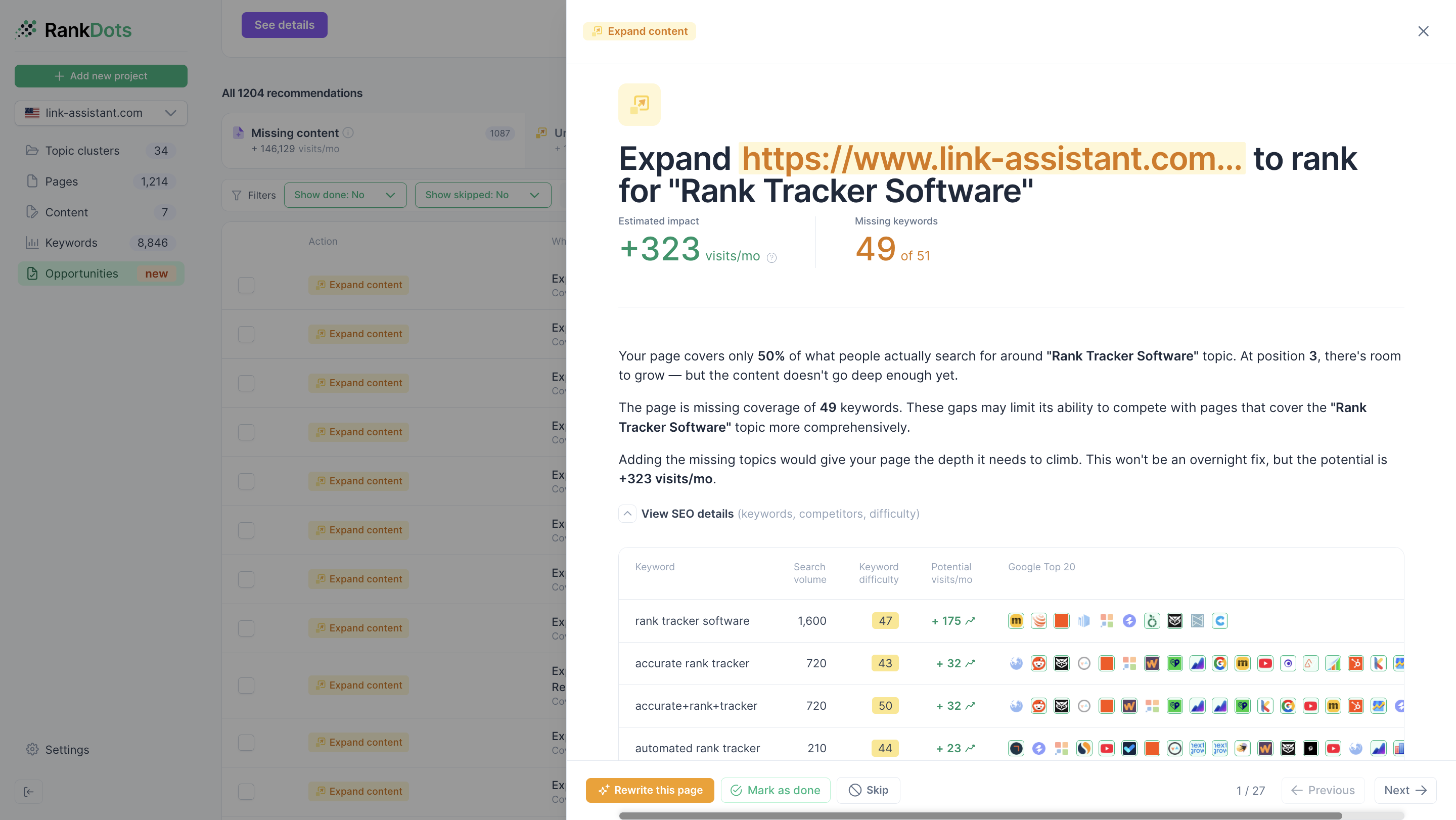
Once you decide to expand the page, you can generate the updated content directly in RankDots. The content generator takes the recommended keywords and topic gaps into account, so the new version is built around the specific areas the page is missing rather than starting from a blank prompt.
Competitor research tells you what other sites are doing. Google Search Console tells you what Google already thinks your pages are relevant for.
That makes it one of the best places to look for opportunities hidden inside existing content.
Open the Performance report and examine queries and pages that already receive impressions.
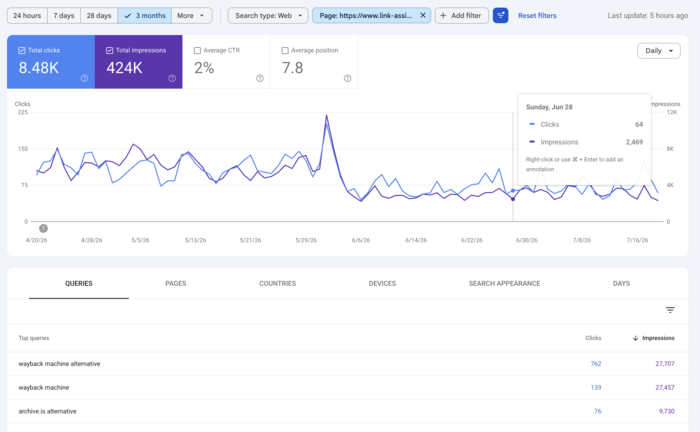
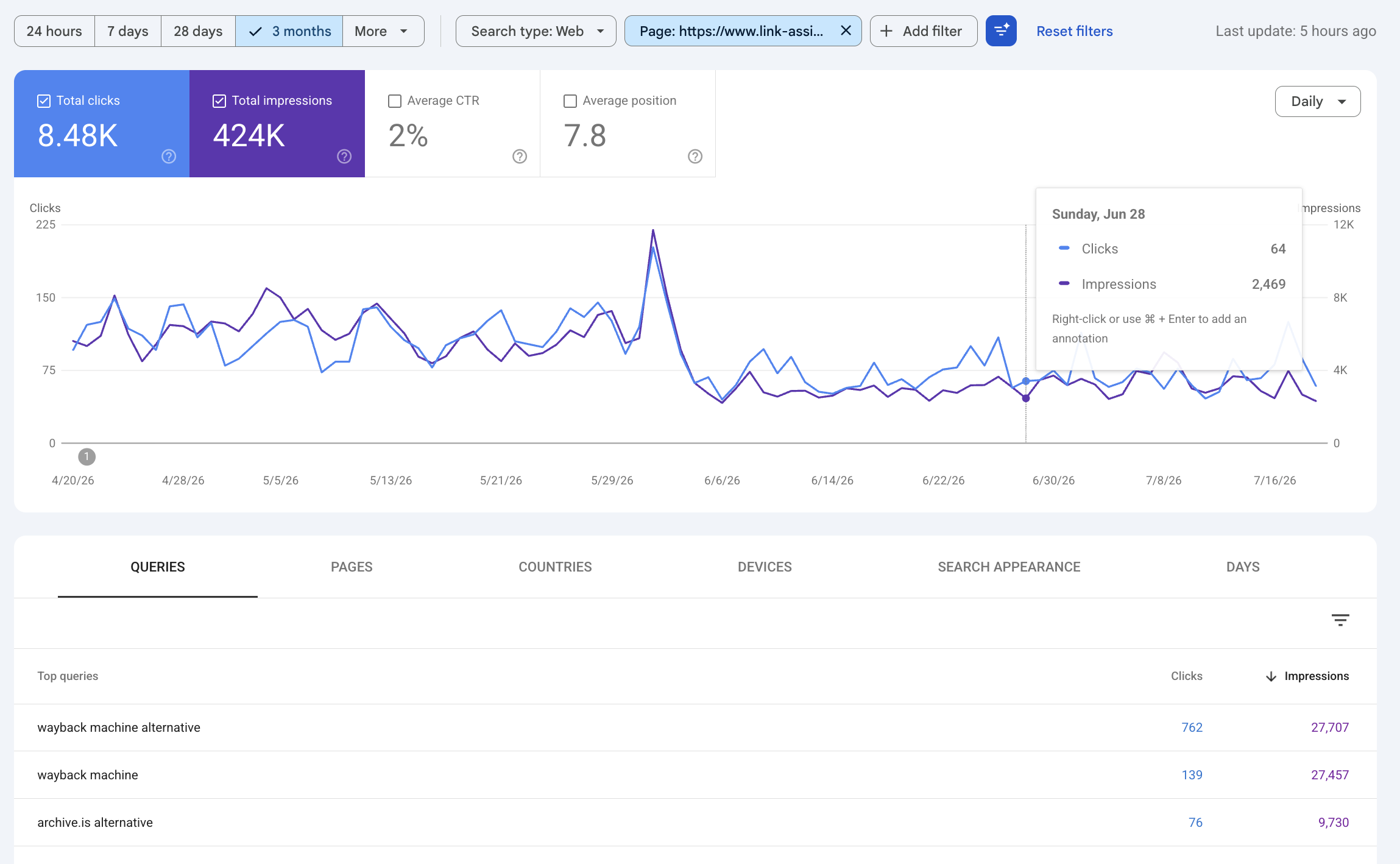
In particular, look for:
These are valuable because your site already has some visibility. You are not necessarily starting from zero.
Suppose an article ranks in positions 8–15 for several related queries around a subtopic that is mentioned only briefly on the page. Expanding that section may be a more realistic opportunity than creating a new article targeting a much more competitive topic from scratch.
But do not treat every Search Console query as something that must be added to the page. First check whether the query fits the page's intent.
If a guide about how to choose accounting software starts receiving impressions for accounting software pricing, for example, you need to determine whether pricing belongs naturally within the guide or whether the search results suggest that users expect a separate comparison or pricing page.
That brings you back to SERP analysis rather than simply inserting more keywords.
Content gaps can also develop over time.
A page that covered its topic well three years ago may now miss new terminology, products, regulations, statistics, questions, or search intents. Competitors may also have improved their pages while yours remained unchanged.
Review your organic landing pages periodically and look for URLs that have lost clicks, impressions, or rankings over a meaningful period.
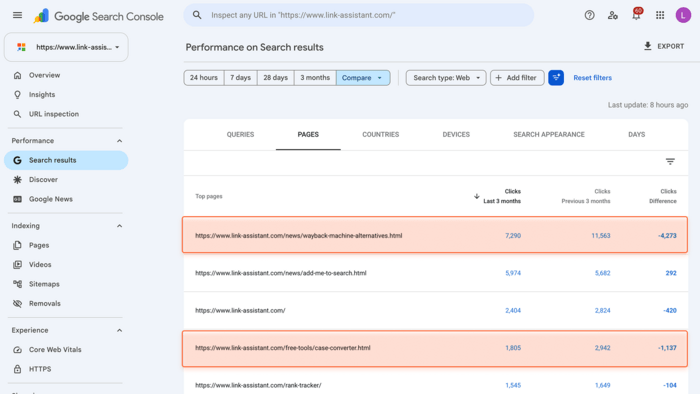
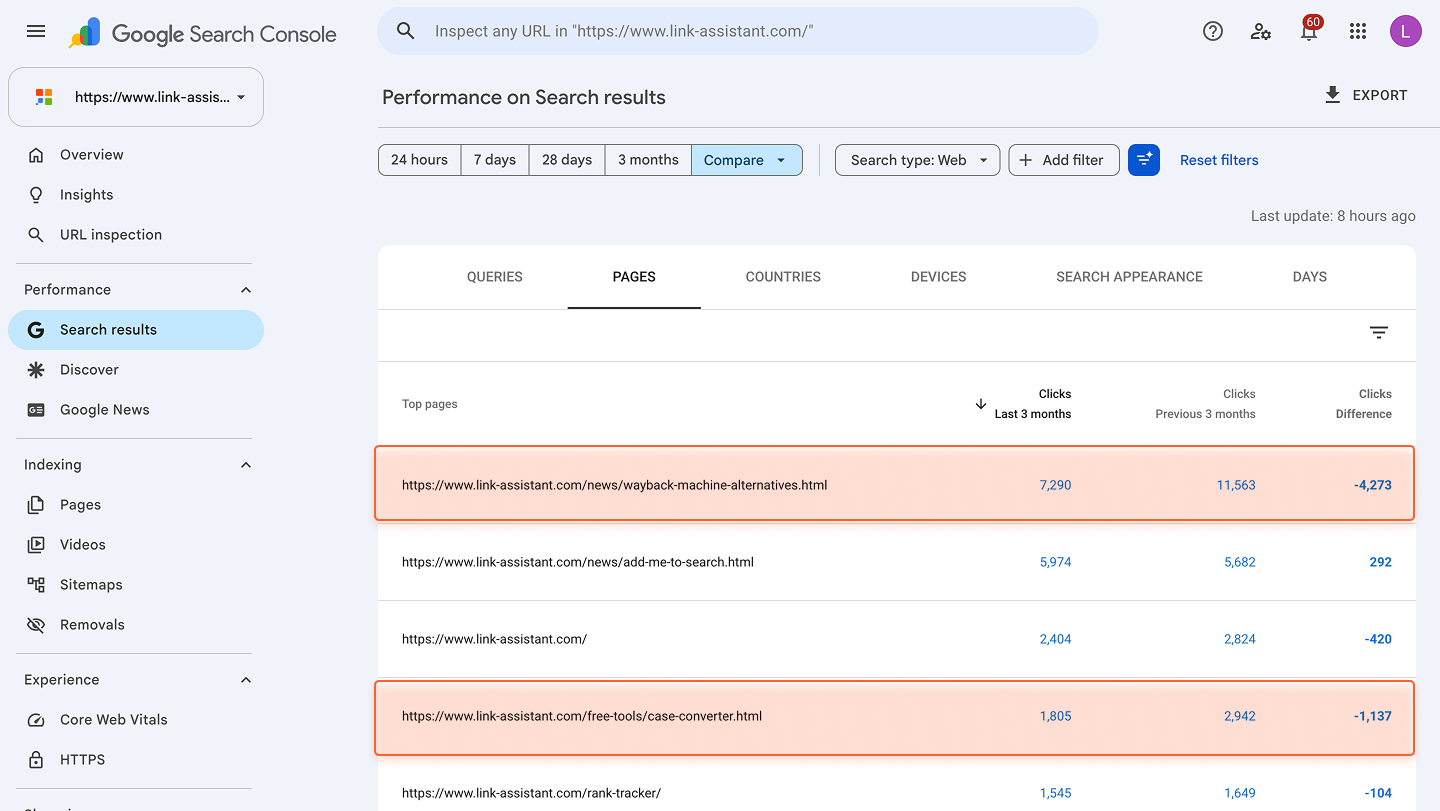
A decline does not automatically mean the content needs rewriting. Traffic can fall because of seasonality, SERP changes, technical problems, stronger competitors, or changes in how Google displays results.
In some cases, a sharp drop in clicks may also be tied to Google AI Overviews, which can answer parts of a query directly in the SERP and reduce the number of visits sent to organic results.
Thus, treat declining pages as candidates for investigation first, rather than assuming the content itself is the problem.
For each declining page:
Sometimes the fix is a substantial refresh. In other cases, you may only need to update statistics, add a missing section, improve internal links, or rewrite the title.
And sometimes content is not the problem at all.
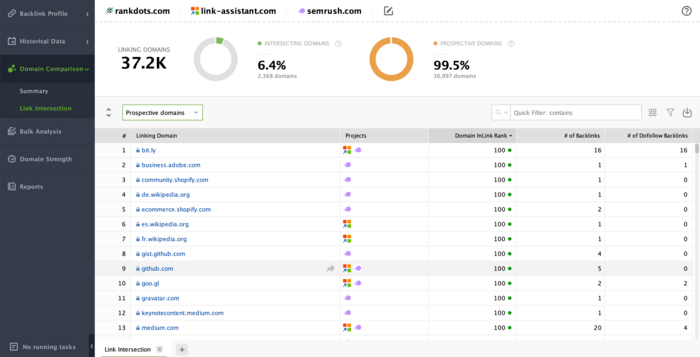
If your page still matches the search intent and is as useful as competing results but consistently loses to domains with much stronger backlink profiles, use SEO SpyGlass to compare backlinks and referring domains before investing in another rewrite.
The best way to do this is to go to Domain Comparison > Link Intersection and choose Prospective domains in the drop-down menu. This way, you’ll see all websites linking to your competitors but not yet to you.
A content gap analysis should also look for the opposite problem: too much overlap between existing pages.
In Google Search Console, check your important queries and see whether multiple URLs are repeatedly appearing for the same or closely related searches.
You may also notice:
This can indicate keyword cannibalization.
But two pages ranking for the same keyword is not enough to prove there is a problem. The pages may legitimately serve different intents.
For example, these two pages could coexist:
They share a topic, but users searching them want different things.
The problem is more likely when two pages answer essentially the same question for the same audience.
When you find that kind of overlap, decide whether to:
Competitor keyword research is useful precisely because it shows demand that already exists. But competitors should not define the limits of your content strategy.
There may be questions your audience cares about that competitors have not covered well either.
Look at places where customers describe their problems in their own words:
Suppose every keyword tool suggests topics around project management software features, but your sales team repeatedly hears:
“How hard is it to move from our current tool?”
That may indicate an opportunity for migration guides, comparison pages, checklists, or onboarding content—even if the keyword volume looks modest.
This also helps you find funnel gaps.
Map your existing content against the main stages someone goes through before becoming a customer:
Learn → Compare → Evaluate → Decide → Get started
You may discover that your blog covers introductory topics extensively but has very little content for people comparing alternatives or evaluating a purchase.
These gaps can be commercially important even when they are not your highest-volume keyword opportunities.
Most of the methods above can be done manually.
You can research competitors, build keyword groups, inspect SERPs, export Google Search Console data, match queries to pages, review existing content, and decide which opportunity deserves attention.
The difficult part is doing that consistently across a large website.
This is where RankDots Opportunities comes in.
RankDots already has the topics in your content strategy. After you connect Google Search Console, Opportunities compares that strategy with the pages and queries your site is actually appearing for and surfaces cases worth reviewing.
Instead of starting with thousands of Search Console rows, you can start with recommendations such as:
The underlying RankDots system does this by connecting the site's planned topic structure with its real Google Search Console URLs and queries.
You will rarely have enough resources to address every opportunity at once.
Prioritize them using a combination of:
Traffic potential
Consider the demand behind the whole topic, not only the biggest keyword.
Business relevance
Ask how closely the topic connects to your product, service, or customer journey.
A smaller commercial topic may be worth considerably more than a huge informational one.
Current visibility
Existing rankings can make an opportunity much easier to capture.
Moving a page from position 11 to the top five may be more achievable than trying to rank a brand-new page for a highly competitive term.
Effort
Estimate what the change actually involves.
Adding two missing sections to an established article is very different from creating a new landing page, consolidating five URLs, or building authority in a competitive SERP.
A simple way to compare opportunities is:
Potential value ÷ effort
You do not need to calculate a perfect numerical score. The point is to prevent search volume from making every decision for you.
Content gap analysis should not end with a list of articles to write.
It should help you decide where additional content is genuinely needed and where the better opportunity is already hidden inside your existing site.
Sometimes you need a new page. Sometimes an old page needs a missing section. Sometimes two articles should become one. And sometimes the content is already good enough, and your time is better spent improving its rankings.
The important part is diagnosing the gap before choosing the fix.
That gives you a much more useful content plan: fewer assumptions, fewer unnecessary pages, and a clearer reason behind every piece of work you decide to do.